
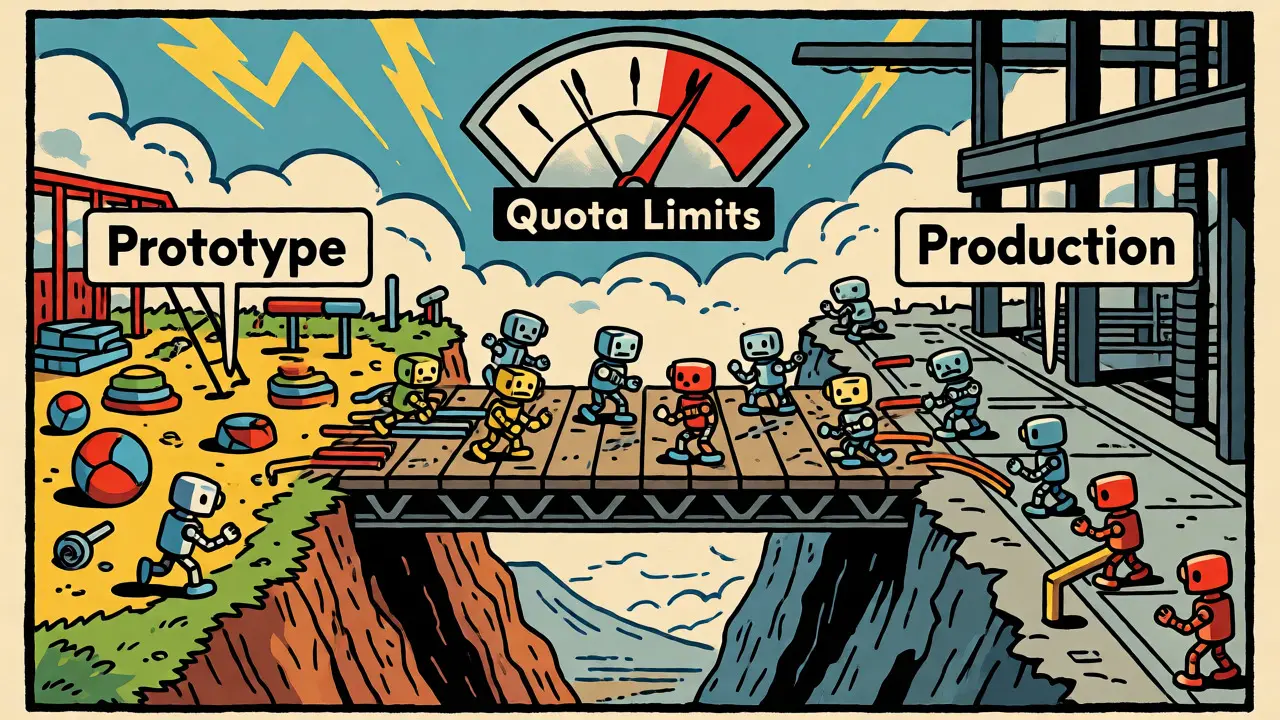
You have an idea. Maybe it is a chatbot that summarizes legal contracts, or a tool that turns voice notes into task lists. You need to see if the AI can actually do it before you spend weeks writing code. This is where Google AI Studio shines. It is not just a playground; it is a bridge between a vague concept and a working prototype. But there is a catch. The gap between "it works in the browser" and "it works in production" is wider than most people think.
Many developers treat AI Studio like a black box. They type a prompt, get an answer, and assume they are done. That approach fails when you hit rate limits, expose your API keys, or realize your generated code has no error handling. To use this tool effectively, you need to understand its setup, respect its limits, and know exactly when to move out of the browser. Here is how to navigate Google’s latest prototyping environment without falling into common traps.
The Core Workflow: From Prompt to Code
Starting with AI Studio is deceptively simple. You sign in at aistudio.google.com, pick a model, and start typing. But the magic happens in the details. Most users skip the Run settings, which is where the real control lives. You aren't just chatting with Gemini; you are configuring a machine learning pipeline.
When you open the settings panel, you see options for temperature, top-P, and safety thresholds. For creative tasks, a higher temperature (0.7-1.0) makes sense. For factual extraction or coding, drop it to 0.2 or lower. Why? Because high temperature introduces randomness. If you are building a data parser, you want deterministic results, not creative flair. Always test your prompt with edge cases-empty inputs, weird characters, or overly long strings-before you export the code.
Once you have a stable response, click "Get code." This generates a snippet in Python, JavaScript, or other languages. Do not copy-paste this directly into your app. Instead, read it. Notice how the API key is handled. In the default output, it might look hardcoded. In production, that is a security risk. We will cover that later. For now, focus on the structure. Does the request format match your backend framework? Do you need to adjust timeouts? These small adjustments save hours of debugging later.
Build Mode: The App Generator
If the standard playground feels too manual, try Build mode. This feature shifts AI Studio from a text editor to an application generator. You describe what you want in natural language-"Create a React dashboard that displays stock prices using Gemini for analysis"-and it scaffolds the entire project.
Build mode supports web apps and native Android applications. For Android, it uses Kotlin and Jetpack Compose. You can preview the app in a browser-based emulator, which is fantastic for quick checks. Need to add a map? Insert an "AI Chip" for Google Maps grounding. Want image generation? Add that capability via chips. The system handles the integration logic, letting you focus on the user experience.
| Feature | AI Studio Playground | AI Studio Build Mode | Replit / Bolt |
|---|---|---|---|
| Primary Use Case | Prompt testing & API learning | Full-stack app generation | Coding & Hosting |
| Cost Entry | Free tier available | Free tier available | $20-$30/month typical |
| Model Access | Gemini only | Gemini only | Multi-model support |
| Deployment | Export code manually | Cloud Run / GitHub sync | Built-in hosting |
The real power here is iteration. You don't rewrite the whole app when you change your mind. You talk to the build agent. "Change the button color to blue," or "Add a loading spinner." It updates the code files in real-time. Once you are happy, you can download a ZIP file or sync directly to GitHub. This two-way sync is crucial. It keeps your version control clean while allowing you to refine the UI in the browser.

Understanding Quotas and Pricing
Here is where many prototypes die: quota limits. Google AI Studio offers a free tier, but it is restrictive. Rate limits apply per Google Cloud project, not per API key. If you share a project with a teammate, you share the limits. Daily quotas reset at midnight Pacific Time, which can be annoying if you work in different time zones.
Pricing is token-based. As of late 2026, standard pricing for models like Gemini 2.5 Pro hovers around $1.25 per million input tokens and $10 per million output tokens for prompts under 200,000 tokens. Above that threshold, costs double. Context caching helps reduce costs for repeated large contexts, costing about $0.125 per million cached tokens. But beware: large documents consume tokens fast. A single PDF upload can eat up thousands of tokens instantly.
- Tier 1: Requires a billing account. Cap around $250/month.
- Tier 2: Requires $100 paid history. Cap around $2,000/month.
- Tier 3: High-volume users. Caps range from $20,000 to $100,000+.
Do not assume your free-tier speed matches paid tiers. Free users often face slower inference times and stricter rate limits. If your demo needs to feel snappy for a client meeting, consider linking a billing account even for testing. It unlocks higher throughput and removes some throttling constraints.
Security: The Production Boundary
Never, ever put your API key in client-side JavaScript. It sounds obvious, but AI Studio’s generated code sometimes tempts you to do it. If a user inspects the network tab, they see your key. They can steal it, run up your bill, and lock you out. Treat your API key like a password.
In production, always proxy requests through your backend. Your frontend sends a request to your server. Your server adds the API key and calls Gemini. The response goes back to the server, then to the client. This hides the key and lets you add authentication. Check who is allowed to call your endpoint. Without auth, anyone with the URL can drain your quota.
Use Secret Manager or environment variables for storage. Never commit keys to Git. AI Studio’s Build mode helps here by supporting server-side secrets management, but you still need to verify the deployment configuration. When deploying to Cloud Run, ensure the secret is injected correctly into the container environment.
Tips for Effective Prototyping
To get the most out of AI Studio, adopt these habits:
- Scope Narrowly: Don't ask for "a complete CRM." Ask for "a form that validates email addresses." Small problems yield better AI results.
- Use Structured Output: If you need JSON, enforce it. Use the schema option in settings. This prevents the model from adding conversational filler like "Here is your JSON:" which breaks parsers.
- Test Hallucinations: Feed the model nonsense. See if it admits it doesn't know or if it invents facts. This is critical for medical, legal, or financial prototypes.
- Pin Model Versions: Models update. A prompt that worked yesterday might fail today if you use "latest." Pin to specific versions like gemini-2.5-pro during development to ensure stability.
- Export Early: Don't wait until the end. Sync to GitHub after the first successful run. This gives you a rollback point if the AI changes something unexpectedly.
Remember, AI Studio is a discovery layer. It is excellent for validating ideas quickly. But it is not a full-stack platform. It lacks deep collaboration features, advanced CI/CD pipelines, and fine-grained access controls found in enterprise tools. Use it to prove the concept, then migrate the logic to your preferred stack.
Is Google AI Studio free to use?
Yes, there is a free tier that allows experimentation with Gemini models. However, it has strict rate limits and daily quotas. For heavier usage or higher reliability, you need to link a billing account and pay per token usage.
Can I deploy apps directly from AI Studio?
In Build mode, yes. You can deploy full-stack web applications directly to Cloud Run. For other platforms, you typically export the code to GitHub or download a ZIP file and deploy it manually to your chosen host.
What is the difference between Playground and Build mode?
Playground is for testing individual prompts and inspecting raw API responses. Build mode generates entire applications (web or Android) based on natural language descriptions, handling file structures and basic logic automatically.
How do I handle API keys securely?
Never expose API keys in client-side code. Store them in environment variables or a secret manager on your backend server. Proxy all AI requests through your server so the key remains hidden from end-users.
Does AI Studio support multimodal inputs?
Yes. Gemini models in AI Studio accept text, images, audio, video, and PDFs. You can upload these files directly in the interface to test how the model processes mixed media content.