
You just launched an AI-powered feature. It works great in development, but the moment real users hit it, things get weird. Responses take three seconds. Your cloud bill spikes. The database starts sweating. This isn't a bug; it's a math problem. Large Language Models (LLMs) are expensive and slow by design. If you treat every user query as a unique request that needs fresh computation, you're burning money and patience.
Here’s the hard truth: Caching is not optional for production-grade AI applications. It is the difference between a viable product and one that breaks your budget. But standard web caching doesn't quite fit here. You can't just cache HTML pages when the content is generated on the fly based on complex prompts. So, where do you start? Do you use exact-match caching? Semantic caching? Or something else entirely?
The Cost of Doing Nothing
Let's look at the numbers. According to IBM's technical documentation, inference costs for models like GPT-3.5 can run up to $0.0001 per token. That sounds tiny until you scale it. At enterprise volume, those fractions of a cent add up to thousands of dollars a month. Worse than the cost is the latency. A typical uncached Retrieval-Augmented Generation (RAG) system takes about 3.8 seconds to process a query. In today's world, anything over two seconds feels sluggish. Users leave. They don't wait for your model to think.
Implementing proper caching strategies can slash these metrics dramatically. Case studies from InnovationM show that effective caching reduces response latency from 3-5 seconds down to sub-500 milliseconds. That’s an 80%+ improvement. Simultaneously, operational costs drop by 50-70%. This isn't theoretical optimization; it's survival engineering.
Understanding the Layers: From Object to Semantic
Not all caches are created equal. To fix your performance issues, you need to know what you’re actually storing. There are three main layers to consider, each serving a different purpose.
Object Caching
This is the classic approach. You store specific data objects-like database query results or API responses-in memory. Tools like Redis and Memcached dominate this space. Redis, for instance, supports persistence via RDB and AOF snapshots, making it robust for critical data. For AI apps, you might cache the result of a vector search or a user profile lookup. This layer handles the "boring" repetitive tasks so your LLM only deals with the creative work.
Prompt Caching
This is where things get interesting for AI. Prompt caching stores the input prompt and its corresponding output. If User A asks, "What is the capital of France?" and User B asks the same thing, why pay the LLM twice? Exact-match prompt caching works well for highly standardized queries. However, it fails miserably with paraphrasing. If User B asks, "Tell me the capital city of France," an exact-match cache misses it. MIT researchers found that exact-match caching suffers from 35-40% cache miss rates due to natural language variability.
Semantic Caching
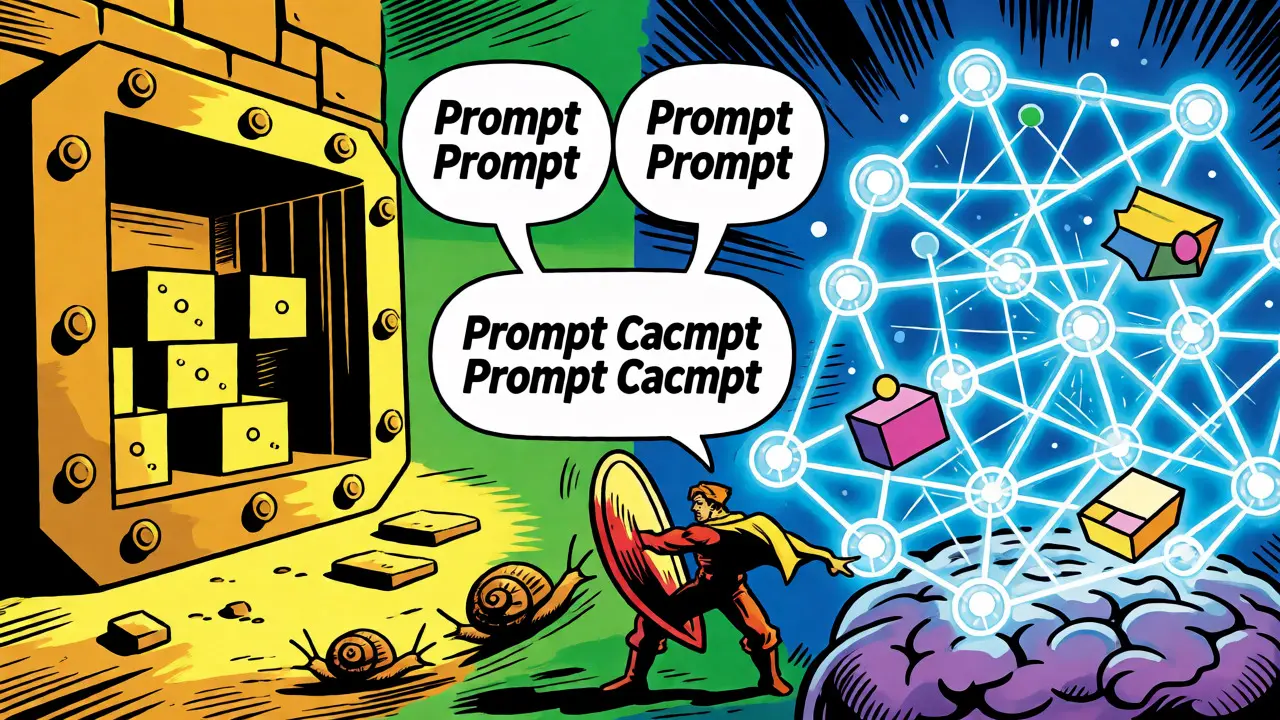
This is the game-changer. Instead of matching strings, semantic caching matches meaning. It uses vector embeddings to determine if two queries are similar enough to share a cached response. AWS MemoryDB, launched in September 2023, offers native vector search capabilities for this exact purpose. When a new query comes in, the system converts it into a vector and searches for existing vectors within a similarity threshold. If it finds a match, it returns the cached answer. AWS benchmarks show this reduces latency to 0.508 seconds for repeated queries. It’s smarter, but it requires more computational overhead for the vector comparison itself-about 150ms per query.
Choosing Your Weapon: Redis vs. AWS MemoryDB
You’ll likely end up choosing between general-purpose tools like Redis and specialized cloud-native solutions like AWS MemoryDB. Here’s how they stack up.
| Feature | Redis | AWS MemoryDB |
|---|---|---|
| Primary Strength | Versatility & Data Structures | Native Vector Search & Durability |
| Best For | General object caching, session management | Semantic caching, high-durability requirements |
| Latency Impact | Sub-millisecond retrieval | ~150ms overhead for vector similarity checks |
| Complexity | Moderate (requires manual vector logic) | Higher (vector operations learning curve) |
| Cost Efficiency | High (open-source core available) | Moderate (managed service premium) |
If you’re building a customer service bot where 65% of queries are repetitive (a stat from Gartner), Redis might be sufficient if you implement simple key-value pairs for common FAQs. But if your app handles nuanced questions where phrasing varies wildly, AWS MemoryDB’s semantic capabilities save you from building your own vector database integration from scratch.
The Cache-Augmented Generation (CAG) Workflow
IBM introduced the concept of Cache-Augmented Generation (CAG) in April 2024 as an evolution of RAG. Think of CAG as adding a smart filter before your expensive LLM call. Here’s the six-step process:
- Query Reception: The user sends a prompt.
- Cache Lookup: The system checks the cache (exact or semantic).
- Cache Hit: If a relevant answer exists, return it immediately. Done.
- Cache Miss: If no match, fetch data from your knowledge base (standard RAG step).
- Generation: Send the context + prompt to the LLM.
- Cache Update: Store the new Q&A pair in the cache for future use.
This workflow ensures that your most expensive resource-the LLM-is only invoked when absolutely necessary. It turns your cache into a living library of answers that grows smarter over time.
Implementation Pitfalls: Staleness and Drift
Caching solves speed problems but creates accuracy problems. The biggest risk is serving stale data. Imagine you have a news recommendation engine. If you cache the top stories for 24 hours, you might serve yesterday’s breaking news as "current." Google Cloud Architect James Wilson warns that improper invalidation can lead to 15-20% accuracy degradation in time-sensitive apps.
Then there’s "semantic drift." MIT researchers noted that without careful management, cached responses become mismatched to evolving user intents. If your product changes its pricing model, but your cache still holds old price quotes, you’re lying to your customers.
To combat this, use a hybrid Time-To-Live (TTL) strategy. InnovationM’s team found that while 24-hour TTL worked for static product info, stock prices needed a 15-minute TTL. Don’t set one TTL for everything. Segment your cache keys based on data volatility.

Where to Start: A Practical Roadmap
Feeling overwhelmed? Here’s a simplified path to implementation. Most developers spend 2-3 weeks mastering these basics.
- Audit Your Queries: Analyze your logs. Identify the top 20% of queries that account for 80% of traffic. These are your prime cache candidates.
- Start Simple: Implement exact-match caching using Redis. Set a conservative TTL (e.g., 1 hour). Measure the hit rate.
- Add Semantics: If your hit rate is low (<40%) despite high traffic, your queries are too varied. Introduce semantic caching using a vector store or AWS MemoryDB.
- Tune Invalidation: Build a webhook or event listener that clears specific cache keys when underlying data changes (e.g., a product update).
- Monitor Costs: Track your API spend against your cache hit rate. If hits go up and costs don’t go down, check for large payload sizes being stored unnecessarily.
The Future is Hybrid
We’re moving toward multi-layer caching. Gartner predicts that by 2026, 85% of enterprise AI applications will use hybrid strategies combining exact-match, semantic, and federated techniques. Amazon’s recent "Adaptive Cache" release even uses machine learning to predict which items to evict, improving hit rates by another 18%. The technology is maturing fast, but the fundamentals remain the same: stop paying for repetition.
Does semantic caching reduce accuracy?
It can, if the similarity threshold is set too loosely. If the system considers two distinct questions "similar enough," it might return an irrelevant answer. However, with precise tuning and embedding models, accuracy loss is minimal compared to the latency gains. Always monitor for false positives.
Is Redis good enough for AI caching?
Yes, for many use cases. Redis is excellent for exact-match prompt caching and storing intermediate data structures. However, it lacks native vector search capabilities, so implementing semantic caching requires additional libraries or external vector databases, increasing architectural complexity.
How much does caching save on API costs?
Typically 50-70%, depending on your cache hit rate. High-frequency applications like chatbots see the highest savings because a large percentage of user queries are repetitive. Low-volume or highly unique query apps see less benefit.
What is the ideal TTL for AI responses?
There is no single ideal value. It depends on data volatility. Static information (company history) can have long TTLs (days/weeks). Dynamic information (prices, inventory) needs short TTLs (minutes). Use a tiered approach rather than a global setting.
Can I cache streaming responses?
Yes, but it’s trickier. You usually cache the full completed response. When a cache hit occurs, you can simulate streaming by sending the cached text in chunks to maintain the UX feel, or simply display it instantly if the client supports it.