You’ve got a large language model (LLM) that’s brilliant but frozen in time. It knows everything up to its training cutoff, but it doesn’t know what your team decided in yesterday’s Slack thread or the new compliance policy uploaded to SharePoint this morning. This is where Retrieval-Augmented Generation (RAG) comes in. It’s not just a buzzword; it’s the architectural backbone that lets enterprise AI stay fresh, accurate, and fast.
But building RAG for an enterprise isn’t like hacking together a demo on your laptop. When you’re dealing with thousands of daily document updates, strict latency requirements, and massive costs, the architecture matters. You need robust Data Connectors, sophisticated Indices, and intelligent Caching layers. If you get these wrong, your users wait ten seconds for an answer, or worse, they get hallucinations because your retrieval missed the mark.
The Core Problem: Why Parametric Knowledge Isn't Enough
Large language models store knowledge in their weights-this is called parametric knowledge. The problem? Updating those weights is expensive and slow. You can’t retrain a billion-parameter model every time someone edits a PDF. RAG solves this by separating knowledge storage from reasoning. Instead of hoping the model remembers your company’s specific return policy, you retrieve the relevant text chunks from a database and feed them into the prompt. This keeps the model grounded in current facts without the heavy lift of fine-tuning.
In an enterprise setting, this separation creates three distinct engineering challenges:
- Ingestion: How do you get data from disparate sources like Salesforce, GitHub, and Confluence into a format the model understands?
- Retrieval: How do you find the *right* information quickly among millions of documents?
- Performance: How do you keep response times under 100ms when LLM inference takes seconds?
Connectors: The Front Door to Your Data
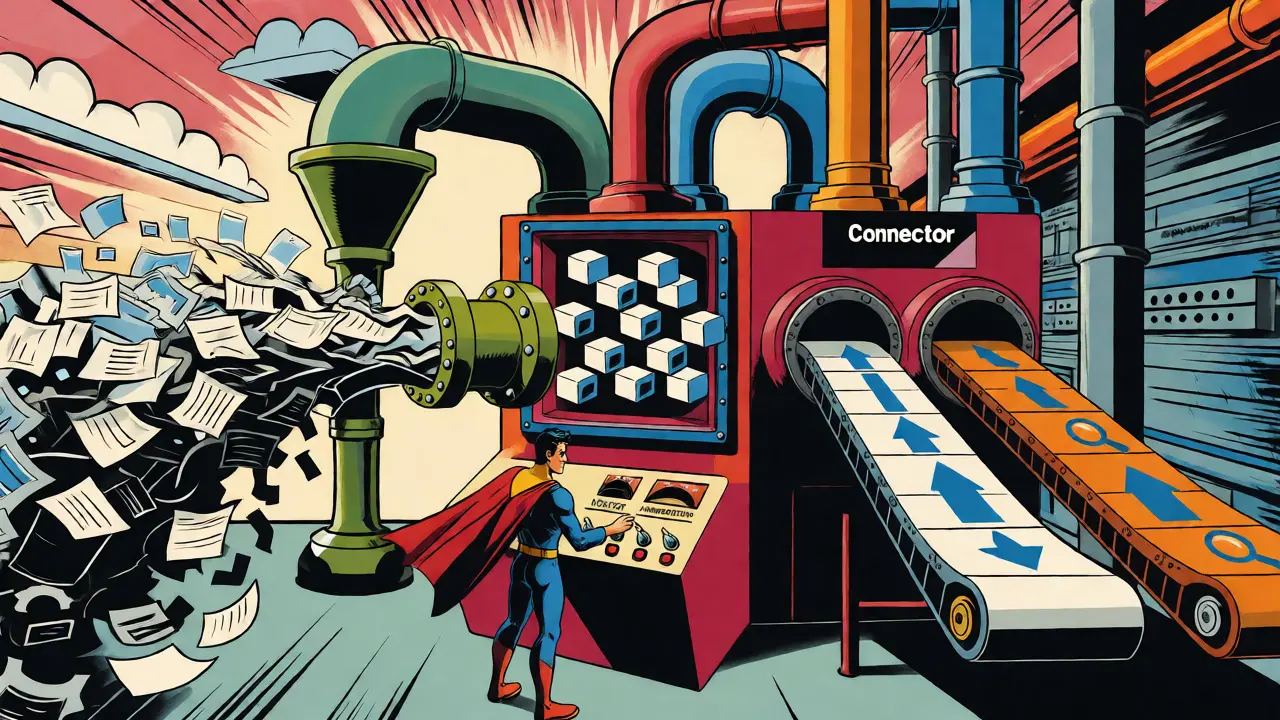
Your data lives everywhere. It’s in emails, code repositories, project management tools, and shared drives. Data Connectors are the bridges that pull this heterogeneous data into your RAG pipeline. A naive approach might dump raw HTML or unstructured text directly into the index. That usually fails because noise drowns out signal.
Effective connectors do more than just fetch files. They handle authentication, respect permissions, and preprocess content. For example, when connecting to SharePoint, you don’t just want the file content; you need metadata about who has access to it. If User A asks a question, the system must ensure they only retrieve documents User A is allowed to see. This is often handled at the connector level by tagging chunks with Access Control Lists (ACLs).
Another critical function is change detection. Enterprise data changes constantly. If you re-index everything every hour, you burn CPU cycles unnecessarily. Smart connectors use Change Data Capture (CDC) techniques. They listen for events-like a file update in Google Docs or a commit in GitHub-and trigger incremental updates. This hybrid approach balances freshness with cost. You batch-process historical data overnight but stream real-time changes during business hours.
Indices: Balancing Speed and Accuracy
Once data is ingested, it needs to be organized for rapid lookup. This is where indexing comes in. Most modern RAG systems rely on two types of indices working in tandem: Vector Indices and Lexical Indices.
Vector Indices store embeddings-numerical representations of text meaning. When a user asks a question, the system converts that question into an embedding and finds the closest vectors in the database. This allows for semantic search. If you search for "how to fix login errors," a vector index will find documents about "authentication failures" even if they don’t contain the exact word "login."
However, vector search isn’t perfect. It can miss exact keyword matches that matter, like specific error codes or product SKUs. That’s why enterprises often use BM25 lexical indices alongside vector ones. BM25 is a classic algorithm for keyword matching. By combining both (a technique called Hybrid Search), you get the best of both worlds: semantic understanding plus precise keyword recall.
Storage strategy is another major decision. Do you keep your indices in memory or on disk?
| Feature | In-Memory (e.g., Redis, HNSW) | On-Disk (e.g., DiskANN, Faiss IVF) |
|---|---|---|
| Latency | Sub-millisecond lookups | Millisecond range (slower due to I/O) |
| Scalability | Limited by RAM capacity | Scales to billions of vectors |
| Cost | High (RAM is expensive) | Lower (Disk is cheap) |
| Best For | Real-time chatbots, small-to-medium corpora | Massive archives, offline analysis, budget-constrained |
For most enterprise deployments managing millions of documents, pure in-memory solutions become prohibitively expensive. Technologies like DiskANN offer a middle ground, using algorithms like Vamana to enable efficient out-of-memory indexing without sacrificing too much speed. This allows you to scale your knowledge base without buying a server rack full of RAM.
Caching: The Secret Weapon for Latency
If there’s one area where you can dramatically improve performance, it’s caching. LLM inference is slow. Retrieving from a vector DB is fast, but still adds overhead. Caching stores the results of previous computations so you don’t have to redo the work.
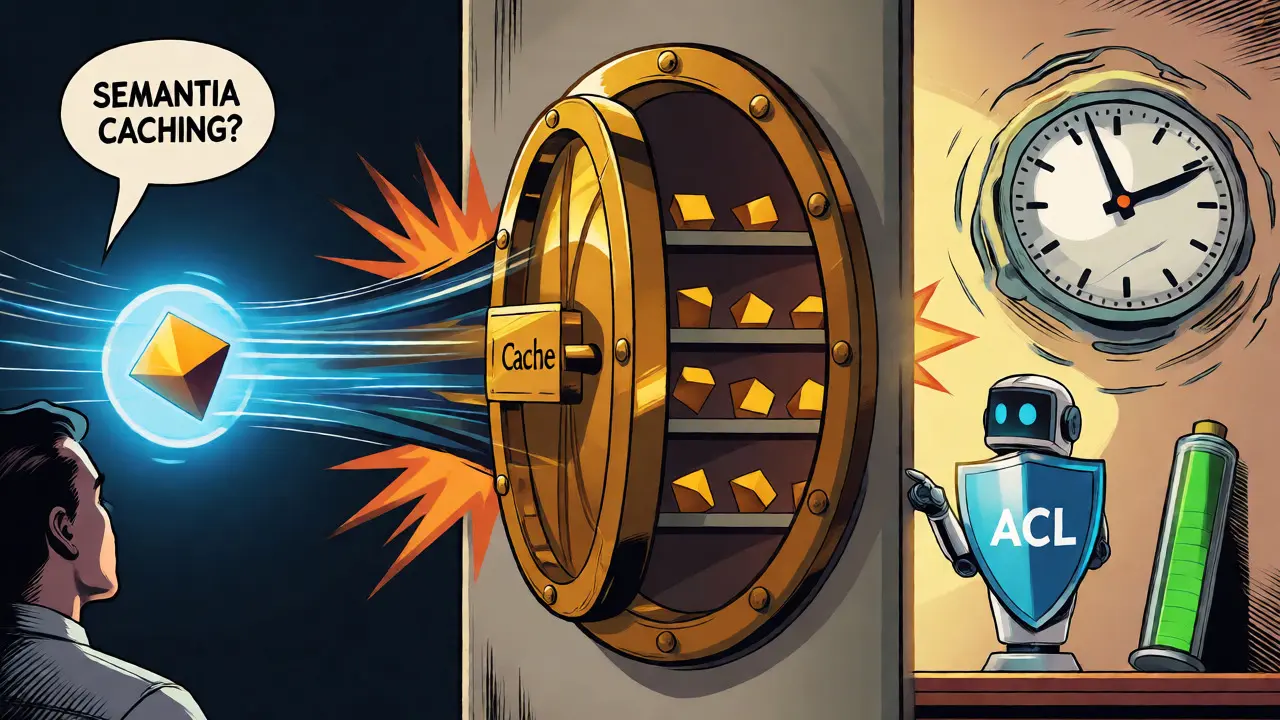
The most common form is Semantic Caching. Instead of checking for an exact string match, it checks for semantic similarity. If User A asks "How do I reset my password?" and User B asks "What's the procedure for password recovery?", a semantic cache recognizes these as similar queries. It retrieves the cached answer for User A and serves it to User B instantly.
This works through embedding similarity. When a query arrives, the system generates its embedding and searches the cache for prior queries with high cosine similarity. Production systems typically set thresholds between 0.85 and 0.95. A threshold of 0.90+ prioritizes correctness (avoiding serving slightly off-topic answers), while 0.85-0.90 maximizes hit rates and cost savings. Tools like Redis are popular here because they support vector search natively, enabling sub-millisecond cache lookups.
But semantic caching is just the beginning. Advanced architectures use RAGCache mechanisms that go deeper into the transformer model itself. Standard caching stores the final text output. RAGCache stores Key-Value (KV) tensors-the internal attention states of the LLM after processing retrieved documents. Since calculating these KV states is computationally expensive (the "prefill" phase), caching them saves significant GPU time. Studies show this can reduce retrieval latency by 59-71% with less than 1% accuracy loss.
Then there’s ARC (Agent RAG Cache), a newer approach that optimizes which items to keep in the cache. Instead of simple Least-Recently-Used (LRU) policies, ARC uses geometric properties of the embedding space. It identifies "hub" passages that are frequently retrieved across many different queries. In tests, ARC achieved a 79.8% has-answer rate while caching only 0.015% of the original corpus. That’s an insane compression ratio that drastically cuts down remote calls and compute costs.
Handling Scale: Synchronization and Consistency
Keeping your indices fresh is a nightmare if done poorly. Imagine a customer service agent giving outdated pricing info because the index hasn’t updated since last night. To avoid this, you need a synchronization strategy.
Pure batch processing is easy but stale. Pure streaming is fresh but complex. Most successful enterprises adopt a hybrid model. Critical, high-churn data (like inventory levels or active tickets) goes through a real-time stream processor that updates the index within seconds. Lower-churn data (like HR policies or archived reports) gets batch-updated hourly or daily. This tiered approach ensures that the most volatile data is always fresh, while stable data doesn’t waste resources on constant re-indexing.
Additionally, consider multi-instance consistency. If you run multiple LLM inference servers, they need to share cache state. Solutions like Shared RAG-DCache centralize the cache across instances using RAM and NVMe tiers. Prefetching mechanisms predict which document KV states will be needed next based on queue waiting times, ensuring that when a request hits any server, the data is already warm.
Practical Pitfalls and Pro Tips
Even with a great architecture, things break. Here are some common pitfalls:
- Over-caching: Setting the semantic similarity threshold too low (e.g., 0.75) means you serve irrelevant answers. Always start high (0.90) and tune down based on feedback.
- Ignoring Permissions: Never cache sensitive data without ACL tags. If you cache a confidential HR doc for an admin, make sure the cache layer respects user roles before returning it to an intern.
- Chunking Blindness: If your chunks are too small, you lose context. Too big, and you dilute relevance. Use overlap strategies (e.g., 10-20% overlap) to maintain continuity across chunk boundaries.
- Stale Embeddings: If you switch embedding models (e.g., from OpenAI Ada to a local open-source model), you must re-index everything. Old vectors won’t match new queries.
Pro tip: Profile your workload. If your users ask repetitive questions (common in IT helpdesks), aggressive caching yields huge wins. If they ask novel, complex analytical questions, caching hit rates will drop, and you’ll need to focus on optimizing the retrieval pipeline instead.
Frequently Asked Questions
What is the difference between semantic caching and standard key-value caching?
Standard key-value caching requires an exact match of the input string to retrieve a result. Semantic caching uses vector embeddings to find queries that are similar in meaning, even if the wording differs. This allows RAG systems to reuse answers for paraphrased questions, significantly improving hit rates in natural language interactions.
Why is hybrid search (vector + BM25) better than vector search alone?
Vector search excels at understanding intent and synonyms but can miss exact keyword matches like error codes, part numbers, or legal terms. BM25 provides precise lexical matching. Combining them ensures you capture both conceptual relevance and specific factual details, leading to higher accuracy in enterprise retrieval tasks.
How does RAGCache differ from traditional response caching?
Traditional caching stores the final generated text. RAGCache stores the intermediate Key-Value (KV) tensors from the LLM's attention mechanism after processing retrieved documents. Since computing these KV states is resource-intensive, caching them reduces the computational load on the GPU during subsequent requests, speeding up the "prefill" phase of inference.
What is a safe similarity threshold for semantic caching?
Production environments typically use thresholds between 0.85 and 0.95. For high-stakes applications where correctness is paramount (like healthcare or finance), use 0.90-0.95. For general informational queries where cost savings are prioritized over perfect precision, 0.85-0.90 may be acceptable. Always monitor false positives.
How do I handle data privacy in a shared cache?
You must implement permission-aware caching. Tag each cached entry with the access controls associated with the source documents. Before returning a cached response, verify that the requesting user has rights to all underlying documents used to generate that answer. Alternatively, use separate cache namespaces per user group or role.