Code reviews are supposed to catch bugs before they ship. But let’s be honest-they’re slow. You wait days for feedback. You get comments that don’t make sense. You spend hours fixing things that should’ve been caught by a linter. And then, just as you’re about to merge, someone else finds a new issue. It’s exhausting.
Enter AI-assisted code review. It’s not magic. It’s not replacing humans. But it’s changing how teams ship code-fast, safely, and without burnout. Companies like Microsoft and GitHub aren’t just experimenting. They’re running it at scale. In 2024, Microsoft rolled out an AI reviewer across 5,000 repositories. Result? Pull requests closed 10-20% faster. Teams aren’t just saving time. They’re catching three times more bugs before merge.
How AI Code Review Actually Works
Most people think AI code review means a bot slapping a green checkmark on your PR. It doesn’t work like that. The real system runs in five steps:
- Trigger: You open a pull request. The AI tool notices immediately.
- Code Parsing: It grabs your changes-or sometimes the whole codebase-and turns them into a structured map, like a tree of functions and variables.
- Static Analysis: It checks for obvious stuff: unused imports, missing null checks, hardcoded passwords. This part is fast and reliable.
- AI Analysis: Now the smart part. A large language model reads your code like a senior dev. It asks: “Does this function handle errors properly? Is this API call secure? Does this change break the pattern we’ve used in 30 other files?”
- Feedback: It leaves comments right in your GitHub or GitLab PR. Not as a bot. As a teammate. With categories like “Security Risk” or “Logic Gap.”
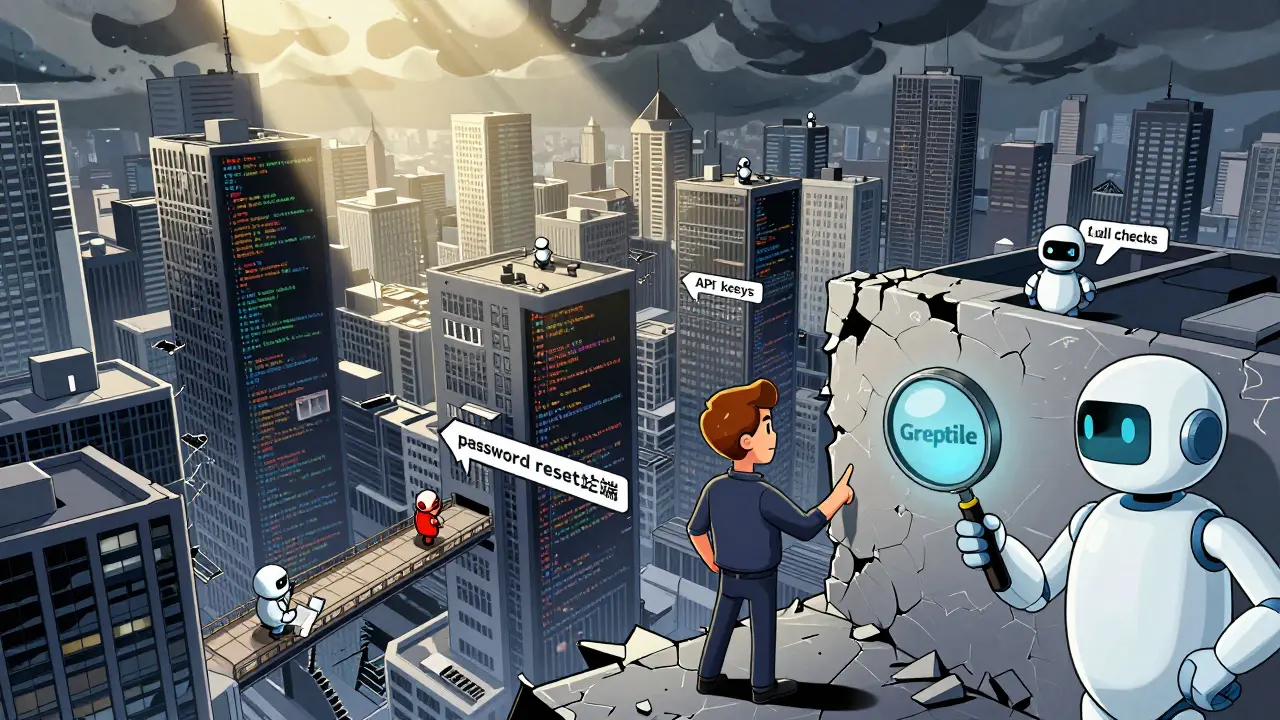
Tools like Greptile don’t just look at your changes. They scan your entire codebase. Why? Because a bug in one file often shows up in five others. If you change how authentication works in the login module, the AI notices if you forgot to update the password reset endpoint. That’s the kind of thing humans miss-especially when they’re tired.
What AI Is Good At (And What It Isn’t)
AI excels at repetitive, rule-based checks:
- Finding null pointer risks before they crash production
- Spotting hardcoded API keys or credentials
- Enforcing naming conventions across 50 files
- Auto-generating test cases for new functions
- Flagging outdated dependencies with known vulnerabilities
But here’s where it falls short:
- It doesn’t know your business logic. “Should this feature allow guest checkouts?”-that’s your call.
- It can’t judge architectural trade-offs. “Do we refactor this monolith now or later?”
- It sometimes generates false positives. One team reported 47 bad flags in their first 100 PRs. They spent 32 hours tuning rules before it became useful.
- It doesn’t understand culture. If your team says “use snake_case,” but the AI thinks “camelCase” is better, you’ll get noise.
The key? Don’t treat AI like a judge. Treat it like a junior dev who’s really good at spotting typos but needs you to explain why the app does what it does.
Top Tools in 2026: What’s Different
There are more tools than ever. But not all are created equal.
| Tool | Analysis Scope | Integration | Price (per user/month) | Key Strength |
|---|---|---|---|---|
| GitHub Copilot | Only PR changes | VS Code, GitHub | $10 | Best for syntax, quick fixes |
| Greptile | Entire codebase | GitHub, GitLab | Custom | Catches cross-file bugs |
| CodeRabbit | Full workflow context | GitHub, GitLab, CLI | $29 (Pro) | Auto-learns from feedback |
| Qodo Merge | Codebase + CI/CD | GitHub, GitLab, CLI | $35 | Best at complex patterns |
| Aider | Local only | Terminal | Free | No cloud, private reviews |
GitHub Copilot is easy to set up. Great for small teams. But if you’re working on a large codebase with legacy patterns? Greptile or CodeRabbit gives you context. Qodo Merge stands out because it learns from how your team responds to suggestions. If you always ignore a certain type of warning? It stops flagging it. That’s called agentic AI-it adapts.
Aider is the dark horse. It runs entirely on your machine. No data leaves your network. Perfect for fintech, healthcare, or any team with strict compliance rules. But you need to know your terminal. It’s not for beginners.
Real Teams, Real Results
One team in Portland switched from manual reviews to AI + human pairing. Before: 3.2 days average PR review time. After: 1.7 days. How? They didn’t just turn on the tool. They did three things:
- They disabled 78% of default rules. The AI was flagging style issues that didn’t matter to them.
- They trained it on past PRs. The AI learned: “This pattern is okay. This one isn’t.”
- They made every AI comment a learning moment. New devs were encouraged to ask: “Why did the AI suggest this?”
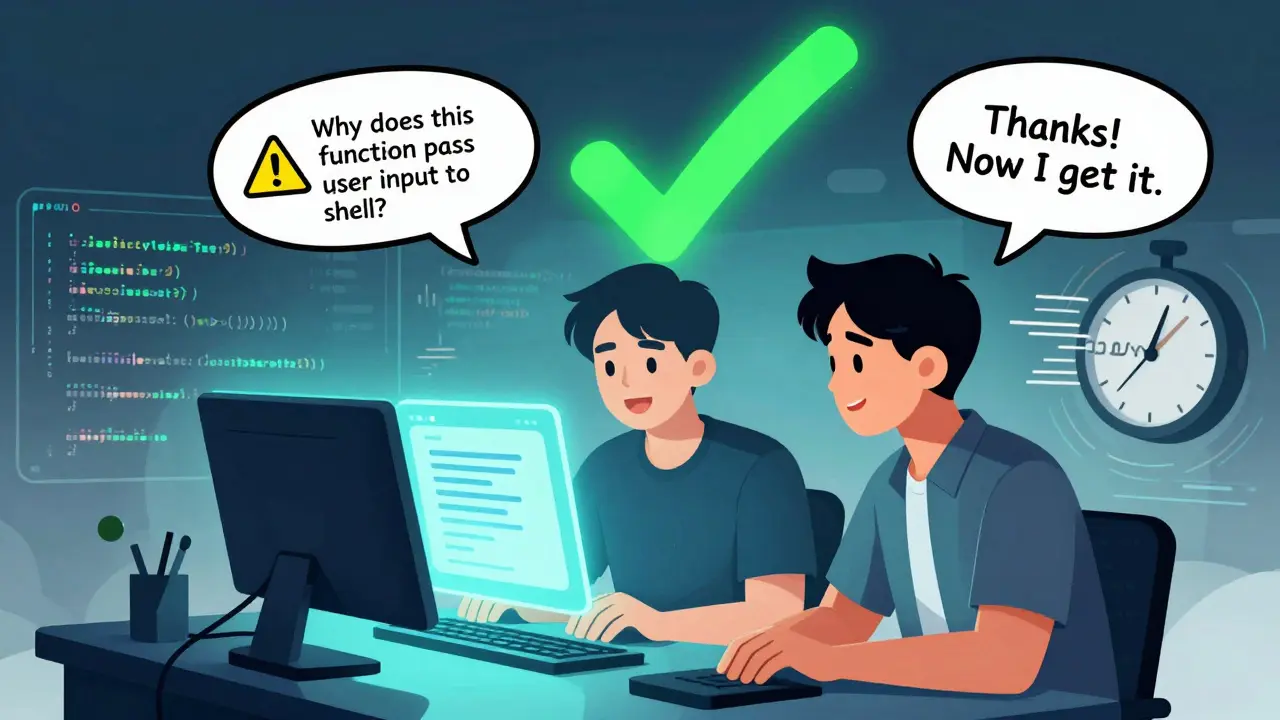
Microsoft’s internal tool does something even smarter. When you get a suggestion, you can reply: “Explain why this is a security risk.” And the AI replies-in plain English. No jargon. Just: “This function passes user input directly to a shell command. If someone types ‘rm -rf /’ into the form, it deletes the server.” That’s powerful. It turns a cryptic warning into a teaching moment.
Another team saw a 68% drop in escaped defects-bugs that made it to production. Why? Because the AI caught edge cases no one thought of. Like: “What if the user logs in, then disconnects mid-session? Does the system clean up the token?”
Where It Goes Wrong
Not every team wins. Some fail because they treat AI like a replacement.
Dr. Sarah Chen from Microsoft says it best: “The most effective process pairs that continuous background testing with thoughtful human review.” AI doesn’t replace judgment. It frees it up.
Here’s what breaks:
- Over-reliance: Junior devs stop learning how to debug because they always rely on the AI to fix things.
- Bad setup: Turn on every rule. Get flooded with noise. Give up. Go back to manual reviews.
- No feedback loop: If you ignore suggestions, the AI doesn’t improve. It just keeps making the same mistakes.
- Ignoring context: The AI doesn’t know your product roadmap. If you’re racing to ship a feature, some “best practices” should wait.
One developer on Reddit said: “I tried Qodo. It gave me 47 false positives in 100 PRs. I almost quit.” He didn’t. He spent a weekend writing custom rules. Now it’s the best tool on his team.
How to Start (Without Losing Your Mind)
Here’s how to actually make this work:
- Start small. Pick one tool. GitHub Copilot if you’re in VS Code. Greptile if you’re on GitHub. Don’t try to install five tools at once.
- Turn off 80% of the rules. Keep only the high-signal ones: security, null checks, logging errors.
- Make it part of your workflow. Don’t just let it comment. Require that every PR has at least one AI suggestion addressed-or explained.
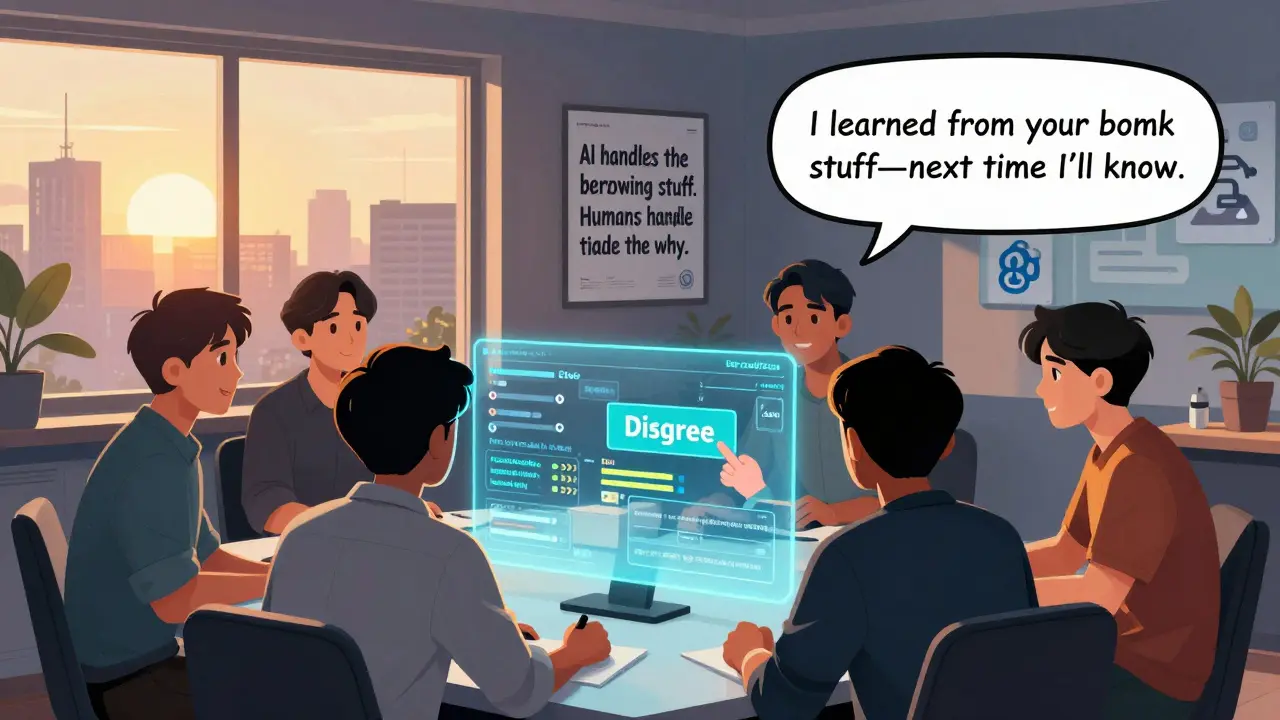
- Use it to teach. In team meetings, show a good AI suggestion. Ask: “Why was this important?” Turn it into a mini-lesson.
- Give feedback. If the AI gets it wrong, click “Disagree” or leave a comment. Tools like CodeRabbit and Greptile learn from this.
It takes time. But the payoff is real. Less waiting. Fewer bugs. Less burnout. And better code.
What’s Next
The next wave isn’t just about finding bugs. It’s about keeping the whole system healthy.
Tools are now learning from how you fix issues. If you always rewrite a certain function after the AI flags it? The AI starts suggesting that rewrite before you even write the code. It’s not just reviewing. It’s guiding.
And the privacy angle is growing. More teams want local tools-like Aider-that don’t send code to the cloud. Especially in regulated industries.
The future? AI handles the boring stuff: syntax, security, tests. Humans focus on architecture, user impact, and edge cases. The best code reviews aren’t done by humans or AI. They’re done by both.
Can AI code review replace human reviewers?
No. AI is a powerful assistant, not a replacement. It catches repetitive issues, flags security risks, and enforces style-but it can’t understand your business goals, user needs, or architectural trade-offs. Human reviewers decide if a change aligns with the product vision. The best teams use AI to handle the low-level stuff, so humans can focus on the high-value decisions.
Which AI code review tool is best for beginners?
GitHub Copilot is the easiest to start with. It integrates directly into VS Code and GitHub. Setup takes minutes. It’s great for catching basic syntax errors, unused variables, and simple security issues. If you’re new to code review, start here. Don’t overload yourself with complex tools until you’ve seen how AI feedback changes your workflow.
Does AI code review work with private repositories?
Yes, but it depends on the tool. GitHub Copilot and Greptile work with private repos on GitHub and GitLab. However, they send your code to their servers. If you need privacy-like for healthcare or finance-use Aider. It runs locally in your terminal. No code leaves your machine. It’s free, open-source, and fully private.
How long does it take to set up an AI code review tool?
It varies. GitHub Copilot: under 10 minutes. Greptile or CodeRabbit: 1-2 hours to connect to your repo and configure rules. Enterprise tools like Qodo or Microsoft’s internal system can take days or weeks if you’re customizing rules for your codebase. The real time sink isn’t setup-it’s tuning. Most teams spend 10-40 hours in the first month adjusting what the AI flags. That’s normal.
Can AI help junior developers learn faster?
Absolutely-if you use it right. AI feedback is immediate, consistent, and detailed. Instead of waiting days for a senior dev to review your code, you get a comment explaining why a function is risky. Turn those comments into learning moments. Ask: “Why does this matter?” Discuss them in code reviews. Teams that do this see juniors improve faster and make fewer mistakes over time.
What if the AI gives me bad suggestions?
That’s expected. Early on, AI will make mistakes. The key is to respond. Click “Disagree,” leave a comment like “This isn’t needed because we handle this in the service layer,” or mark it as “False Positive.” Tools like CodeRabbit and Greptile use this feedback to improve. The more you correct it, the smarter it gets. Don’t ignore bad suggestions-use them to train the AI.



7 Comments
Meredith Howard
Interesting perspective on AI-assisted reviews. I’ve been using GitHub Copilot for a few months now and I’m surprised how much it’s reduced the noise in my PRs. I used to get feedback like ‘this variable name is inconsistent’ when we had no style guide. Now I’ve turned off 90% of the stylistic flags and kept only the security and logic checks. It’s been a game changer for focus.
Still, I worry about juniors relying too much. I had a new hire ask the AI to fix a race condition and just accepted the suggestion without understanding it. We had to have a 30-minute chat about locks and mutexes. AI helps, but it doesn’t teach. We still need humans for that.
ravi kumar
As someone from India working on a global team, I’ve seen both sides. In my last company, we had zero AI tooling. Reviews took 5-7 days. Now with Greptile, we close PRs in 18 hours. The real win? I don’t feel guilty for taking lunch anymore. My teammates aren’t waiting on me to review their code. That’s peace of mind.
Also, the cross-file bug detection saved us once. We changed auth logic in login, but forgot the reset endpoint. AI caught it. Human reviewer never would’ve noticed. This isn’t magic. It’s just smart automation.
Megan Blakeman
OMG YES THIS IS THE BEST THING EVER 😭😭😭
I was SO tired of getting nitpicky comments about camelCase vs snake_case when we were trying to ship a feature. Now I turned off ALL the style rules and just let the AI focus on security and logic. It’s like having a super smart intern who never sleeps and doesn’t care if you wore socks with sandals.
Also I love how it explains things in plain English. Last week it said: ‘If someone types rm -rf / here, your server dies.’ I literally laughed out loud. That’s the kind of clarity we need. I’m gonna show this to my whole team tomorrow!! 🙌
Akhil Bellam
Pathetic. You’re all treating AI like some kind of babysitter for junior devs. This isn’t innovation. It’s surrender. Real engineers don’t need tools to tell them that a function might have a null pointer. They write defensive code from day one.
And don’t get me started on ‘Aider’-running a tool locally? That’s not security, that’s fear. If you’re so paranoid about your code leaving your machine, maybe you shouldn’t be writing public-facing APIs. The real problem here? A generation of devs who think automation replaces mastery. It doesn’t. It exposes weakness.
Use AI? Fine. But don’t confuse convenience with competence. I’ve seen teams go from 2 bugs per release to 12 after ‘adopting’ these tools. Why? Because they stopped thinking. They stopped reading. They stopped learning.
Amber Swartz
Y’all are acting like this is some revolutionary breakthrough when it’s just… automation with a fancy name.
Remember when we used to have code reviews and people actually talked to each other? Now it’s just ‘AI said so’ and everyone nods like a bunch of robots. I had a teammate submit a PR and say ‘the AI said this is fine’ and I had to go in and fix a logic flaw that was obvious to any human who’d ever written a loop.
Also, why are we all so obsessed with ‘learning moments’? It’s not a classroom. It’s code. Just fix it. Stop making it a therapy session.
I miss the days when we just said ‘this is bad’ and moved on. Now we need a 10-minute debrief every time a bot says ‘maybe consider refactoring.’ UGH.
Robert Byrne
You’re all missing the point. AI doesn’t replace judgment-it replaces laziness. If you’re getting 47 false positives in your first 100 PRs, that’s not the AI’s fault. That’s YOUR fault. You didn’t tune it. You didn’t train it. You didn’t even read the documentation.
I’ve used CodeRabbit for 8 months. I’ve had exactly 3 false positives. Why? Because I clicked ‘Disagree’ every single time it got something wrong. I left comments like ‘this pattern is intentional because of legacy API constraints.’ Now it knows. It’s not magic. It’s feedback loops.
If you’re not giving feedback, you’re not using the tool. You’re just turning on a noise machine and complaining about the static. That’s not AI failure. That’s human failure.
Tia Muzdalifah
lol i just turned on aider and it’s wild how it just sits there in my terminal like a quiet roommate who only speaks when something’s on fire
no cloud, no tracking, no ‘hey we noticed you changed 3 files’-just me, my code, and a little bot that says ‘hey this function might leak passwords’
i’m in fintech so i don’t trust any tool that sends code to the cloud. aider’s free, runs on my mac, and doesn’t judge me for using tabs instead of spaces. also it didn’t flag my coffee-stained commit message. respect.
ps: if you’re scared of the terminal, just type ‘aider’ and hit enter. it’s not a dragon. it’s a helpful ghost.