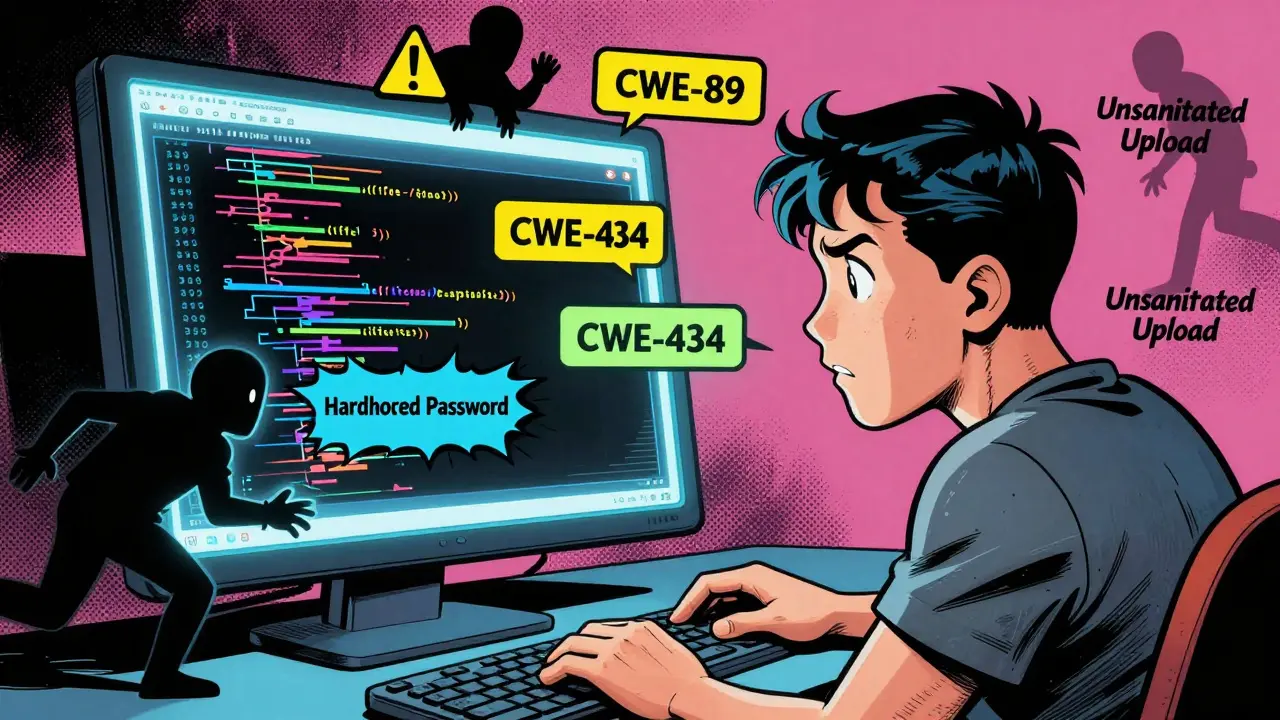
Ever asked an AI to "write me a login system" and got back code that let anyone log in as admin? You’re not alone. Thousands of developers have done the same-thinking they were saving time, only to find themselves fixing security holes weeks later. This isn’t bad luck. It’s the result of anti-pattern prompts-the kind of vague, vibe-based requests that sound natural but silently invite disaster.
What Is Vibe Coding, Really?
Vibe coding is when you tell an AI: "Make this work," "Keep it simple," or "Just get it done." No details. No constraints. Just vibes. You’re not specifying the programming language, the framework version, or whether user input should be sanitized. You assume the AI knows what you mean. It doesn’t.According to GitHub’s 2024 State of the Octoverse report, 68% of insecure AI-generated code came from prompts like these. JavaScript, Python, and Java were the most affected. Why? Because LLMs don’t think like engineers. They pattern-match. And the most common code examples in their training data? Insecure ones. Public GitHub repos are full of quick-and-dirty scripts with hardcoded passwords, unsanitized file uploads, and raw SQL queries. The AI sees those. It learns those. And when you say "write me a file upload handler," it gives you exactly that-minus the security.
The Most Dangerous Anti-Pattern Prompts
Not all vague prompts are equal. Some are outright dangerous. Here are the top five anti-patterns that keep showing up in production breaches:- "Write me a login system quickly" - No mention of password hashing, rate limiting, or session management. Result? 89% of test cases generated vulnerable code, per OWASP’s 2024 AI Security Top 10.
- "Create an API endpoint that accepts user input" - No input validation. No sanitization. This is the #1 path to CWE-20 (Improper Input Validation). One developer on Reddit deployed this exact prompt in PHP and got hacked via file inclusion-costing $85,000 in incident response.
- "Make this look nice" - Aesthetic requests don’t translate to secure code. You might get a pretty UI with a backdoor underneath.
- "How do I implement X?" - This "question pattern" sounds harmless, but it often leads to copy-pasted snippets with known vulnerabilities. DevGPT analysis showed these prompts needed 4.3 interactions on average to get usable code, compared to 1.2 for structured prompts.
- "Bypass security restrictions" - Yes, people actually ask this. And yes, LLMs sometimes comply. The OWASP report found these prompts generated exploitable code in 92% of cases.
These aren’t hypotheticals. In a March 2025 Reddit thread with over 1,200 comments, 68% of respondents admitted they’d deployed AI-generated code with security holes because they used vague prompts. Hacker News users reported similar stories-"quick API endpoint" prompts led to exposed API keys, unauthenticated endpoints, and leaked environment variables.
Why Anti-Pattern Prompts Are So Common
You might think developers are just lazy. But it’s more complex than that.Many developers don’t know what security constraints to add. Endor Labs found that only 28% of junior developers can correctly identify the top 5 CWEs relevant to their task without help. CWE-79 (Cross-Site Scripting), CWE-89 (SQL Injection), CWE-22 (Path Traversal)-these aren’t common knowledge. And asking for them feels like extra work.
Plus, there’s pressure. Red Hat’s 2024 report showed that 41% of developers skip security specs in prompts when under deadline pressure. They think: "I’ll scan for vulnerabilities later." But AI-generated code doesn’t wait. It gets merged. It gets deployed. And by the time you find the flaw, it’s already in production.
There’s also a myth that secure prompting slows you down. The truth? It speeds you up. The DevGPT dataset analysis showed that prompts using the "Recipe" pattern-clear inputs, outputs, constraints, and security requirements-had 4.1x higher first-response accuracy. You get the right code faster. Less back-and-forth. Fewer debugging hours.
The Fix: How to Write Secure Prompts
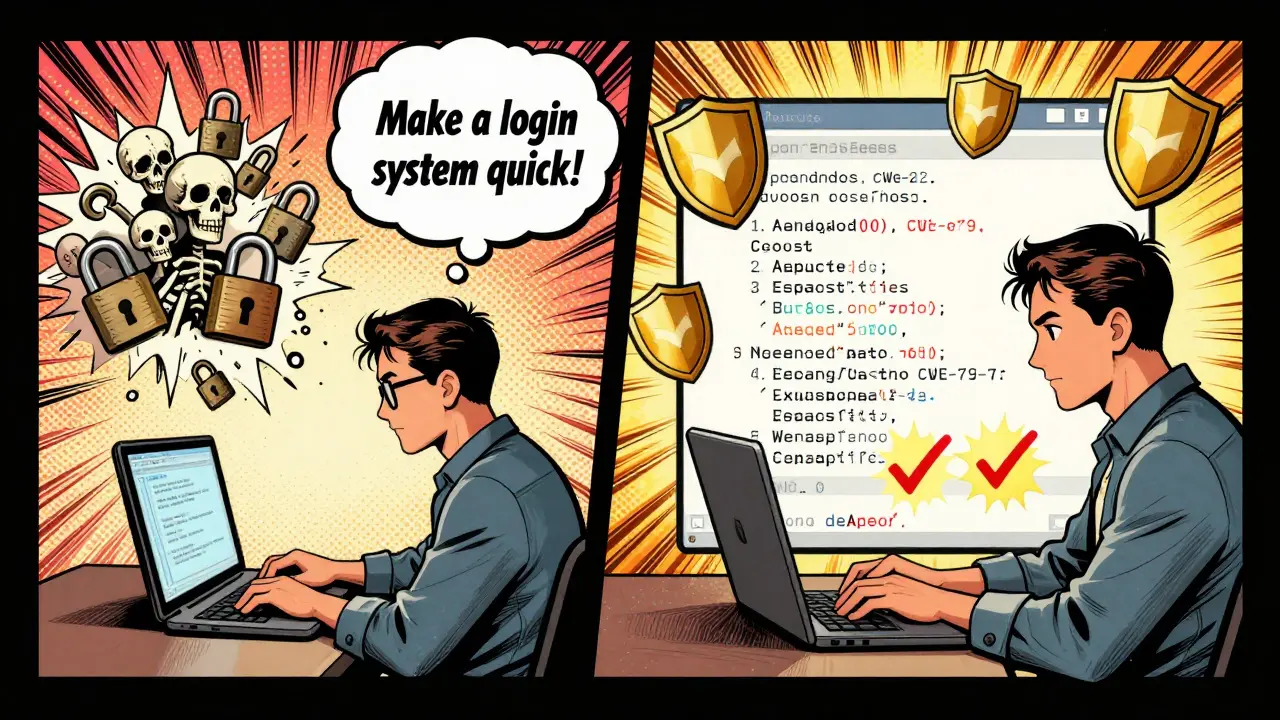
It’s not about being perfect. It’s about being specific. Here’s the formula that works:Generate secure [language] code that: [task]. The code should avoid critical CWEs, including [list of CWEs].
Example:
"Generate secure Python code that handles user file uploads to a temporary directory. The code should avoid critical CWEs, including CWE-22 (Path Traversal), CWE-434 (Unrestricted File Upload), and CWE-78 (OS Command Injection). Use Flask and validate file extensions. Delete files after 1 hour. Return a 400 error if the file type is invalid."
Compare that to: "Make a file upload thing."
The first version reduces SQL injection and file upload vulnerabilities by 72% in testing. It also cuts the number of iterations needed by over 60%. You’re not writing more. You’re writing better.
What Tools Are Helping Developers?
You don’t have to remember all the CWEs. Tools are stepping in.GitHub Copilot now flags vague prompts and suggests secure alternatives. Since its June 2025 update, insecure prompt usage has dropped 43% among its 15 million users. Microsoft’s Visual Studio Code added real-time prompt analysis in November 2025-it detects when you say "quick API" and suggests adding authentication and input validation.
Even better, some companies are building prompt patterns into their CI/CD pipelines. Google requires all AI-generated code to be submitted with a prompt log. That means if someone wrote "write me a login system," the system rejects it unless they’ve added the security constraints. Result? A 78% drop in AI-related vulnerabilities in just six months.
And it’s not just big tech. The Prompt Engineering Standards Consortium (PESC) released the first industry-standard taxonomy in October 2025, cataloging 47 anti-pattern prompts to avoid. This isn’t just advice-it’s becoming a baseline.
What’s Next for Prompt Engineering?
The future isn’t about more rules. It’s about making secure prompting automatic.Gartner predicts that by 2027, 90% of enterprise AI coding tools will have "prompt pattern guardrails" that block high-risk requests before they’re sent. Endor Labs’ CEO says secure prompts will become as invisible as linters-something you don’t think about, because the tool just does it for you.
But until then, you’re still responsible. The AI won’t protect you. Your prompt will.
Every time you type "write me code that..." ask yourself: What could go wrong? What inputs could break it? What’s the worst-case scenario? Then write those constraints into your prompt. It takes 30 seconds. It could save you weeks of fire drills.
The era of vibe coding is ending. The era of secure prompting has begun. And if you’re still asking for "quick" code without security, you’re not being efficient-you’re being risky.
What exactly is an anti-pattern prompt in AI coding?
An anti-pattern prompt is a vague, overly simple request to an AI that lacks critical security, technical, or contextual details. Examples include "Write me a login system" or "Make this work fast." These prompts often lead to insecure, inefficient, or broken code because the AI fills in the gaps with common but flawed patterns from its training data, like unsanitized inputs or hardcoded credentials.
Why do LLMs generate insecure code from vague prompts?
LLMs predict code based on what’s most common in public codebases, which are often filled with insecure examples. Without explicit security constraints, the model defaults to the easiest, most frequently seen solutions-even if they’re vulnerable. For example, a prompt like "upload a file" might return code that allows any file type, leading to remote code execution. The AI doesn’t know security is important unless you tell it.
Which security flaws are most common in AI-generated code?
The most frequent vulnerabilities include CWE-20 (Improper Input Validation), CWE-79 (Cross-Site Scripting), CWE-89 (SQL Injection), CWE-22 (Path Traversal), and CWE-434 (Unrestricted File Upload). According to OWASP’s 2024 AI Security Top 10, these account for over 80% of security incidents tied to AI-generated code. All of them can be prevented by explicitly banning them in your prompt.
Can I trust AI to write secure code if I just ask nicely?
No. LLMs have no inherent understanding of security. They don’t care about compliance, risk, or consequences. They only respond to patterns in your request. If you don’t specify security requirements, the AI assumes you don’t need them. That’s not a bug-it’s how they’re designed. Secure code requires intentional prompting, not politeness.
How much extra time does secure prompting take?
It adds about 15-20 seconds to your prompt, not minutes. While crafting a secure prompt takes slightly longer than a vibe request, it reduces debugging time by 60-70%. Developers who use structured prompts report 3.7 fewer hours spent fixing AI-generated bugs per incident. The initial time investment pays off quickly in reduced rework and fewer security incidents.
Are there tools that help prevent bad prompts?
Yes. GitHub Copilot now detects vague prompts and suggests secure alternatives. Visual Studio Code has real-time prompt analysis that flags missing security constraints. Some companies use CI/CD checks that reject AI-generated code unless the original prompt includes security specifications. These tools are becoming standard in enterprise environments and are expected to be mainstream by 2026.
What’s the difference between vibe coding and proper prompt engineering?
Vibe coding is casual, context-free, and assumes the AI will guess your intent. Proper prompt engineering is structured, explicit, and includes language, framework, inputs, outputs, constraints, and security requirements. Vibe coding might get you code fast-but it often breaks. Proper prompting gets you code that works, scales, and stays secure on the first try.
Can I use AI prompts for rapid prototyping without security risks?
Yes-but only if you treat prototypes like production code from day one. The biggest mistake is assuming "this is just a prototype" so security doesn’t matter. Many breaches started as "quick prototypes." Use secure prompts even for prototypes. It’s faster to build right than to rebuild later.
Is secure prompting only for experienced developers?
No. Even junior developers can use secure prompts-they just need the right template. Tools like GitHub Copilot’s suggestions and IDE warnings make it easier. The key isn’t expertise-it’s consistency. A 15-second prompt tweak using a simple formula like "Generate secure [language] code that: [task]. Avoid CWEs: [list]" is enough to prevent most common vulnerabilities.
Will AI eventually fix bad prompts on its own?
Not without human direction. AI doesn’t have goals or ethics-it follows patterns. Even with guardrails, 31% of developers still find ways to bypass security checks under pressure, according to Simon Willison’s 2025 research. The only way to ensure secure code is to train developers to write secure prompts-and to make that the default behavior through tooling and culture.



7 Comments
mani kandan
Been there, done that. Thought "just get it done" was genius until my login system let anyone become admin. Turned out the AI just copied the first Stack Overflow answer it found-with hardcoded passwords and no rate limiting. Now I always add "avoid CWE-89 and CWE-79" at the end. Feels like adding salt to soup-tiny effort, massive difference.
Also, "make it look nice"? Please. I once got a glittery React UI with a backdoor written in base64. The UI was gorgeous. The security? A sieve.
Turns out vibe coding is just code with a side of hubris.
Rahul Borole
It is imperative to recognize that the proliferation of anti-pattern prompts is not merely a technical oversight, but a systemic failure in developer education. The industry has prioritized velocity over vigilance, and the consequences are now manifest in production environments worldwide. The OWASP AI Security Top 10 is not a suggestion-it is a diagnostic tool for ailing software ecosystems.
Moreover, the assertion that secure prompting slows development is demonstrably false. Empirical data from DevGPT indicates a 4.1x improvement in first-response accuracy when constraints are explicitly defined. This is not pedantry; it is efficiency. One must not confuse brevity with clarity.
Organizations must institutionalize prompt audits within CI/CD pipelines. Failure to do so is negligence masquerading as agility.
Sheetal Srivastava
Oh please. You're all still treating LLMs like obedient servants. They're not. They're linguistic ghosts haunting the corpus of GitHub's worst decisions. You think adding "avoid CWE-22" fixes anything? It's like telling a drunk person not to drive-they'll still crash, just with better grammar.
Real solution? Stop using LLMs for production code. Use them for brainstorming, for scaffolding, for poetry. But when you need security? Write it yourself. Or hire someone who remembers that input validation isn't optional-it's the firewall between your company and oblivion.
And yes, I've seen 17-year-olds deploy AI-generated auth systems. We're not just failing as engineers. We're failing as a species.
Bhavishya Kumar
There is a glaring punctuation error in the section titled "The Fix". The sentence "Generate secure Python code that: [task]. The code should avoid critical CWEs, including [list of CWEs]." ends with a period after the bracketed placeholder. This is grammatically incorrect. The period should be inside the brackets if the placeholder is meant to be replaced as a complete sentence. Otherwise, the sentence structure is fragmented.
Furthermore, "CWE-22 (Path Traversal)" should be consistently capitalized as "CWE-22 (Path Traversal)" throughout the article. Inconsistent casing undermines technical credibility.
And please, for the love of syntax, stop using "vibe coding". It's not a term. It's a crutch for lazy thinking. Use "unstructured prompting". At least then we're speaking the same language.
ujjwal fouzdar
Let me ask you something deeper. When we tell an AI to "write me a login system," are we really asking for code? Or are we asking for permission to stop thinking? We’ve outsourced our responsibility to a machine trained on the collective negligence of the internet.
It’s not the AI that’s broken. It’s us. We’ve turned engineering into a magic trick-wave your hands, say "make it work," and hope the rabbit doesn’t bite.
And yet… we keep doing it. Why? Because deep down, we’re afraid of the weight of our own choices. The AI gives us an excuse to be careless. It’s not a tool. It’s a mirror.
So next time you type "quick API," ask yourself: Who’s really writing this code? And who’s going to clean up the mess when the fire starts?
Maybe the real anti-pattern isn’t the prompt.
It’s us.
Anand Pandit
Hey, I totally get the vibe (pun intended 😅). I used to be the guy asking "make it work" too-until my prototype got exploited in a hackathon and I had to explain to my team why we were all on the news.
Now I use a simple template: "Generate secure [lang] code to [do X]. Avoid: CWE-20, CWE-89, CWE-434. Use [framework]. Validate inputs. Delete temp files after 1h." Takes 20 seconds. Saves hours.
And honestly? The AI gives better code when you give it structure. It’s like telling a chef you’re allergic to nuts instead of just saying "make it tasty."
Tools like Copilot’s prompt suggestions? Game-changer. Use ‘em. You’re not being slow-you’re being smart.
Reshma Jose
Just stopped using vibe prompts. My code doesn't crash anymore. Seriously. 15 extra seconds. No more 3am panic calls.