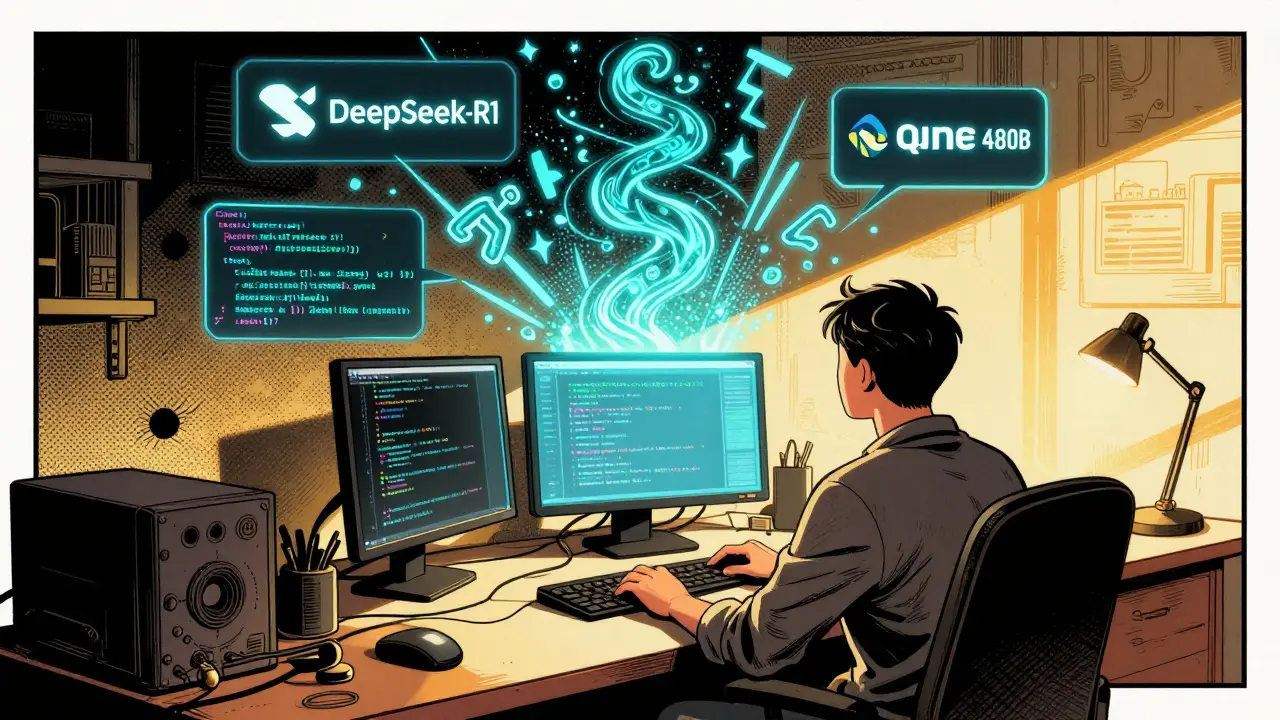
By 2025, coding isn’t just about typing commands anymore. It’s about conversation. Developers aren’t just writing code-they’re asking questions, debugging in real time, and letting AI assistants suggest entire functions based on a single comment. This is the Vibe Coding Era: a shift where AI tools don’t just assist, they feel like teammates. And at the heart of it? Open source.
It sounds simple: if an AI can help you write better code faster, why not use it? But here’s the twist-most of the tools powering this vibe aren’t from big tech giants. They’re built, tweaked, and shared by thousands of developers in GitHub repos, Discord servers, and open forums. The real innovation isn’t in the models themselves. It’s in how communities are shaping them.
What Exactly Is the Vibe Coding Era?
The term “vibe coding” isn’t marketing fluff. It’s what developers say when they describe working with an AI that just gets them. No more copy-pasting snippets from Stack Overflow. No more waiting for a slow autocomplete. Instead, you type a comment like “loop through users and update status,” and the AI returns clean, tested code that matches your project’s style. It’s intuitive. It’s fast. It feels right.
This isn’t magic. It’s the result of open-source large language models (LLMs) hitting a sweet spot in 2024-2025. Models like DeepSeek-R1 is a reasoning-optimized open-source model with 70B parameters that outperforms general-purpose models on code-specific benchmarks by 15%, Qwen3-Coder-480B is a 480-billion-parameter model fine-tuned specifically for autonomous coding tasks and agentic workflows, and Kimi-Dev-72B is a model with a 256,000-token context window, allowing developers to analyze entire codebases in one go-they all share one thing: they’re open. Anyone can download them, study them, fix them, or train them for their own needs.
Compare that to closed-source tools like Claude 4 or GPT-4. They’re powerful, sure. But they’re black boxes. You pay per query. You can’t tweak them. You can’t see how they work. For startups, small teams, or companies with sensitive code, that’s a dealbreaker.
Why Open Source Still Matters in a Closed-Source World
Let’s be honest: the numbers don’t look good. In early 2025, 19% of AI coding workloads ran on open-source models. By mid-year? That dropped to 13%. Enterprises are flocking to closed-source tools because they’re easier to deploy and consistently perform better on complex tasks.
But here’s what the stats don’t show: open source thrives where control matters.
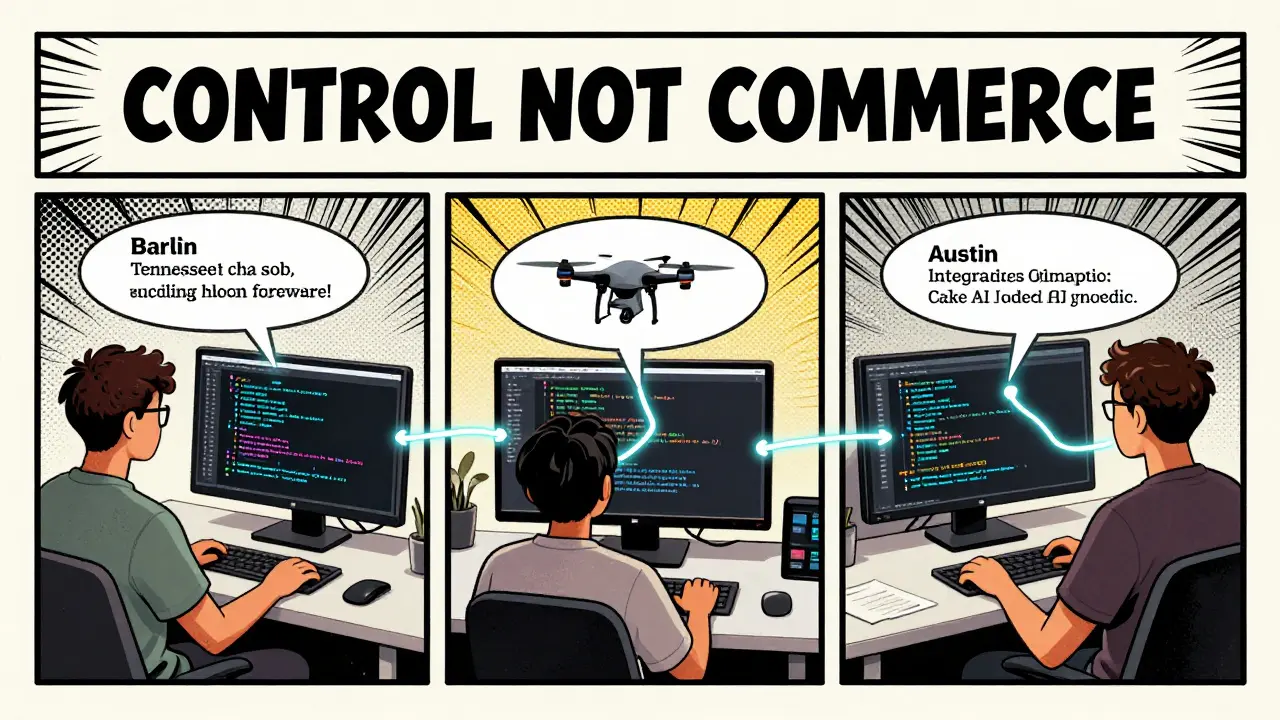
Take a fintech startup in Berlin. They need to automate code reviews for their internal banking system. They can’t risk sending their proprietary logic to a third-party API. So they took Llama 3 is a foundational open-source model from Meta that serves as the base for over 1,200 community fine-tuned variants, fine-tuned it on their legacy Java codebase, and added custom validation rules. Result? 38% fewer bugs in production. And they paid $0 in API fees.
Or consider a team in rural Tennessee building firmware for agricultural drones. They need a model that understands embedded C and real-time constraints. No commercial AI has training data for that. But a group of contributors on GitHub built Qwen3-Coder-480B is a 480-billion-parameter model fine-tuned specifically for autonomous coding tasks and agentic workflows with a custom dataset of drone code. Now it’s the go-to tool for 12 other teams doing the same thing.
Open source wins when you need:
- Customization for niche languages or frameworks
- On-premise deployment for data privacy
- Zero ongoing licensing costs
- Transparency in how code is generated
That’s not a small niche. It’s the backbone of healthcare software, embedded systems, legacy enterprise apps, and government tech. And those sectors aren’t going away.
The Community Patterns That Are Changing Everything
What makes open source in the Vibe Coding Era different from the old days? It’s not just about code anymore. It’s about patterns of collaboration.
Here are three real-world models shaping how developers use open-source AI today:
1. Community Fine-Tuning
Instead of waiting for a company to release a new version, developers now build their own. GitHub hosts over 1,200 fine-tuned coding models based on Llama 3. One of them, Java-Dev-Enhancer-v2, was trained on 500,000 lines of Spring Boot code. It’s not on Hugging Face. It’s not marketed. It’s just shared in a Slack group. And now 87 teams use it. That’s community-driven innovation at scale.
2. Toolchain Integration
It’s not enough to just have a model. You need to plug it into your workflow. Tools like Cake AI is a platform that simplifies integration of open-source models into secure, scalable, and compliant AI systems for coding workflows let teams connect local LLMs to their IDEs, CI/CD pipelines, and code review systems. One developer in Austin described it as “turning a fancy toy into a wrench.” Now, instead of manually copying AI suggestions, the model auto-generates pull request comments, suggests unit tests, and flags security risks-all without leaving VS Code.
3. Mentorship-Driven Onboarding
Learning to run a 70B model on a single GPU isn’t easy. That’s where LFX is a Linux Foundation platform offering paid internships and mentorship programs for contributors to AI coding projects comes in. They pair new developers with experienced maintainers for 12-week projects. One intern, 19-year-old Maya from Ohio, built a plugin for Qwen3 that auto-documents Python functions using docstring patterns. It’s now used in 40+ open-source repos. No corporate sponsorship. Just a community that cared enough to teach.
Where Open Source Falls Short (And Why It Still Wins)
Let’s not pretend it’s perfect.
Meta’s Llama 4 is a 2025 release from Meta that underperformed in real-world coding tasks despite high benchmark scores disappointed many. Developers reported 32% more errors in SQL generation and poor refactoring logic. Documentation? A mess. One Reddit user wrote: “I spent three days trying to get it to work. Gave up and switched back to Claude.”
And yes-performance gaps still exist. On HumanEval benchmarks, closed-source models lead by 15-20%. If you’re building a consumer app that needs flawless code generation, you’ll still lean toward GPT-4 or Claude 4.
But here’s the thing: you don’t need perfection. You need control.
Most coding tasks aren’t about writing perfect code from scratch. They’re about:
- Fixing legacy spaghetti
- Updating 10-year-old Java modules
- Generating config files for Kubernetes clusters
- Documenting undocumented APIs
Open-source models excel here. Why? Because you can train them on your code. You can make them understand your naming conventions. You can fix their mistakes yourself.
That’s not a feature. It’s a philosophy.
Hardware, Setup, and the Real Cost of Open Source
People think open source is free. It’s not. It’s just paid in different currency.
Running Qwen3-235B-A22B is a versatile dual-mode open-source model that handles both general and coding-specific tasks requires a GPU with at least 24GB VRAM. That’s a $2,000 machine. But you own it. No monthly bills. No rate limits. No vendor lock-in.
And setup? It’s not beginner-friendly. If you’ve never used Ollama or vLLM, expect a 1-2 week learning curve. But once it’s running? You’re in control. You can update the model every week. You can swap out components. You can audit the training data.
Compare that to paying $0.02 per code suggestion from an API. At 500 suggestions a day? That’s $300 a month. $3,600 a year. For a team of five? That’s $18,000. And you can’t touch the model. You can’t fix it. You can’t even see how it works.
For many teams, the trade-off is worth it.
What’s Next? The 2027 Forecast
By 2027, open-source AI won’t dominate. But it won’t disappear either.
Experts predict it’ll hold 25-30% of the coding AI market-not because it’s better, but because it’s necessary. In healthcare, finance, defense, and embedded systems, open source is the only option. Regulatory changes like the EU AI Act are helping too. Open models with transparent training data? They’re the only ones that comply.
And the communities? They’re getting smarter. Ensemble models-where you combine DeepSeek-R1 for reasoning and Kimi-Dev-72B for long-context editing-are already cutting performance gaps. The best teams aren’t choosing one model. They’re using three, each for its strength.
The future of coding isn’t about replacing developers. It’s about amplifying them. And open source? It’s the only path that lets developers stay in control.
Are open-source AI coding tools really better than closed-source ones?
It depends on your needs. Closed-source models like Claude 4 and GPT-4 are more consistent on complex tasks and easier to use. But open-source models win when you need customization, data privacy, or cost control. For example, a team that needs to train an AI on proprietary legacy code can’t do that with a closed model. Open source gives you that freedom.
Can I run open-source AI coding models on my laptop?
Yes-but only smaller models. Models like DeepSeek-R1 (70B) or Qwen3-7B can run on a single high-end GPU with 24GB VRAM. For laptops without dedicated GPUs, 7B or 13B parameter models with 4-bit quantization are your best bet. Performance drops slightly (8-12%), but it’s usable for light coding help. Tools like Ollama make this easier than ever.
Is open-source AI safe for enterprise code?
It can be, if deployed locally. Unlike cloud-based APIs, open-source models don’t send your code anywhere. You run them on your own servers. That’s why 62% of code review automation tools and 55% of internal documentation systems now use open-source models. The risk isn’t the AI-it’s the setup. Poorly configured systems can leak data. But with proper security practices, they’re safer than most cloud tools.
What’s the easiest way to start using open-source AI for coding?
Start with Ollama and Qwen3-7B. Download Ollama (free), then run `ollama run qwen3:7b` in your terminal. Install the Ollama extension in VS Code. Now you can ask for code help directly in your editor. It’s not perfect, but it’s free, local, and gives you a real feel for how vibe coding works. From there, you can explore larger models or community fine-tunes.
Do I need to be a machine learning expert to use open-source AI coding tools?
No. You don’t need to train models or tweak hyperparameters. Tools like Cake AI, Ollama, and LM Studio have made it possible for any developer to use advanced models without knowing how they work under the hood. Think of it like using a car-you don’t need to build the engine to drive it. Just plug it in and go.
How do open-source communities improve these models?
Through fine-tuning, bug reporting, and shared datasets. For example, developers might take Llama 3 and train it on thousands of React codebases to create a React-specific version. They then share it on GitHub. Others test it, report issues, and contribute improvements. This creates a living ecosystem-faster and more responsive than any corporate R&D team.
Final Thought: The Real Power Isn’t in the Code-It’s in the Community
The Vibe Coding Era isn’t about the smartest AI. It’s about the most connected ones. The models that win aren’t the ones with the most parameters. They’re the ones with the most contributors. The ones that let you fix them. Improve them. Make them yours.
That’s the beauty of open source. It doesn’t just give you tools. It gives you a voice.




8 Comments
Nicholas Carpenter
Really appreciate how this piece highlights the quiet revolution happening in dev communities. I’ve been using Llama 3 fine-tuned on our legacy COBOL modules for internal tooling - yeah, it’s slow, yeah, it needs tweaking, but it’s ours. No vendor lock-in, no surprise bill at the end of the month. That freedom? Priceless.
Also, shoutout to the team in Tennessee with the drone code. That’s the kind of grassroots innovation that doesn’t make headlines but keeps real-world systems running.
Chuck Doland
While the emotional framing of 'vibe coding' is rhetorically appealing, one must not conflate accessibility with efficacy. The empirical performance gap between proprietary models and open-source alternatives remains statistically significant on benchmarks such as HumanEval and MBPP. To suggest that control supersedes quality is to misunderstand the nature of engineering trade-offs. Precision is not a luxury - it is a prerequisite for reliability in critical systems.
That said, the democratization of model fine-tuning through community-driven pipelines is an undeniable advancement in software epistemology. The proliferation of domain-specific adaptations - such as the Java-Dev-Enhancer-v2 - represents a legitimate evolution of collaborative knowledge construction.
Madeline VanHorn
lol so you’re telling me I should run a 480B model on a $2k GPU just to save $300/month? what a joke. if you can’t afford claude 4, maybe you shouldn’t be coding.
Glenn Celaya
open source my ass everyone knows the real devs use gpt-4 turbo with a paid api key and a decent monitor setup the rest of you are just running models on potato rigs and calling it innovation
Wilda Mcgee
Y’all are missing the magic here - it’s not about the model size or the price tag. It’s about the *feel*. I remember the first time my local Qwen3-7B caught my typo in a comment and auto-fixed it while suggesting a better variable name. No lag. No API timeout. Just… right.
I’m a solo dev in rural Iowa. No team. No budget. But I’ve got 12 community fine-tuned models in my Ollama folder, each with its own vibe. One’s for docs. One’s for SQL. One’s for debugging legacy Perl (yes, really). They’re not perfect - but they’re *mine*. And that changes everything.
Also - if you’re still scared of setup? Try LM Studio. It’s like a toaster for AI. Plug it in. Press go. Done. You don’t need to be a ML wizard to ride this wave. Just be curious.
Chris Atkins
big up to the LFX mentors honestly i was lost last year trying to get llama 3 running now i got my own repo with 3 custom tweaks and even helped a new dev on discord last week feels good man
Jen Becker
i hate how everyone’s acting like open source is some noble crusade. it’s just a workaround for people who can’t afford real tools. and don’t even get me started on 'community fine-tuning' - 90% of those models are just copy-pasted from someone’s github with a renamed readme.
Ryan Toporowski
^^^ i feel you 😅 but honestly? i tried the paid tools first. they were smooth. but then i used my local model to fix a bug in our internal HR system that no one else could touch - and it worked. no cloud. no fees. just me and my 24GB GPU. now i’m hooked. 🤖💻✨