Want to build a Chrome extension that auto-fills job applications in seconds? Or turn a Figma design into working code without writing a single line? That’s what vibe coding lets you do today. No more memorizing syntax or debugging obscure errors. You just type what you want - ‘create a calculator with dark mode’ - and the AI builds it. But here’s the catch: the real power doesn’t come from typing alone. It comes from plugins and tools that turn your AI assistant into a full-time dev partner.
What Makes Vibe Coding Different From Regular AI Code Generators
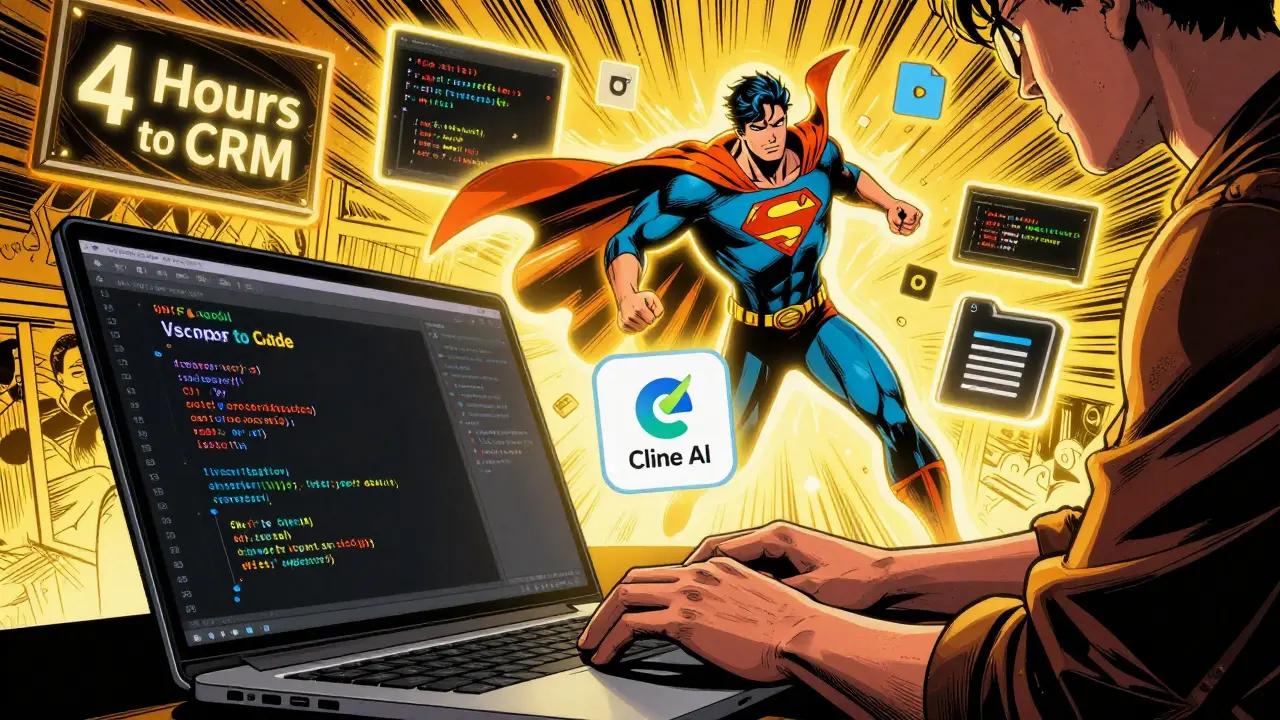
Vibe coding isn’t just another autocomplete tool. It’s a shift in how you think about building software. Instead of writing code line by line, you describe what you need - and the AI handles the rest. Tools like Cursor and Cline don’t just suggest snippets. They open files, rewrite configurations, run terminal commands, and even ask clarifying questions. A developer at a startup built a CRM dashboard in four hours using just voice prompts and Cline. No copy-pasting. No Stack Overflow tabs open. Just conversation. The difference? Traditional AI tools work on one file at a time. Vibe coding agents understand your whole project. They know that if you change a button color in one component, it might break the theme in another. They track dependencies. They remember what you said three days ago. That’s why 89% of early adopters use it for prototyping - not because it’s easy, but because it’s fast.Top Agent Plugins That Actually Work in 2026
Not all vibe coding tools are created equal. Here’s what’s moving the needle right now:- Cline: Built into VS Code, it’s like having a junior dev who never sleeps. It makes a plan before coding. As DreamHost tested, it scored 59.5/70 on building an invoicing system - clean, organized, no messy rewrites. Perfect for structured tasks.
- Cursor: Its superpower? Context. When you ask it to refactor a login component, it scans your entire codebase. It knows how your state management works, your API structure, even your naming conventions. Trustpilot users give it 4.2/5 for this reason - but warn it loses context if you jump between more than 15 files.
- Roo Code: Best for multi-file projects. If you’re building a React app with 12 components, 3 API files, and a config folder, Roo handles the connections better than most. Scored 57/70 in DreamHost’s tests - not the highest, but the most reliable for complexity.
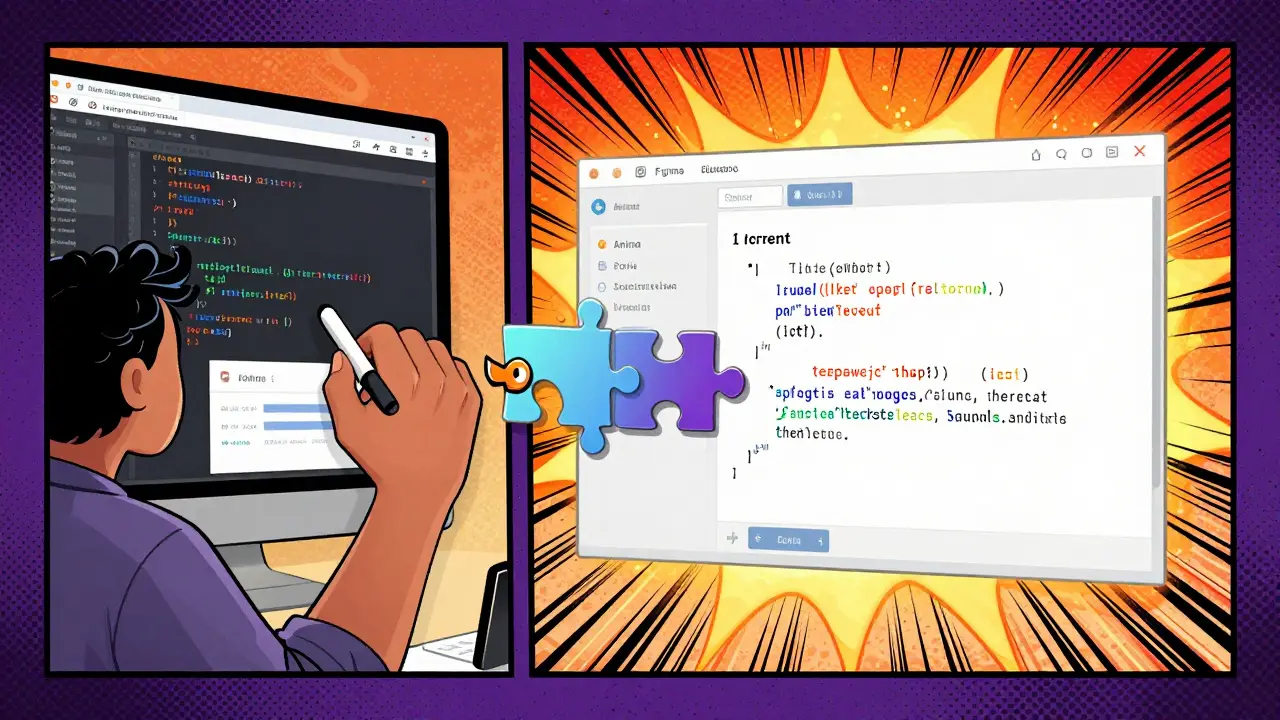
- Anima: This one’s a game-changer for designers. Paste a live website into Anima, and it converts it into editable code. You can then vibe-code changes: ‘make the header sticky’ or ‘change the font to Inter’. It preserves layout, assets, and even CSS animations.
- JSON Viewer Pro: Not a full coder, but a must-have helper. If you’re pulling data from an API and the response looks like gibberish, this tool beautifies it instantly. Saves hours of manual formatting.
These aren’t toys. They’re becoming part of daily workflows. A UX team at a SaaS company now uses Anima + Cline to go from Figma mockup to working prototype in under 90 minutes. That used to take three days.
Chrome Extensions: The Secret Weapon for Vibe Coders
The real magic happens when vibe coding meets the browser. Chrome extensions are where the most creative, high-impact projects are being built right now. Take the Gemini Summarizer extension built by developer glaforge.dev. He didn’t write a single line of JavaScript. He typed: ‘Create a Chrome extension that reads any article and summarizes it in three bullet points using Gemini API.’ The AI suggested better ways to handle API keys, added error handling for timeout cases, and even proposed a ‘copy to clipboard’ button he hadn’t thought of. He called it collaboration, not coding. Other useful Chrome plugins:- Lighthouse: After vibe-coding a web app, run Lighthouse to check performance, accessibility, and SEO. Anima’s export often needs tweaks - Lighthouse tells you exactly what.
- WhatFont: Want to match a font from a website? Click it. The tool tells you the font name, size, weight. No more guessing.
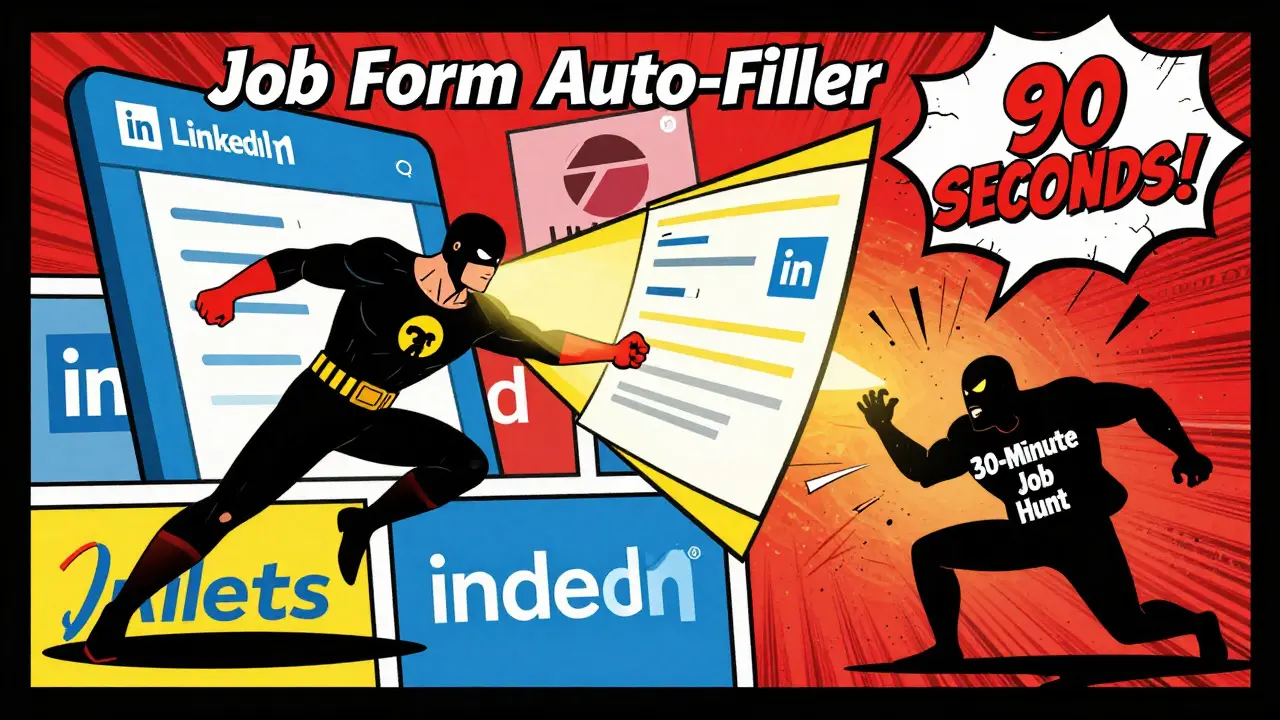
- u/DevWithVibes’ Job Form Auto-Filler: Built entirely with vibe coding. It detects form fields on job portals, maps them to your resume data, and fills them in one click. Tested on 30+ sites. Works on LinkedIn, Indeed, Glassdoor. Saves 4-6 hours a week.
These aren’t just convenience tools. They’re productivity multipliers. One developer told Hacker News: ‘I used to spend 30 minutes filling out job apps. Now I do it in 90 seconds. I built that with vibe coding. No tutorial. Just a prompt.’
What You Can’t Do With Vibe Coding (Yet)
Let’s be real: vibe coding isn’t magic. It has limits - and ignoring them will cost you time.- Complex state management: If you’re building a real-time chat app with WebSockets, Redux, and authentication flows, vibe tools will struggle. 72% of professional devs say these tools fail at cross-module dependencies.
- Security-sensitive code: 83% of Fortune 500 companies ban vibe coding tools because they send your code to external AI servers. Even if you think your code isn’t sensitive, it might be. A single API key in a comment can leak.
- Debugging AI-generated code: When something breaks, you’re not debugging code you wrote. You’re debugging code you don’t understand. Error messages like ‘Cannot read property of undefined’ become nightmares when you didn’t write the variable.
- CI/CD integration: Only 28% of companies have figured out how to plug vibe-coded code into automated testing pipelines. If your team uses Jenkins, GitHub Actions, or CircleCI, you’ll need manual reviews - for now.
Dr. Alan Chen from MIT calls vibe coding a ‘learning opportunity’ - because you can study the generated code. But Sarah Johnson at Microsoft warns: ‘You end up with black box developers who can’t fix anything when it breaks.’
How to Start Using Agent Plugins Today
You don’t need to be a pro. Here’s how to begin:- Install VS Code and the Cline extension (free). Start small: ‘Create a button that changes color when clicked.’
- Use Anima to take a live website you like. Click ‘Convert to Code.’ Then type: ‘Make the background gradient blue to purple.’ Watch it happen.
- Try a Chrome extension idea: ‘Build a tool that highlights all email addresses on any webpage.’ Let the AI handle the DOM parsing.
- Review every line of code the AI generates. Don’t just accept it. Ask: ‘Why did it use const instead of let?’ ‘Why this function structure?’
- Set up a simple Git repo. Commit after each change. This way, if the AI goes off track, you can roll back.
Most people think vibe coding means typing and waiting. It doesn’t. It means reviewing, refining, and rethinking. A Stack Overflow survey found 87% of successful vibe coders spend at least 30% of their time editing AI output. That’s not a bug - it’s the new skill.
The Future: Plugins That Think for You
The next wave isn’t just better AI. It’s smarter plugins. Google’s Gemini team is building native Chrome templates for vibe coding. Anima’s latest update (v2.3) can now convert React components from live sites with full state handling. And glaforge.dev’s next version of the Gemini Summarizer will let users customize prompts right inside the extension - no code needed. Forrester predicts that by 2027, 65% of UI code for internal tools will be vibe-coded. But adoption hinges on one thing: trust. Until tools can prove they don’t leak code, enterprises will stay away. That’s why Cursor now includes audit trails - showing every prompt, file change, and decision made during generation.Final Thought: You’re Not Replacing Developers. You’re Replacing Busywork.
Vibe coding isn’t about making developers obsolete. It’s about making them more powerful. The best vibe coders aren’t the ones who type the most. They’re the ones who ask the best questions. They know when to say ‘no’ to the AI. They understand when to dig into the generated code. They use plugins not to avoid learning - but to learn faster. The tools are here. The plugins are working. The question isn’t whether you should use them. It’s whether you’ll use them well.Can vibe coding replace full-stack developers?
No. Vibe coding excels at prototyping, micro-apps, and UI automation - not complex systems. Enterprise apps with databases, auth, scaling, and compliance still need human architects. The AI can generate a login page, but it can’t design a secure, scalable authentication flow. Developers shift from typing code to guiding AI, reviewing output, and solving edge cases.
Are vibe coding tools safe for company use?
It depends. Tools like Cursor and Cline send your code to external servers. For startups or personal projects, that’s fine. For companies handling customer data, IP, or regulated systems, 83% currently block these tools due to security risks. Some are starting to use on-premise LLMs or private instances, but that’s still rare. Always check your company’s policy before installing.
What’s the learning curve for vibe coding?
You can start building simple tools in under 2 hours. But true proficiency - knowing when to trust the AI, how to debug its output, and how to structure prompts - takes 15-22 hours of practice. Anima’s internal training shows developers become 63% faster at building micro-extensions after that. The key isn’t learning JavaScript - it’s learning how to talk to AI.
Which vibe coding tool is best for beginners?
Cline is the best for beginners. It’s simple, structured, and doesn’t overwhelm you with options. It asks clarifying questions before generating code, which teaches you how to think like a developer. Cursor is powerful but can be confusing if you’re not familiar with project structure. Start with Cline, then move to Anima for design-to-code tasks.
Can vibe coding work with existing codebases?
Yes - but only if the code is clean. Tools like Cursor analyze your entire project to understand patterns. If your codebase has inconsistent naming, missing comments, or outdated dependencies, the AI will struggle. Clean up your code first. Add clear file structure and comments. Then let the AI help you extend it - don’t let it rewrite everything.
Do I need to know programming to use vibe coding?
You don’t need to write code, but you need to understand it. If you can’t read a basic JavaScript function or spot a missing semicolon, you’ll get stuck when the AI makes a mistake. Vibe coding shifts the skill from syntax to logic. Learn how variables work, how functions return values, and how APIs respond. That’s enough to get started.



10 Comments
Indi s
I tried vibe coding to make a simple button that changes color and it actually worked on the first try. I didn't know what I was doing but the AI asked me questions and I just answered like I was talking to a friend. No stress.
Now I use it to fix small stuff at work. Not replacing my job, just making it less boring.
Rohit Sen
‘Vibe coding’? Sounds like a TikTok trend for people who think ‘const’ is a swear word.
Real devs write code. Not chat with bots like they’re ordering coffee.
Vimal Kumar
I get where Rohit’s coming from but honestly, if you’ve ever spent 3 hours debugging a semicolon in a 5000-line file, you’ll welcome anything that cuts that down.
I started with Cline last month. Didn’t know React from a potato. Now I built a tool that auto-fills my cousin’s job apps. She cried. I didn’t. But I smiled.
It’s not about replacing skill. It’s about removing the grind so you can focus on the hard stuff. And yeah, I still read every line the AI writes. Still learning.
Amit Umarani
There’s a missing period after ‘one click’ in the Job Form Auto-Filler section. Also, ‘glaforge.dev’ should be italicized if you’re referencing a domain as a proper noun. And ‘vibe coding’ is not a term. It’s a marketing buzzword slapped onto existing LLM tools.
Also, ‘89% of early adopters’ - source? Citation? No one cites anything anymore. Just throw numbers around like confetti.
Noel Dhiraj
If you’re not using Anima to turn Figma into code you’re doing it wrong
I went from mockup to live prototype in 72 minutes yesterday. No frontend dev needed. Just me and the AI. Took a nap after. Best day ever.
Start small. Don’t overthink. Just type what you want and see what happens. You’ll be surprised how much you learn just by watching it work.
vidhi patel
This entire article is riddled with grammatical errors, improper capitalization, and pseudo-scientific statistics. The phrase ‘vibe coding’ is not a legitimate technical term. It is a derivative of the lazy, trend-chasing culture that has infected software development.
Furthermore, the assertion that ‘83% of Fortune 500 companies ban these tools’ is unsubstantiated. Where is the peer-reviewed study? Who conducted the survey? The lack of academic rigor here is alarming.
Priti Yadav
They’re tracking everything you type. Every prompt. Every file. Every keystroke. They say ‘it’s just for training’ but what if your code has your ex’s name in a variable? Or your boss’s email in a comment?
I saw a leak last month - someone’s private API key got pulled from a vibe-coded project and sold on a dark web forum.
They’re not building tools. They’re harvesting your work to train their next AI. And you’re the data.
Ajit Kumar
It is a fundamental misconception to suggest that vibe coding eliminates the need for understanding programming logic. While the tools may generate syntactically correct code, the user must possess a foundational comprehension of variable scope, asynchronous execution, and dependency resolution in order to effectively validate, debug, and maintain the output.
Moreover, the notion that one can ‘learn faster’ by outsourcing syntax to an AI is pedagogically unsound. One does not become a pianist by listening to a synthesizer play Mozart. One becomes a pianist by practicing scales, by feeling the resistance of the keys, by internalizing the structure.
The author’s recommendation to ‘review every line’ is correct - but this negates the entire premise of speed. If you must review every line, you are not saving time. You are merely changing the nature of the labor.
Furthermore, the claim that ‘87% of successful vibe coders spend 30% of their time editing’ is not evidence of efficiency - it is evidence of unreliability.
Let us not confuse automation with mastery. The tools are useful. But they are not a substitute for discipline. They are a crutch. And crutches, when used long-term, weaken the muscles they were meant to support.
Diwakar Pandey
I’ve been using Cursor for a month now. Started with a simple todo list. Then a weather widget. Now I’m helping my sister build a site for her handmade candles.
It’s not magic. Sometimes it messes up the CSS. Sometimes it picks the wrong library. But I’ve learned more by fixing its mistakes than I did in six months of tutorials.
Just don’t trust it blindly. Read the code. Ask why it did something. That’s the real skill now.
And yeah, it’s way better than Googling ‘how to center a div in 2026’.
Geet Ramchandani
Let’s be brutally honest - this entire ‘vibe coding’ movement is just a glorified version of GitHub Copilot for people who don’t want to learn anything. You think you’re being productive? You’re just outsourcing your brain to a black box that doesn’t even know what a closure is.
And let’s talk about that ‘Job Form Auto-Filler’ - you’re automating job applications? That’s not efficiency, that’s fraud. You’re gaming the system. Companies aren’t looking for people who can click a button - they’re looking for people who can think.
And don’t even get me started on Anima. You turn a Figma design into code? Great. Now you’ve got 1200 lines of unoptimized, bloated React that no human can maintain because you don’t understand why it’s structured that way.
This isn’t the future of development. It’s the death of craftsmanship. And you’re all just too lazy to notice.