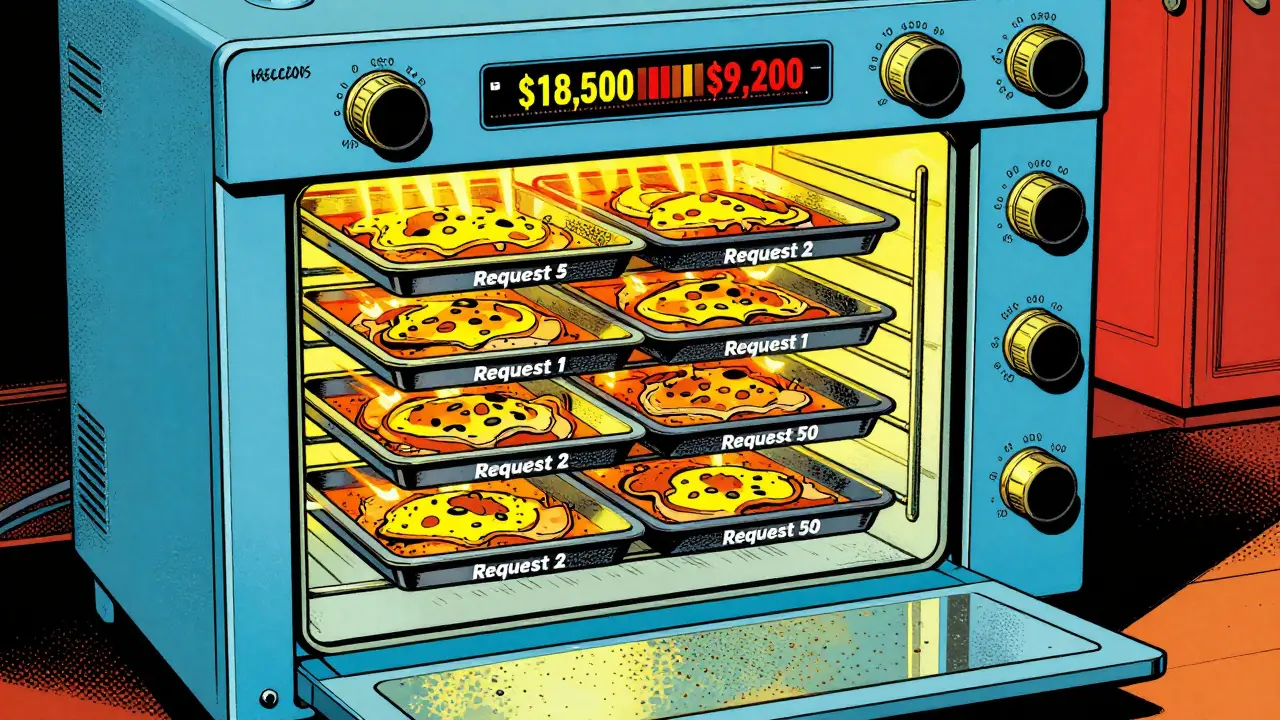
Running large language models (LLMs) at scale isn’t just about having powerful hardware-it’s about squeezing every bit of efficiency out of each inference. If you’re paying for API calls or hosting your own models, you’ve probably noticed how quickly costs add up. One of the most effective ways to slash your cost per token is by batching requests. But choosing the right batch size isn’t guesswork. It’s a trade-off between speed, memory, and money-and getting it wrong can cost you thousands.
Why Batch Size Matters More Than You Think
Think of your GPU like a kitchen. If you cook one meal at a time, you’re wasting heat, electricity, and time. But if you cook 20 meals together in the same oven, you spread the fixed cost over more servings. That’s batching. Instead of sending one user’s prompt to the model and waiting for a response, you group 10, 50, or even 200 prompts and run them all at once. The model loads once. The GPU computes once. The cost per token drops. Companies like Scribd and First American cut their LLM bills by over 40% just by switching from single-request calls to smart batching. One fintech team reduced their monthly OpenAI bill from $18,500 to $9,200-no model change, no new hardware. Just better batching.What’s the Best Batch Size?
There’s no universal number. The optimal batch size depends on your model, your input length, and your latency tolerance.- Text generation (like summarizing documents or writing emails): 10-50 requests per batch
- Classification (like tagging support tickets or sentiment analysis): 100-500 requests
- Q&A systems (like customer chatbots): 50-200 requests
Hardware Limits: The Hidden Bottleneck
Your GPU isn’t just a processor-it’s a memory machine. A 70B model like LLaMA2 needs about 140GB of VRAM just to load. Add a batch size of 32 with long prompts, and you’re quickly hitting 200GB+. That’s why many teams max out at batch size 64-even if their GPU could technically handle more. Here’s the kicker: consumer-grade GPUs like the RTX 4090 often offer better memory bandwidth per dollar than enterprise chips like the H100. A study from February 2025 showed consumer GPUs deliver 1.9x more memory bandwidth per unit price. For smaller models (7B-13B), you can run larger batches on cheaper hardware and still outperform expensive cloud GPUs.Static vs. Dynamic vs. Continuous Batching
Not all batching is created equal.- Static batching groups requests ahead of time. Great for scheduled jobs like overnight document processing. But if your traffic is unpredictable, you’ll have idle GPUs or long queues.
- Dynamic batching waits for requests to arrive, then groups them as they come in. Ideal for chatbots or APIs with spiky traffic. Most teams use this.
- Continuous batching is the next level. As one request finishes generating text, the GPU immediately starts processing a new one in the same slot. No waiting. No gaps. Tools like vLLM and TensorRT-LLM use this to achieve up to 24x higher throughput than standard Hugging Face setups.

Streaming vs. Batch: The Cost Trap
If you’re streaming responses-sending tokens one by one as they’re generated-you’re paying a premium. Streaming keeps the GPU in constant motion, uses more memory, and prevents batching. It’s great for interactive chatbots where users expect instant replies. But if you’re generating reports, translating documents, or analyzing logs? Don’t stream. Batch. You’ll save 20-40% just by turning off streaming.Combine Batching With Other Cost Hacks
Batching alone won’t solve everything. Pair it with these proven tactics:- Model cascading: Send 90% of simple queries to a tiny model like Mistral 7B ($0.00006 per 300 tokens). Only escalate complex ones to GPT-4. Combined with batching, this can cut costs by 87%.
- Early stopping: Configure your model to stop generating once it’s confident. This cuts output tokens by 20-40% without hurting quality.
- Quantization: Run models with 4-bit or 8-bit precision. You lose almost no accuracy but gain 2-3x larger batch sizes on the same GPU.
- Caching: Store responses to repeated queries (like “What’s our return policy?”). Retrieval-augmented generation (RAG) with caching can reduce redundant calls by 15-25%.
Real-World Numbers: What You Can Actually Save
OpenAI slashed GPT-4 pricing from $36 to $5 per million tokens between March 2023 and September 2024. That’s an 86% drop. But with batch processing, you can go even lower-to $2.50 per million tokens. That’s another 50% off. One team serving 5 million tokens per day with GPT-4 paid $150/day before batching. After switching to batch size 35 with continuous batching and early stopping? $65/day. That’s $2,550 saved per month. Another team running LLaMA2-70B on A100s was spending $2,500/day. After switching to RTX 6000 Ada GPUs with dynamic batching and 4-bit quantization? $900/day. And their latency improved.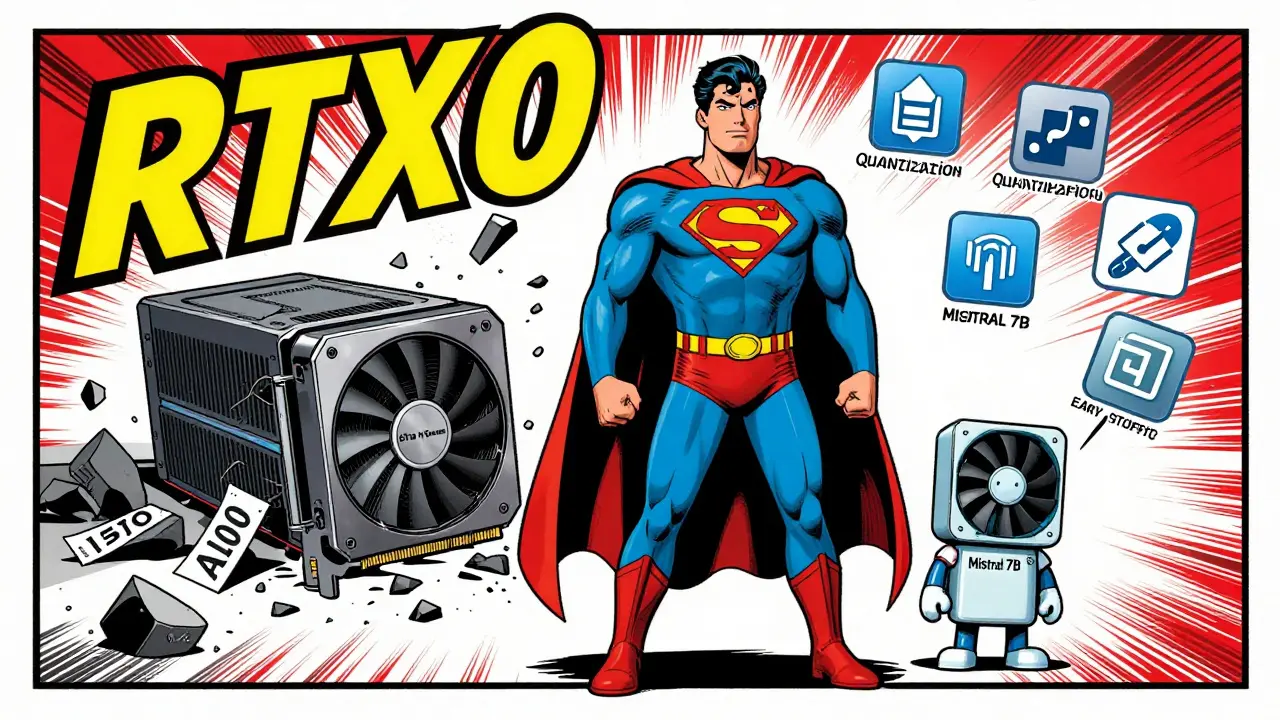
How to Start
You don’t need to overhaul your system overnight. Here’s how to begin:- Identify your most frequent use case. Is it classification? Summarization? Q&A?
- Start with a batch size of 20-30 for that use case.
- Monitor GPU memory usage and latency. Use tools like NVIDIA Nsight or Prometheus.
- Gradually increase batch size until memory hits 80% or latency exceeds your SLA.
- Turn off streaming if it’s not needed.
- Test model cascading: route 50% of simple queries to a smaller model.
- Measure cost per token before and after. Track savings over 30 days.
What Not to Do
- Don’t assume bigger is always better. Batch size 128 might crash your GPU.
- Don’t batch requests with wildly different input lengths. A 500-word prompt and a 10-word prompt in the same batch forces the GPU to pad everything to 500 words-wasting compute.
- Don’t ignore monitoring. Without tracking memory, latency, and cost per token, you’re flying blind.
The Future Is Automated
The next wave of LLM serving won’t rely on engineers manually tweaking batch sizes. Tools like Anthropic’s upcoming 2025 Q4 release will auto-optimize batching based on real-time traffic, model load, and cost targets. But until then, the best tool you have is data-track, test, and iterate.Final Thought
LLMs aren’t getting cheaper. They’re just getting smarter about how they’re used. The companies winning aren’t the ones with the biggest GPUs. They’re the ones who know how to pack them full.What’s the ideal batch size for a 7B model like Mistral?
For a 7B model like Mistral, start with batch sizes between 20 and 50 for text generation or Q&A tasks. If your prompts are short and your GPU has enough memory (like an RTX 4090), you can push to 100. Monitor memory usage-once you hit 85% VRAM utilization, you’re nearing the limit. For classification tasks with short inputs, you can safely go up to 200.
Does batching increase response time?
Yes, but only for individual requests. Batch processing improves overall throughput, meaning your server handles more requests per second. However, each request waits in line until the batch fills up. If your app needs sub-500ms responses, keep batch sizes small (under 20) or use continuous batching to minimize delays. For non-interactive tasks like report generation, a 2-3 second delay is acceptable for 70% cost savings.
Can I use batching with OpenAI’s API?
Yes. OpenAI launched its Batch API in June 2024 specifically for this purpose. You can submit up to 50,000 requests in a single batch and get results via a downloadable file. It’s ideal for offline processing like document summarization, sentiment analysis, or content moderation. It’s not for real-time chat, but for bulk tasks, it’s the cheapest way to use GPT-4.
How does batch size affect GPU memory usage?
Batch size directly impacts the size of the KV cache-the memory used to store intermediate attention states. Each additional request in a batch adds to this cache. For a 70B model, a batch size of 1 might use 20GB of VRAM. At batch size 32, it can jump to 120GB+. Always check your GPU’s total memory and leave 15-20% headroom. Use tools like nvidia-smi to monitor usage in real time.
Is continuous batching worth the complexity?
If you’re serving more than 100 requests per minute, yes. Continuous batching (used by vLLM and TensorRT-LLM) keeps your GPU 90%+ utilized by filling gaps as requests finish. Static batching leaves idle time. Continuous batching doesn’t. It’s more complex to set up, but for high-volume services, it’s the difference between needing 4 servers and 1. The 2024 MLPerf benchmarks showed up to 24x higher throughput than standard Hugging Face setups.
Can I use consumer GPUs for LLM batching?
Absolutely. A single RTX 6000 Ada or RTX 4090 can handle 7B-13B models with batch sizes of 50-100 at a fraction of the cost of an A100. Consumer GPUs offer 1.9x better memory bandwidth per dollar, according to a February 2025 arXiv study. For non-enterprise use cases, they’re often the smarter financial choice. Just make sure you have enough VRAM-16GB is the absolute minimum for 7B models.
How do I measure cost per token?
Divide your total cost by the total number of tokens processed. For example, if you spent $100 on a month of API calls and processed 40 million tokens, your cost per token is $0.0000025. Track this before and after implementing batching. Also track input vs. output tokens-they’re billed separately. Use logging tools like Prometheus or custom metrics in your inference pipeline to capture this automatically.



9 Comments
pk Pk
Just switched to batch size 35 on my RTX 4090 for Mistral-7B and my monthly bill dropped from $180 to $75. No magic, just math. Also turned off streaming for all non-chat tasks-huge win.
Stop overcomplicating it. Start small, measure, scale.
NIKHIL TRIPATHI
Been running continuous batching with vLLM for our support bot and it’s been a game changer. Latency dropped from 1.8s to 320ms even with 80 requests in a batch. Memory usage stayed under 85% on a 24GB GPU.
Biggest tip? Don’t batch long and short prompts together. Padding kills efficiency. Pre-filter by length first.
Shivani Vaidya
It is important to recognize that batching is not merely a technical optimization but a philosophical shift in how we perceive computational resources. The model is not a servant to be rushed, but a symphony to be conducted with patience and precision.
Each token is a note. Each batch, a chord. To rush is to dissonate. To wait is to harmonize.
Perhaps the true cost is not in dollars, but in the silence we lose when we fail to listen to the machine's rhythm.
Rubina Jadhav
Try 4-bit quantization. It works. No drama. Just less memory, same results. I did it on my old laptop and it ran fine.
sumraa hussain
Bro. I went from $2000/month to $300 on RTX 6000 Ada. I cried. Not because I was sad. Because I realized I wasted 14 months paying for cloud overkill.
OpenAI’s batch API? Use it. It’s like finding out your car runs on air and you’ve been paying for gasoline.
Also, if you’re still using streaming for reports, please stop. You’re not a magician. You’re just burning money.
Raji viji
LMAO look at all these people acting like they discovered fire. Everyone knows batching saves money. The real question is why the hell are you still running 70B models on consumer cards?
You think an RTX 4090 is ‘cheaper’? It’s a death trap. You’ll burn out your VRAM in 6 months. And don’t even get me started on quantization-your ‘accuracy loss’ is just your model hallucinating more creatively.
Use the damn API if you can’t afford real hardware. Stop pretending you’re a data scientist when you’re just a guy with a gaming rig and too much free time.
Rajashree Iyer
What is cost, really? Is it the number on the invoice? Or is it the quiet erosion of human attention, the way we’ve turned intelligence into a commodity to be sliced, packed, and sold by the token?
Batching is not efficiency-it is surrender. We no longer ask the model to think. We ask it to churn. Faster. Louder. More.
Perhaps the true optimization is not in the GPU, but in the silence between queries-the space where thought still lives.
Parth Haz
Excellent breakdown. I’d only add that monitoring cost per token should be automated via Prometheus and alert thresholds set at 10% above baseline. We implemented this last quarter and caught a misconfigured batch size before it cost us $12k.
Also, for teams using OpenAI’s Batch API-remember to validate output format programmatically. We had 3% of responses corrupted due to encoding issues. Fixed with a simple JSON schema validator.
Vishal Bharadwaj
lol you all think you’re so smart with your batch sizes and quantization. I ran a 70B model on a 12GB GPU with batch size 128 and it worked fine. You just don’t know how to use it.
Also, continuous batching? That’s just a buzzword. The real bottleneck is your data pipeline, not the GPU.
And btw, RTX 4090s are overrated. I used a 3090 and saved 40% and got better temps. You’re all following trends, not thinking.
Also, your ‘cost per token’ math is wrong. You forgot to count the electricity cost of your cooling system. Oops.