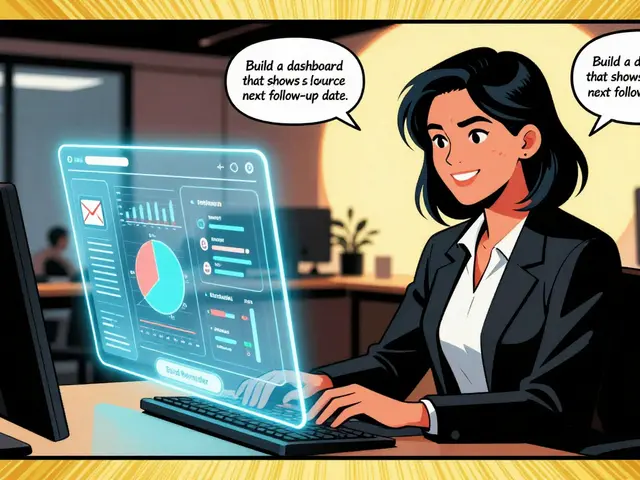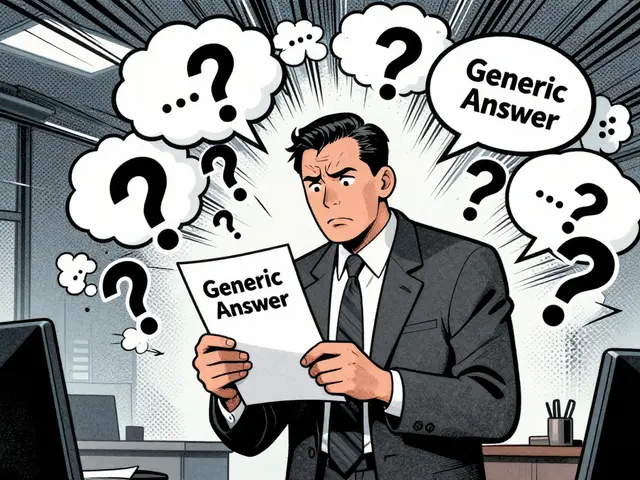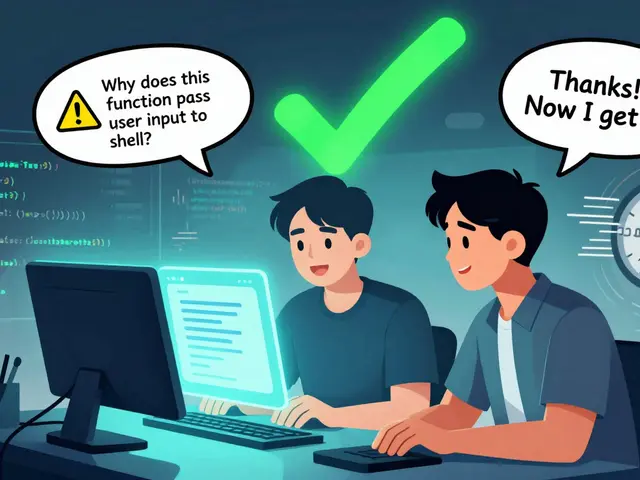
You’re staring at a login screen that looks nothing like what you asked for. The AI gave you a basic form, but you wanted JWT validation, error states, and responsive design. You tweak the prompt, hit enter, wait, and get something slightly different but still wrong. Sound familiar? This "try again" loop eats up nearly 37% of developer time according to recent workflow analyses. The fix isn’t better luck-it’s reusable prompt snippets. By treating prompts like code components, you stop reinventing the wheel for every authentication flow or data table.
Why Ad-Hoc Prompting Fails at Scale
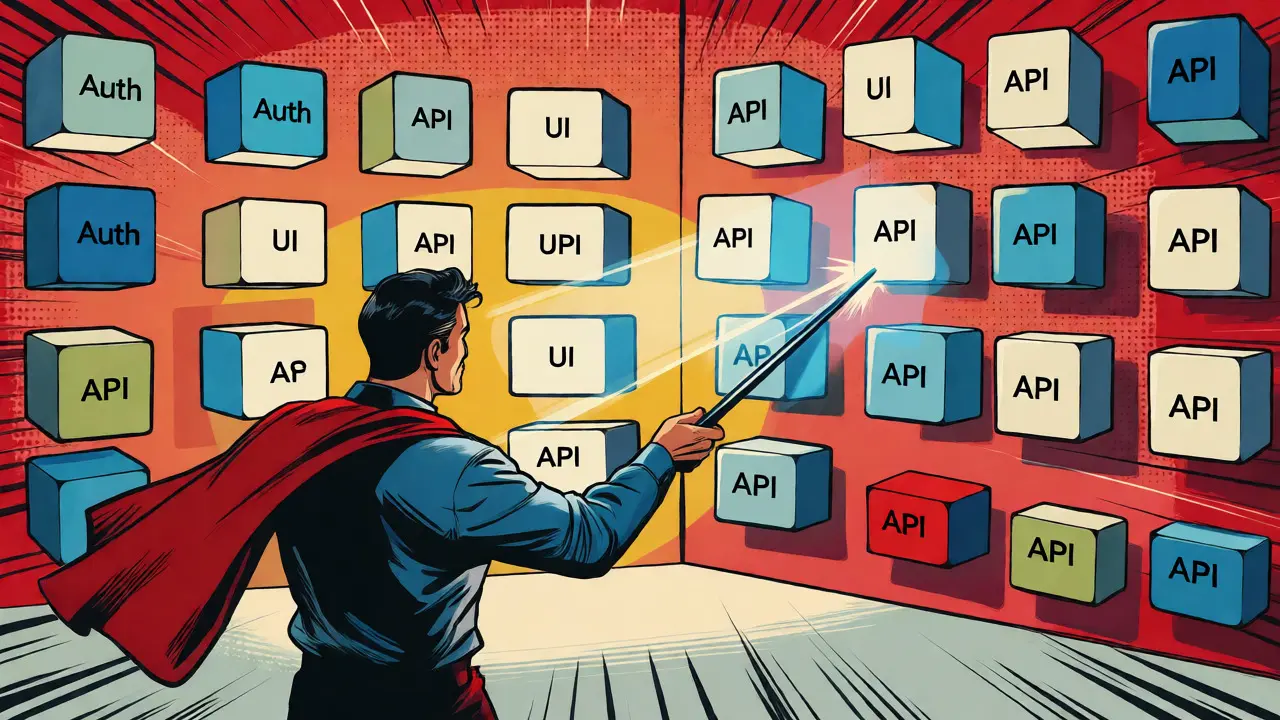
Most developers start with natural language requests: "Build me a user profile page." It sounds simple, but AI models interpret ambiguity differently each time. One run might give you a card layout; another gives you a list view. Without structure, you’re gambling with context windows. Reusable snippets solve this by locking down the variables that matter. Think of them as functions in your prompting library. Instead of writing a new essay every time you need a button, you call a pre-tested component.
This shift mirrors how we moved from copying CSS blocks to using utility classes in Tailwind or component libraries in React. The goal is consistency. When you use a curated snippet for an API integration, you know exactly how it handles errors, retries, and loading states. You don’t hope the AI remembers your preference for async/await over promises. You enforce it. Tools like Vibe Coding Toolbox have formalized this approach, turning chaotic experimentation into a predictable engineering practice.
The Anatomy of a High-Performance Snippet
A good snippet isn’t just a short sentence. It’s a structured instruction set designed to minimize hallucination and maximize precision. Effective snippets typically follow a three-part architecture: Context, Constraint, and Output Format. If you miss one, the AI fills in the gaps with its own assumptions-which are often wrong.
Consider an authentication snippet. A weak version says, "Add login functionality." A strong version specifies the stack (e.g., Next.js 14), the auth provider (Auth0 or Supabase), the state management pattern (Context API vs. Redux), and the specific UI behavior for failed logins. According to performance benchmarks, developers using this level of detail see a 68% reduction in revision cycles. That’s not magic; it’s clarity.
| Feature | Ad-Hoc Prompting | Reusable Snippet |
|---|---|---|
| Consistency | Low - varies by model mood/context | High - standardized output structure |
| Time per Feature | ~45 minutes (including revisions) | ~15 minutes (instant application) |
| Error Handling | Often missing or generic | Pre-defined edge cases included |
| Team Onboarding | Slow - tribal knowledge required | Fast - self-documenting patterns |
Building Your Core Snippet Library
You don’t need a thousand snippets to start. In fact, starting small is critical. Over-engineering your library creates cognitive overhead where you spend more time managing prompts than coding. Aim for 5-7 core categories that cover 80% of your daily work. These usually include Authentication, Data Fetching, UI Components, Error Management, and Testing Patterns.
Let’s look at a concrete example for a common feature: Data Tables with Pagination. Instead of describing the table every time, create a snippet that defines the behavior once:
- Context: "Implement a data table component using [Framework Name]."
- Constraints: "Use server-side pagination. Include sorting on headers. Handle empty states gracefully. Ensure mobile responsiveness via horizontal scroll."
- Output: "Provide the full component code, including TypeScript interfaces for row data and props."
When you save this as a snippet named `data-table-standard`, you can reuse it across projects. If you switch from React to Vue, you only update the framework reference in the snippet, not the logic description. This modularity saves about 53 seconds per feature compared to rewriting full templates, according to comparative studies of developer workflows.
Integrating Snippets into Your Workflow
Having a library is useless if accessing it breaks your flow. The best implementations integrate directly into your IDE or CLI. For web-based tools, copy-paste works, but friction adds up. Professional teams often use command-line interfaces (CLI) compatible with Node.js v16+ or extensions within VS Code. The goal is retrieval speed. If it takes more than five seconds to find and insert a snippet, you’ll stop using it.
A successful workflow follows a "Plan-Implement-Run" methodology. First, identify the task. Second, select the relevant snippet chain. Third, paste it into your AI agent with any project-specific variables filled in. Fourth, review the output against your constraints. This structured approach reduces errors by nearly 40% because you’re guiding the AI rather than hoping it guesses correctly.
Version control matters here too. Treat your snippet library like source code. Use Git to track changes. Why? Because frameworks evolve. A snippet written for React 17 might break in React 18 due to lifecycle changes. Versioning allows you to roll back or branch snippets for different project eras. Teams that prune their libraries quarterly see 22% higher effectiveness because they remove outdated patterns that cause confusion.
Common Pitfalls and How to Avoid Them
The biggest risk in snippet management is fragmentation. You end up with ten variations of "API Call," none of which quite fit the current problem. To avoid this, enforce strict naming conventions. Use prefixes like `feat-auth-` or `ui-button-` to group related items. Consistent naming helps both humans and AI search engines within your tooling.
Another trap is context mismatch. A snippet optimized for a monolithic backend might fail in a microservices architecture. Always tag snippets with architectural constraints. Does it assume REST? GraphQL? Serverless? Without these tags, you’ll waste time debugging why a "perfect" snippet generated broken code. MIT research highlights that 41% of community-shared examples lack these usage constraints, leading to silent failures.
Finally, beware of security risks. Not all shared snippets are safe. An audit by Snyk found that only 37% of community snippets passed basic security validation. Always review third-party snippets for hardcoded secrets or insecure default configurations before adding them to your trusted library.
The Future of Prompt Engineering
We are moving toward standardization. The newly formed Prompt Engineering Standards Consortium is working on RFC-style specifications for common features. Imagine an official "Authentication Pattern" standard that all major AI coding assistants recognize. This would allow true cross-platform compatibility, solving the current issue where only 22% of snippets work seamlessly across different models.
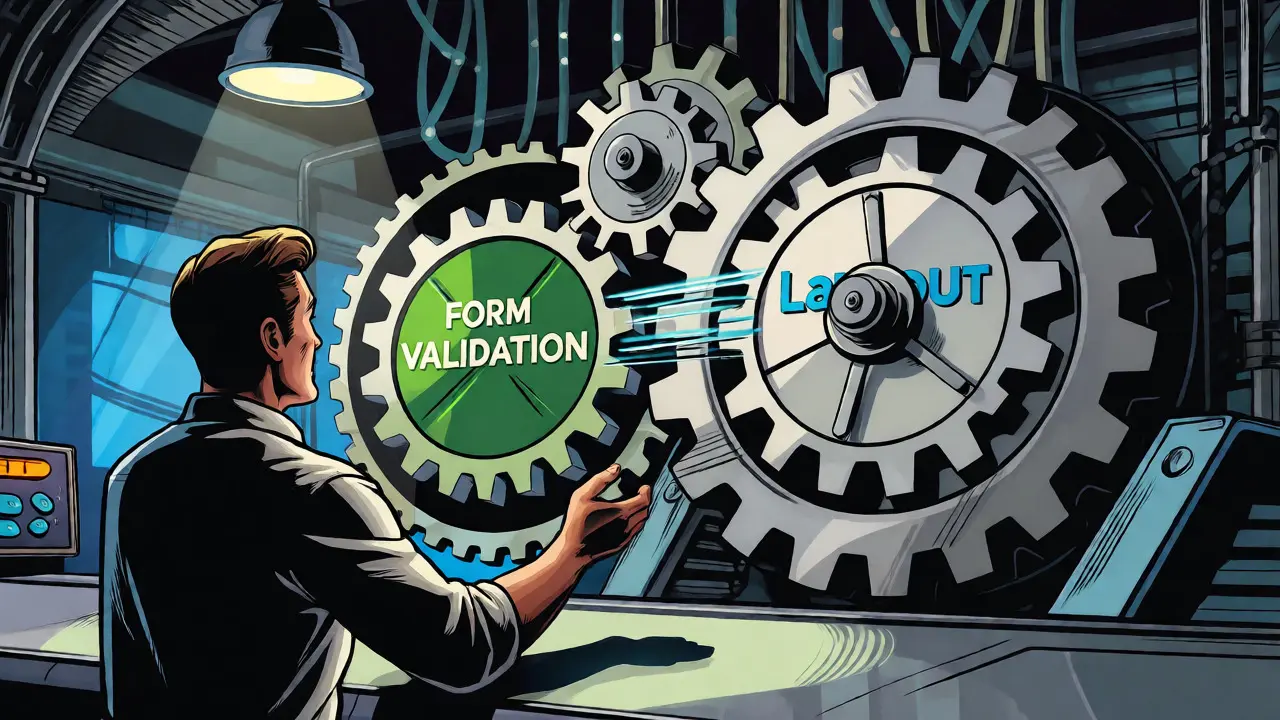
Emerging tools are also introducing "Smart Snippet Chaining." Instead of manually combining a form validation snippet with a layout snippet, the system automatically suggests related components based on your current file type and project structure. This context-aware injection reduces manual composition time significantly. As AI models become more sophisticated, the role of the developer shifts from writing instructions to curating high-quality instruction sets.
What is Vibe Coding?
Vibe Coding is a development methodology that emphasizes natural language interaction with AI agents to build software. It focuses on maintaining a continuous flow between human intent and machine execution, often relying on structured prompts and reusable components to maintain consistency and speed.
How many prompt snippets should I start with?
Start with 5-7 core snippets covering your most frequent tasks, such as authentication, data fetching, and UI components. Starting small prevents cognitive overload and ensures you actually use the library. Expand gradually as you encounter recurring needs.
Do prompt snippets work across different AI models?
Currently, compatibility varies. Only about 22% of snippets work seamlessly across different AI coding assistants due to model-specific formatting requirements. However, standards are emerging, and newer tools are improving cross-platform support through abstraction layers.
How do I manage versions of my prompt snippets?
Treat your snippet library like code repositories. Use Git for version control. Tag snippets with framework versions (e.g., React 18) and architectural styles. Regularly prune outdated snippets to prevent confusion and ensure your library reflects current best practices.
Are reusable snippets secure?
Not automatically. Community-shared snippets may contain insecure defaults or hardcoded secrets. Always audit third-party snippets before use. Internal snippets should be reviewed during code reviews to ensure they adhere to your team's security policies.