When your team starts using Large Language Models (LLMs) daily, you quickly realize something: prompt engineering isn’t just about writing good prompts. It’s about building systems that let everyone on the team produce reliable, high-quality results - without reinventing the wheel every time.
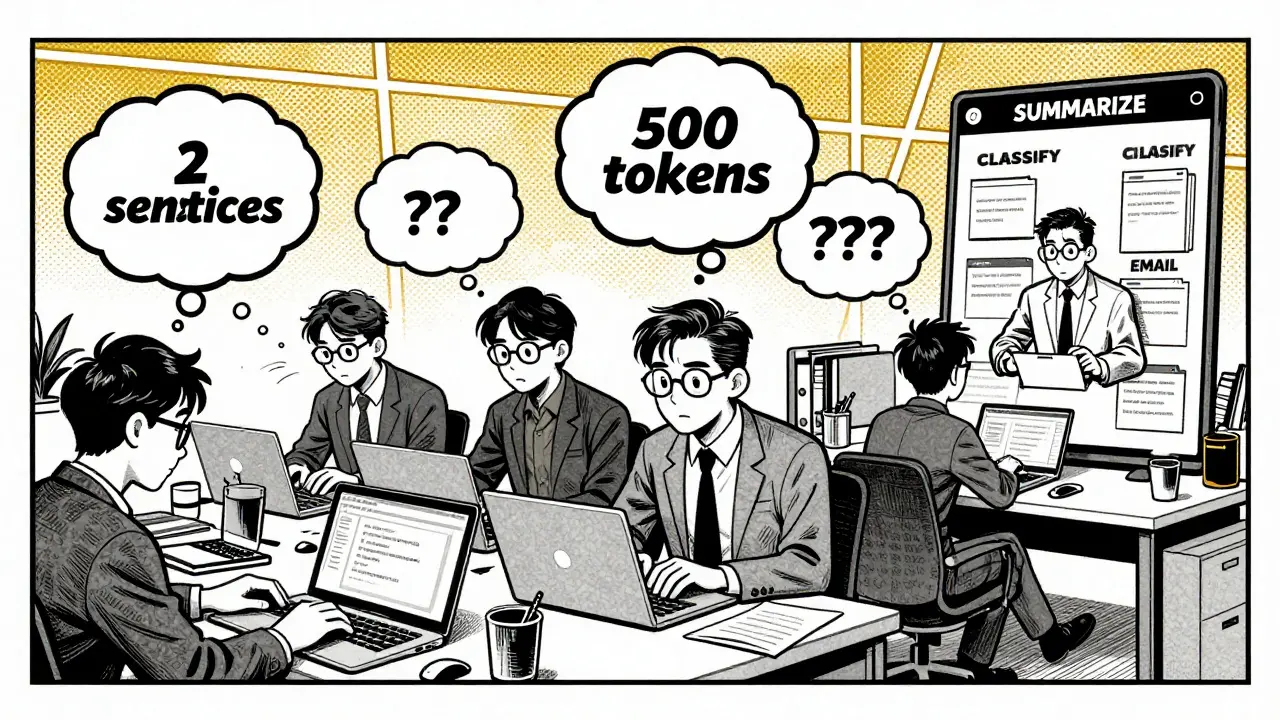
Early on, teams might start with a few prompts saved in a Notion doc or a shared Google Sheet. But as usage grows, chaos follows. One person’s "summarize this" prompt gives a two-sentence answer. Another’s gives a full report. Someone else’s output is 500 tokens long when the client asked for 150. Mistakes pile up. Time gets wasted. New hires spend weeks just figuring out what works.
That’s where prompt libraries come in.
What Is a Prompt Library?
A prompt library is a structured collection of reusable, tested, and documented prompts. Think of it like a code library - but instead of functions, you’re storing instructions for AI models. Each prompt is designed for a specific task: summarizing, classifying, translating, generating code, answering FAQs, or even writing marketing copy.
These aren’t random snippets. They follow a clear structure: context (what the model should know), instruction (what to do), and examples (how it should look). For example, a prompt for summarizing research papers might include:
- Context: "You are a scientific analyst. The user will provide a paper abstract."
- Instruction: "Summarize in 3 bullet points, under 100 words."
- Examples: One input-output pair showing a clean summary.
Advanced libraries use variables - like {{input_text}} or {{tone}} - so prompts can be reused across different inputs. A "draft email" template can adjust tone based on whether the recipient is a client, colleague, or regulator.
Why Teams Need This
Without a library, every team member works in isolation. You end up with 17 versions of "rewrite this for clarity," and no one knows which one’s best. A prompt library fixes that.
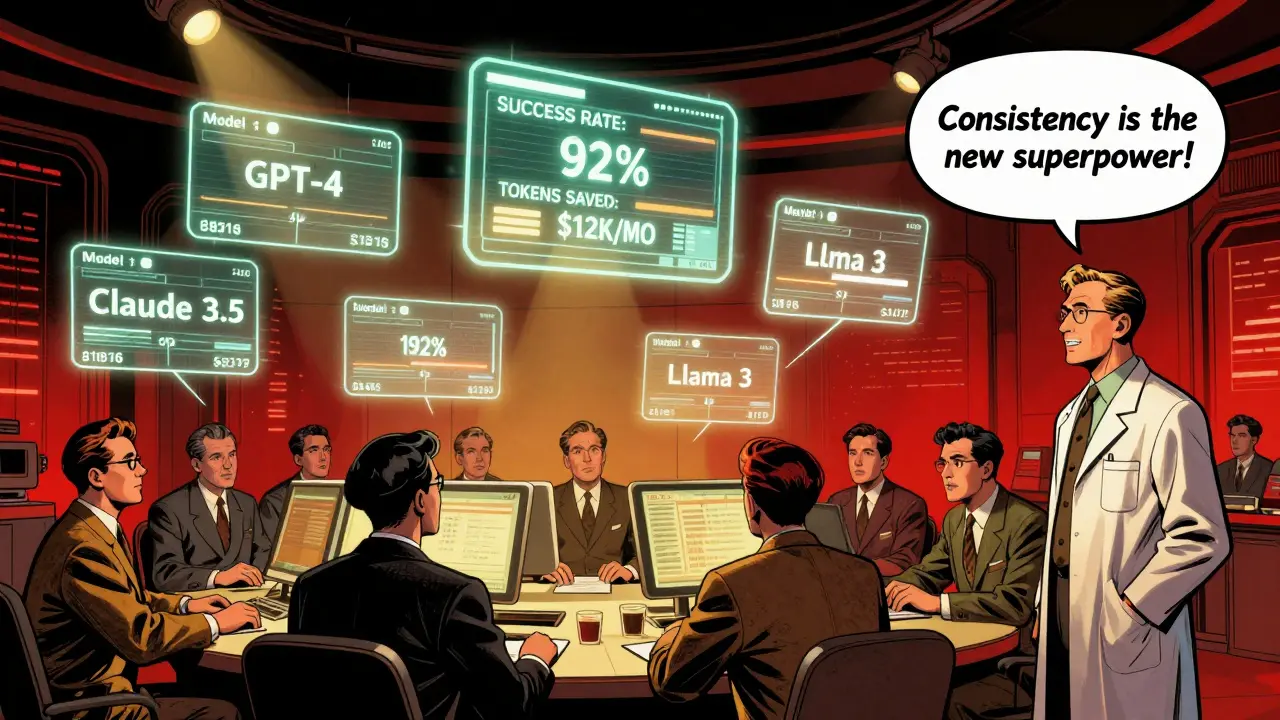
IBM Research found that teams using structured prompt libraries saw a 43% drop in output inconsistencies. That’s huge when you’re serving customers or making decisions based on AI outputs. New hires get up to speed 68% faster because they don’t have to guess what works - they just pick a template.
There’s also a cost savings. A Stanford HAI study in November 2025 showed that well-designed prompts cut token usage by up to 37%. Less tokens = lower API costs. One team at a fintech startup cut their monthly OpenAI bill by $12,000 just by optimizing their prompt templates.
And quality? Human evaluators rated outputs from templated prompts 29% higher than ad-hoc ones. That’s not magic. It’s consistency. You’re no longer relying on luck or individual skill.
How Enterprise Teams Build Them
Building a prompt library isn’t just copying and pasting. It’s engineering. Here’s how top teams do it:
- Start with an audit. Gather every prompt used in the last six months. Look for duplicates, dead ends, and patterns. What tasks keep coming up? What’s being rewritten over and over?
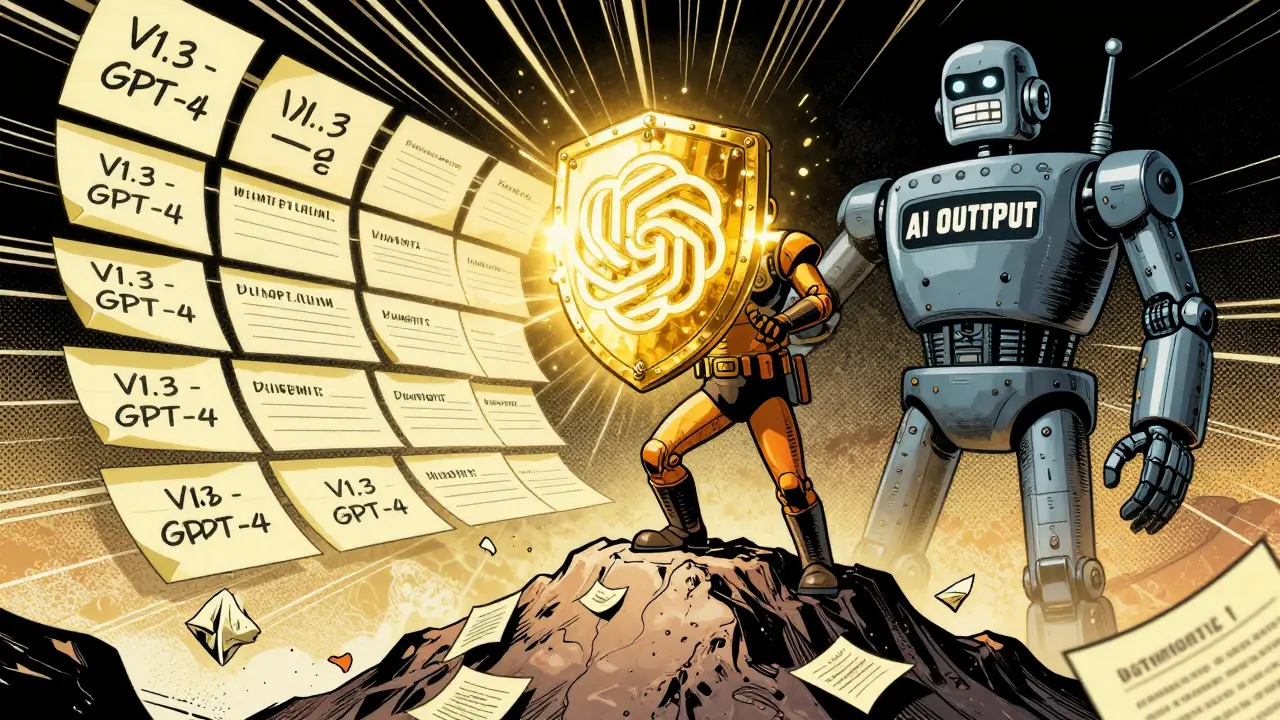
- Standardize the format. Use JSON or YAML. Each prompt gets a unique ID, a category (e.g., "summarization", "classification"), a model tag (e.g., "GPT-4", "Claude 3.5"), and a version number. Metadata matters - you’ll need it later.
- Version control with Git. Treat prompts like code. Every change is tracked. A team member edits a prompt? They create a branch, test it, submit a pull request. Others review. Approval is required before merging. This stops bad prompts from slipping into production.
- Integrate with workflows. Plug the library into your development tools. Use API endpoints so your app pulls the right prompt automatically. Tools like PromptHub (with over 2,800 GitHub stars) support 15+ LLMs and let you test prompts directly in your CI/CD pipeline.
- Measure performance. Track success rate (how often output meets criteria), token efficiency, and consistency (using semantic similarity tools). If a prompt’s success rate drops below 80%, flag it for review.
Teams that follow this process report cutting prompt iteration time from days to hours. One Reddit user wrote: "After our library went live, we went from 3-4 days per project to 6-8 hours. No more "why is this output so weird?"
What You Can’t Ignore
It’s not all smooth sailing. Here’s what trips teams up:
- Model drift. GPT-4.5 launches. Suddenly, prompts that worked perfectly on GPT-4 now hallucinate. You need automated regression tests. AWS recommends running 50 test cases every time the model updates. If output quality drops, the system alerts you.
- Over-standardization. A prompt library isn’t a prison. Dr. Margaret Mitchell warned at NeurIPS 2025 that too much rigidity kills creativity. Sometimes, a new problem needs a fresh approach. Leave room for experimentation. Allow "sandbox" prompts outside the main library.
- Setup cost. Gartner found teams spend 80-120 hours just to get a basic system running. That’s 2-3 weeks of full-time work. If you’re a small team, start small. Pick one high-impact task - like customer support responses - and build a library for that first.
- Compatibility. Not all models respond the same. Chain-of-thought prompting only works reliably on models with over 62B parameters, according to Wikipedia’s prompt engineering entry. A prompt that works on GPT-4 might fail on Llama 3. Your library must support model-specific branches.
Market Reality: It’s Getting Real
Prompt management isn’t a niche experiment anymore. The market hit $2.3 billion in 2025, growing 47% year-over-year. Gartner says 89% of high-performing AI teams use formal prompt libraries. Only 32% of low-performing ones do.
Industries are racing to adopt. Financial services? 78% adoption. Healthcare? 71%. Why? Because regulation is catching up. The EU AI Act, which went live in January 2026, now requires documentation of all prompts used in high-risk applications - like loan approvals or medical triage. If you can’t prove what prompt produced a decision, you’re in violation.
Three types of tools dominate:
- Open-source (32% market share): PromptHub, LangChain, LlamaIndex. Free, flexible, but need engineering muscle to run.
- Enterprise platforms (45%): Google’s PromptFlow 2.0, Microsoft’s Project PromptBridge, Anthropic’s Console. Built-in A/B testing, analytics, and model switching.
- Specialized vendors (23%): Tools like PromptOps, PromptStack. Fastest growing - up 68% YoY. They handle compliance, versioning, and deployment for you.
The Future: Beyond Prompts
McKinsey predicts prompt libraries will evolve into "AI workflow blueprints" by 2027. That means not just prompts, but full contexts: data sources, model choices, validation rules, human review steps, and fallback logic.
Google and OpenAI are already moving in this direction. OpenAI announced standardized prompt formats for GPT-5 in January 2026. Google’s PromptFlow 2.0 lets you test 10 variations of a prompt side-by-side with real-time metrics.
But there’s a warning. A MIT Technology Review article in January 2026 asked: "Is the promptless era coming?" Future models might not need structured prompts at all. They might understand intent directly. If that happens, today’s libraries could become obsolete.
Still, Gartner’s take is clear: "Prompt engineering and management will become as fundamental to AI development as unit testing is to software engineering."
Right now, if your team uses LLMs seriously - and you’re not using a prompt library - you’re flying blind. It’s not about being cutting-edge. It’s about being reliable. Scalable. Safe.
Start small. Pick one task. Build one template. Test it. Measure it. Share it. Then do it again.
What’s the minimum setup for a prompt library?
Start with a simple JSON file in a Git repo. Each prompt needs: a unique ID, a task name, the model it’s for (e.g., "GPT-4"), the actual prompt text, and one example input-output pair. Add version numbers. That’s it. No fancy tools needed. Just structure and version control.
Can I use one prompt for multiple LLMs?
Sometimes, but not reliably. GPT-4, Claude 3, and Llama 3 process language differently. A prompt that works perfectly on one might fail on another. Best practice: maintain separate branches or versions for each model. Use metadata to tag which model each prompt is optimized for.
How do I know if a prompt is working well?
Track three metrics: success rate (how often output meets your criteria), token efficiency (input + output length), and consistency (how similar outputs are across multiple runs). Aim for 85%+ success rate and under 20% variation in output length. Tools like LangChain or PromptHub can auto-calculate these.
Do I need AI engineers to build this?
Not necessarily. A prompt engineer or even a skilled product manager can build a basic library. What you need is someone who understands the tasks, can write clear instructions, and knows how to use Git. You don’t need to train models - just organize and test prompts. The tech is simple; the discipline is what matters.
What’s the biggest mistake teams make?
Treating prompts as static. AI models update. Teams forget to test their prompts after a model upgrade. One team spent months building a library, then didn’t test it after GPT-4.5 launched - and their customer service bot started giving nonsense answers. Always run regression tests. Automate them if you can.


7 Comments
Deepak Sungra
Bro this prompt library thing is just glorified copy-paste with a Git repo.
Who even has time to document every single variation of "summarize this"?
I just tweak the prompt until it doesn’t sound like a robot wrote it and call it a day.
Also why are we treating AI like it’s a junior dev who needs a manual?
It’s not that hard. Just ask it better.
Why does everything need a 17-step process now?
Next thing you know, we’ll need a Jira board for our "write a thank you email" prompts.
Stop over-engineering. Just use the damn thing.
Mike Marciniak
Let me guess - this is the same team that also has a 47-page Slack guide on how to use the coffee machine.
They’re not building a prompt library.
They’re building a compliance trap for when the regulators come knocking.
And don’t get me started on that EU AI Act thing - it’s not about safety, it’s about control.
Every time a company "standardizes" something, they’re just burying innovation under paperwork.
Next thing you know, the AI will be asking for HR approval before generating a sentence.
They call it "reliability." I call it fear.
VIRENDER KAUL
It is imperative to recognize that the structural integrity of prompt governance is not a luxury but a prerequisite for operational scalability.
Without standardized metadata tagging and version-controlled iteration protocols, one is merely engaging in stochastic experimentation under the illusion of productivity.
Moreover, the assertion that "a product manager can build this" is dangerously reductive.
One requires domain-specific fluency in LLM tokenization, cross-model behavioral variance, and semantic consistency metrics.
Furthermore, the omission of formal validation frameworks such as F1-score on output alignment renders such libraries inherently unreliable.
It is not sufficient to track "success rate" - one must quantify confidence intervals, entropy of output distributions, and adversarial perturbation tolerance.
Any team that treats this as a "simple JSON file" is inviting systemic failure.
Do not mistake discipline for bureaucracy.
Discipline is the scaffolding upon which scalable AI is built.
And if you are not measuring token efficiency at the per-prompt level, you are burning capital on hallucination tax.
There is no such thing as "just try it" in production-grade AI deployment.
Either you engineer it, or you inherit technical debt that will cost you six figures before Q3.
And yes, I have seen this happen. Three times.
Mbuyiselwa Cindi
I love how this post breaks it down so clearly - seriously, thank you.
I work in healthcare AI, and we started with 12 different versions of "summarize patient notes" - all in different teams.
One team used emojis in their prompts. Another had a 300-word context block. It was chaos.
We just started with one high-impact task: triage classification.
One JSON file. One Git repo. One person who cared enough to test it.
Now we’re at 87% consistency and half the token cost.
It didn’t take a team of engineers. Just one person saying "let’s stop reinventing the wheel."
You don’t need to do everything at once. Just pick one thing. Do it well. Then do the next.
And yes, you can absolutely do this without a fancy tool. Start small. You got this.
Krzysztof Lasocki
Okay but let’s be real - the real MVP here isn’t the prompt library.
It’s the person who finally said "NO MORE VARIANTS."
I’ve been in rooms where someone says "I have a better version" and suddenly 17 people are arguing over whether "concise" means 50 words or 75.
That’s not AI. That’s HR drama with a side of GPT.
And the fact that teams saved $12k/month? That’s not magic - that’s just saying "no" to overthinking.
Also - GPT-4.5 broke their system? Classic.
Next time, just automate the regression tests. Or better yet - don’t upgrade models without testing.
It’s not rocket science. It’s just… discipline.
Which, let’s be honest, is the rarest commodity in tech right now.
Henry Kelley
big brain move using git for prompts
imagine if we had to do this for every email we sent
"hey can you review my draft before i send it to the ceo?"
but like... i get it
we’re all just trying not to look dumb in front of the ai
and honestly? the "sandbox" idea is genius
let people mess around without breaking the whole thing
also i tried using one prompt for gpt and claude
it was like asking a cat to do yoga - technically possible but why?
so yeah. separate branches. yes. 100%
just make sure someone’s actually looking at the metrics
not just shoving it into production and hoping for the best
Victoria Kingsbury
As someone who’s been on both sides of this - chaos vs. library - I can say with absolute certainty: structure doesn’t kill creativity.
It enables it.
When you remove the cognitive load of "what prompt should I use?" - you free up mental bandwidth to solve harder problems.
And yes, I’ve seen teams where the "sandbox" prompts became the next breakthrough.
One guy in our org tweaked a medical triage prompt in his sandbox - added a "red flag detection" layer - now it’s in production.
But here’s the kicker: he didn’t have to start from scratch.
He had a baseline.
He had version history.
He had metrics to compare against.
That’s not bureaucracy.
That’s acceleration.
And if you think prompt libraries are overkill…
wait until your model updates and your customer-facing bot starts telling people to "consult a lawyer" for their headache.
Then you’ll miss the 80 hours you didn’t invest.