You spent hours crafting the perfect prompt. You tweaked the tone, added constraints, maybe even threw in a few examples. But when you run it, the model gives you something... off. Maybe it hallucinates a fact that doesn't exist. Maybe it ignores your formatting rules. Or maybe it just sounds like it didn't read the instructions at all.
Here is the hard truth: Error Analysis is not optional if you want reliable Generative AI outputs. Randomly tweaking words until the output looks better is gambling, not engineering. Studies show that without structured diagnosis, segment-level error rates in Large Language Models (LLMs) can hover between 15% and 37%. That is a massive margin of failure for production systems.
This guide breaks down how to systematically diagnose why your prompts fail and, more importantly, how to fix them. We are moving beyond "vibe checks" into data-driven debugging.
Why "Vibe Checking" Fails in Production
Most teams start by looking at ten outputs, nodding along because they look okay, and shipping the feature. This approach fails because human intuition is biased. A study by NN/g found that subjective review methods produce a 43% false negative rate-meaning nearly half of the errors slip through unnoticed because they *look* plausible.
Systematic Error Analysis flips this script. It treats prompt failures as bugs with root causes, not random noise. When you categorize errors, you stop guessing. For instance, Hamel Husain, a leading AI consultant, notes that structured error analysis yields 10x more improvement per hour than random tweaking. Why? Because you aren't trying to fix everything at once; you are targeting the specific mechanism causing the breakage.
The goal isn't perfection-it's predictability. By reducing hallucination rates from baseline levels of 22% to under 8%, you turn a flaky demo into a dependable tool.
Building Your Diagnostic Dataset
You cannot analyze errors if you don't have ground truth. The first step in any robust framework is creating a representative dataset. Do not use generic examples from the internet. Use real user queries or edge cases that matter to your business.
- Size Matters: Aim for 50-100 examples. Fewer than 50 lacks statistical significance; more than 100 becomes unmanageable for manual review initially.
- Diversity: Include clear-cut successes, obvious failures, and tricky middle-ground cases.
- Holdout Set: Reserve 20% of your data for final validation. If you tune on all your data, you will overfit. One developer reported training errors dropping to 5% while production errors jumped to 22% because they skipped this step.
Think of this dataset as your unit tests. If your prompt passes these 100 scenarios consistently, you have a baseline. If it fails, you have a bug report.
Categorizing Failure Modes
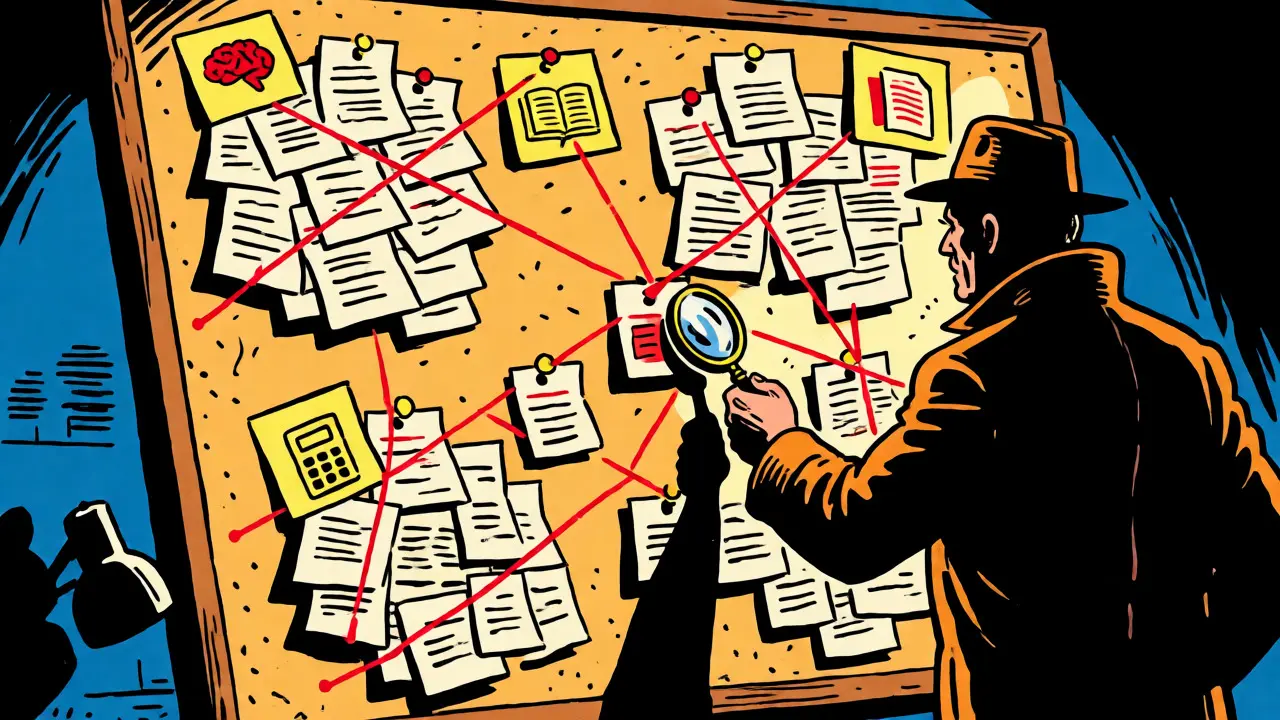
Once you run your dataset, you need to classify what went wrong. Vague labels like "bad output" are useless. You need specific categories. Based on analysis of over 1,500 errors across various projects, here are the four most common buckets:
| Error Type | Frequency | Description | Typical Fix |
|---|---|---|---|
| Incorrect Reasoning | 34% | The model understands the input but draws a logical conclusion that is flawed. | Add Chain-of-Thought prompting ("Think step-by-step"). |
| Lack of Knowledge | 28% | The model simply does not know the answer or has outdated information. | Provide context via RAG or update knowledge base. |
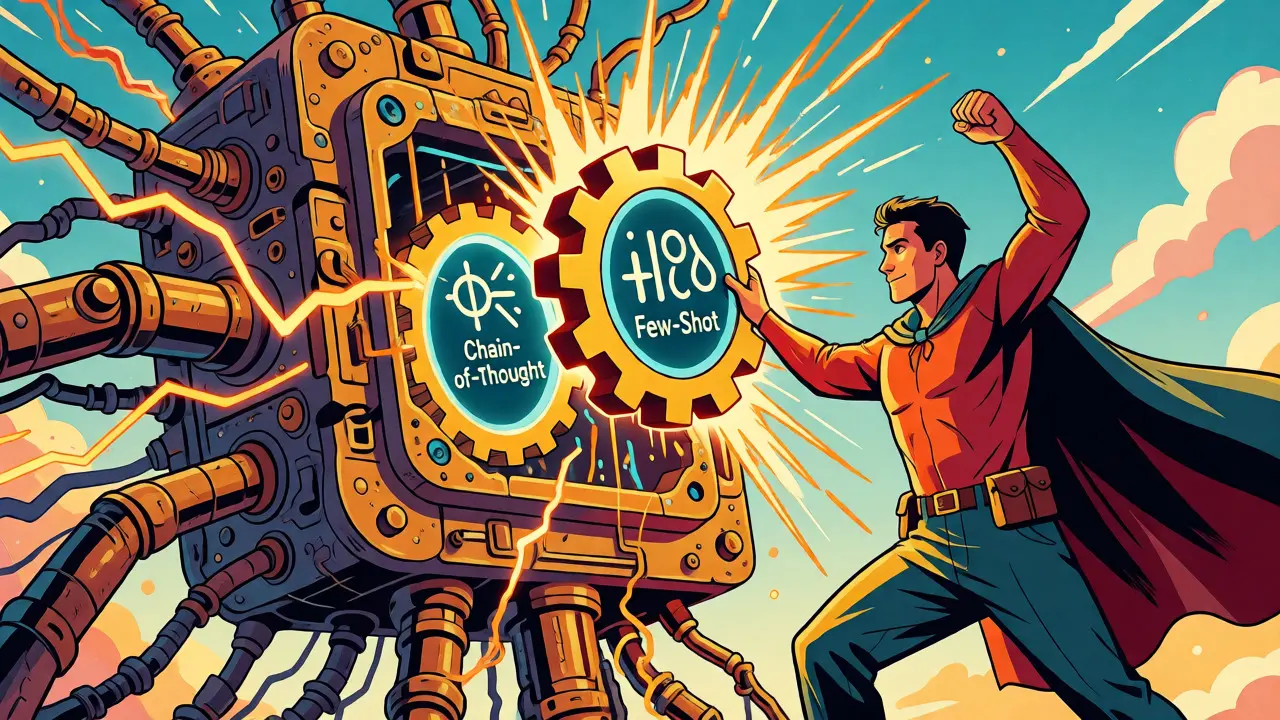
| Wrong Output Format | 26% | The content is correct, but the structure (JSON, Markdown, length) is wrong. | Use explicit formatting constraints and few-shot examples. |
| Bad Calculation | 12% | Arithmetic or numerical reasoning errors. | Offload math to external tools or code interpreters. |
Notice the distribution. Over 60% of errors are either reasoning-based or format-based. These are often fixable through prompt structure alone, without retraining models or changing infrastructure.
The Fix Protocol: From Diagnosis to Correction
Now that you know *what* is broken, you can apply targeted fixes. Here is how to address the top categories identified above.
Fixing Incorrect Reasoning
If the model jumps to conclusions, force it to show its work. Chain-of-Thought (CoT) prompting is the standard remedy. Add instructions like: "Before answering, list the steps you took to reach this conclusion."
In case studies involving customer support bots, adding explicit reasoning instructions resolved 63% of logic errors. The model stops hallucinating shortcuts and follows the path you defined.
Fixing Lack of Knowledge
If the model says "I don't know" or invents facts, it lacks context. You cannot prompt your way out of missing data. You must provide it. This usually means implementing Retrieval-Augmented Generation (RAG). Feed the relevant documents into the prompt context window. If the model still fails, check if your retrieval system is pulling the right chunks. Sometimes the error isn't in the prompt; it's in the search.
Fixing Wrong Output Format
Format errors are frustrating because the content might be perfect, but the JSON key is named `user_id` instead of `userId`. To fix this, use Few-Shot Prompting. Show the model exactly what the output should look like. Give it two or three examples of correct inputs and outputs. Visual patterns stick better than abstract instructions.
Measuring Success with Metrics
How do you know if your fix worked? You need metrics. Avoid using Likert scales (1-5 ratings) for critical failures. Binary pass/fail evaluations are 27% more effective at identifying critical issues because they remove ambiguity.
Track these key performance indicators (KPIs):
- Factuality Rate: Percentage of claims verified against ground truth.
- Hallucination Detection: Percentage of unsupported assertions.
- Format Compliance: Binary pass/fail on structural requirements.
- Semantic Accuracy: Cosine similarity to reference responses (useful for creative tasks).
Tools like Galileo.ai or Agenta Platform automate much of this tracking. They can run adversarial tests-deliberately crafted stress-test prompts-to find edge cases you missed. One enterprise client reported that adversarial testing caught safety gaps in their financial chatbot that manual review completely missed.
When Automation Isn't Enough
Automated error analysis is powerful, but it has limits. Dr. Emily Bender from the University of Washington warns that over-reliance on automated tools can miss nuanced cultural or contextual errors. An automated checker might verify that a sentence is grammatically correct and factually sourced, but miss that the tone is inappropriate for a grieving customer.
Maintain a human-in-the-loop for high-stakes applications. Use automation to filter the 90% of obvious errors, then have domain experts review the remaining 10% of complex cases. This hybrid approach balances speed with quality.
Also, beware of the "false confidence" trap. If your automated tests pass, don't assume the system is perfect. MIT’s AI Lab found that binary evaluations can oversimplify complex landscapes, potentially missing 23% of subtle but consequential errors. Always correlate automated scores with real-user feedback loops.
Key Takeaways
- Stop Guessing: Random prompt tweaking wastes time. Systematic error analysis offers 10x ROI.
- Data First: Build a 50-100 example dataset before optimizing. Keep a holdout set to prevent overfitting.
- Categorize Errors: Most failures fall into Reasoning, Knowledge, Format, or Calculation buckets. Treat them differently.
- Use Binary Metrics: Pass/fail checks are more effective than 1-5 rating scales for catching critical bugs.
- Human Oversight: Automation catches syntax and facts; humans catch tone and nuance.
What is the ideal size for an error analysis dataset?
Start with 50-100 diverse examples. This provides enough volume to identify patterns without becoming unmanageable for manual review. As your system matures, you can expand this to hundreds or thousands for automated regression testing.
Can I use LLMs to evaluate other LLMs?
Yes, this is called "LLM-as-a-Judge." Techniques like EAPrompt (Error Analysis Prompting) achieve up to 89.7% alignment with human evaluators. However, use this for scale, not for final sign-off on critical safety issues, as models can share similar blind spots.
How long does initial setup take?
Expect 15-20 hours for the initial setup, including dataset creation and metric definition. Ongoing maintenance requires about 5-10 hours weekly to refresh datasets and track new error types as user behavior evolves.
Does error analysis help with creative writing?
Less so than factual tasks. In creative domains like poetry or fiction, "errors" are subjective. Error analysis shows limited improvement (around 8%) in creative tasks compared to significant gains (40-60%) in factual or technical documentation tasks.
What is the biggest mistake teams make?
Overfitting to the training dataset. Teams tweak prompts until they ace their 50 test cases, then deploy. Without a holdout set, production errors often jump significantly because the prompt was tuned to quirks in the small sample rather than generalizable rules.