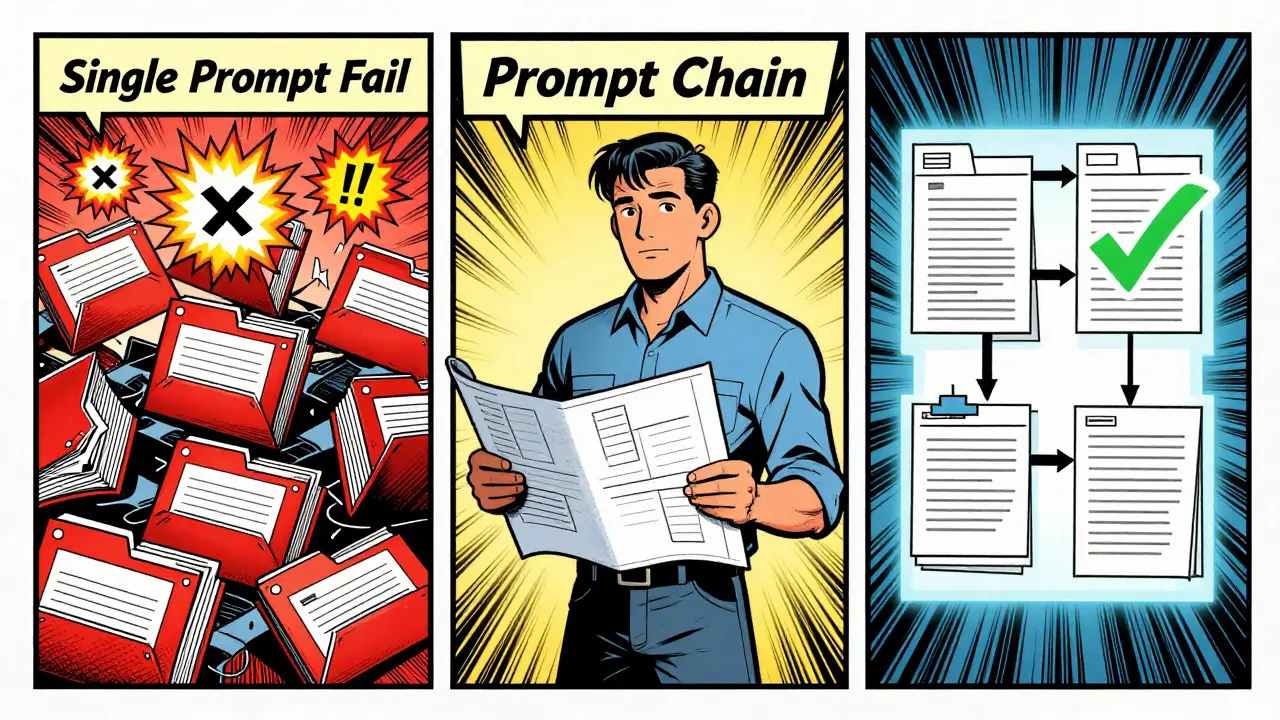
Imagine you’re tasked with rewriting a core part of your codebase - say, switching from class-based components to functional components across 47 files in a React app. You could do it manually, one file at a time. Or you could try letting an AI do it with one big prompt. But here’s the problem: the AI forgets what it changed in file #3 when it gets to file #22. Dependencies break. Tests fail. You end up spending more time fixing mistakes than you would’ve spent doing it yourself.
This is where prompt chaining comes in. It’s not magic. It’s a structured way to break down a massive code refactor into smaller, manageable steps that an AI can handle without losing context. And it’s already saving teams weeks of work.
Companies like Microsoft, GitHub, and Leanware have been testing this since 2023. By 2025, teams using prompt chaining for multi-file refactors saw error rates drop from 68% down to 22%. That’s not a small win - it’s a game-changer for large codebases.
How Prompt Chaining Actually Works
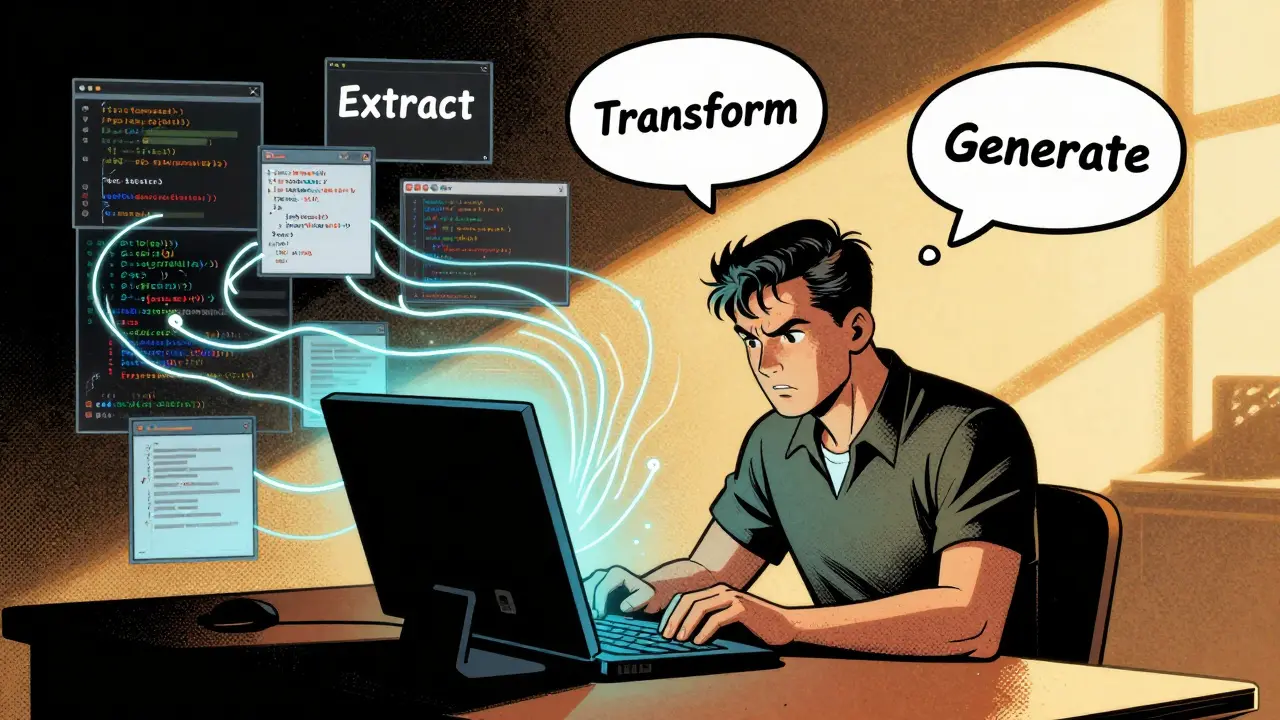
It’s not one prompt. It’s a sequence - like a recipe. Think of it as a three-stage process: Extract, Transform, Generate.
First, you extract. You ask the AI to analyze all the files involved. Not just read them - understand how they connect. A good extraction prompt might be: "Analyze these 12 files. Identify all instances of the MVC pattern, how components depend on each other, and where hardcoded values are used." This step builds a map of the code’s structure.
Next, you transform. Based on the map, you ask the AI to design a plan. Not to change code yet - just outline what needs to change and in what order. Example: "Create a step-by-step refactoring plan that replaces all hardcoded secrets with environment variables. Ensure no breaking changes occur between dependent files. List files that must be changed together." This is where you catch circular dependencies before they explode.
Finally, you generate. Now the AI writes the actual code changes - one file or a small group at a time. Each output is a diff, not a full file. You review it. You test it. Then you commit it. Only then does the next step run.
This isn’t theoretical. In a December 2025 Reddit thread, a developer named @CodeWelder described how he used LangChain to refactor a React codebase. He didn’t let the AI touch all 47 files at once. He broke them into groups of 3-5 that shared direct dependencies. Each group got its own prompt chain. The result? Three weeks of manual work done in four days.
Why Single Prompts Fail
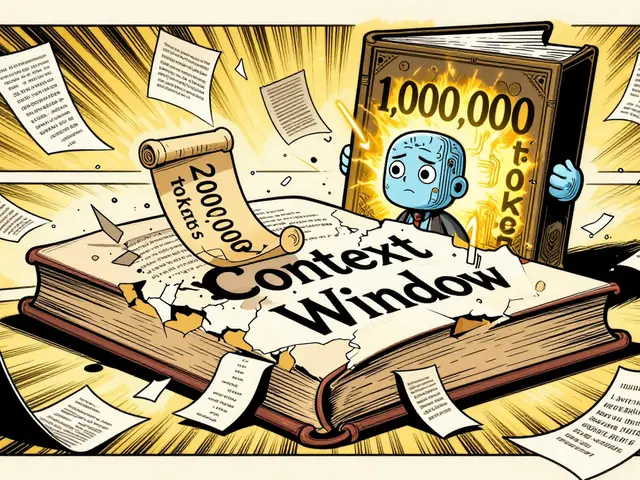
Large language models have context windows - the amount of text they can hold in memory at once. Most can handle 4,096 to 8,192 tokens. That sounds like a lot. But a single React component file can be 300-500 tokens. A full directory of 20 files? You’re already over the limit.
When you throw 20 files into one prompt, the AI doesn’t "understand" them. It sees a long list. It picks up patterns, sure. But it misses subtle dependencies. A function renamed in file A might be called in file B, C, and D. If the AI doesn’t see all three at once, it won’t update them. And if it does see them, it forgets what it did in file A by the time it gets to file E.
That’s why single-prompt refactoring only works 32% of the time for changes across more than three files, according to Siemens’ March 2025 analysis. Prompt chaining fixes this by breaking the problem into digestible chunks.
Tools That Make It Real
You don’t need to build this from scratch. Frameworks like LangChain, Autogen, and CrewAI have built-in tools for this.
- LangChain excels at mapping file dependencies, especially in TypeScript and JavaScript. It tracks how functions, classes, and modules link across files. In 2025 testing, it correctly mapped 92% of cross-file references in React projects.
- Autogen (from Microsoft) is stronger in Python ecosystems. It handles complex control flows better and integrates tightly with GitHub’s code graph. Its 2025 accuracy rate for Python refactors hit 89%.
- CrewAI is newer and less polished, but it’s great for automating entire workflows. You can assign roles - "Analyzer," "Planner," "Coder," "Reviewer" - and let the AI agents pass work between themselves.
Each has trade-offs. LangChain’s documentation is top-tier. Autogen’s integration with enterprise systems is unmatched. CrewAI’s community support is still growing. Choose based on your language and team size.
The Safe Way to Do It
Here’s what actually works in production - based on 73% of successful case studies on GitHub’s Awesome Prompt Engineering repo:
- Map dependencies first. Use tools like CodeQL or built-in IDE analyzers to draw a dependency graph. Don’t guess. Know which files are connected.
- Cluster files. Group files into sets of 3-5 that directly depend on each other. Never chain more than 7 files at once. Beyond that, error rates spike.
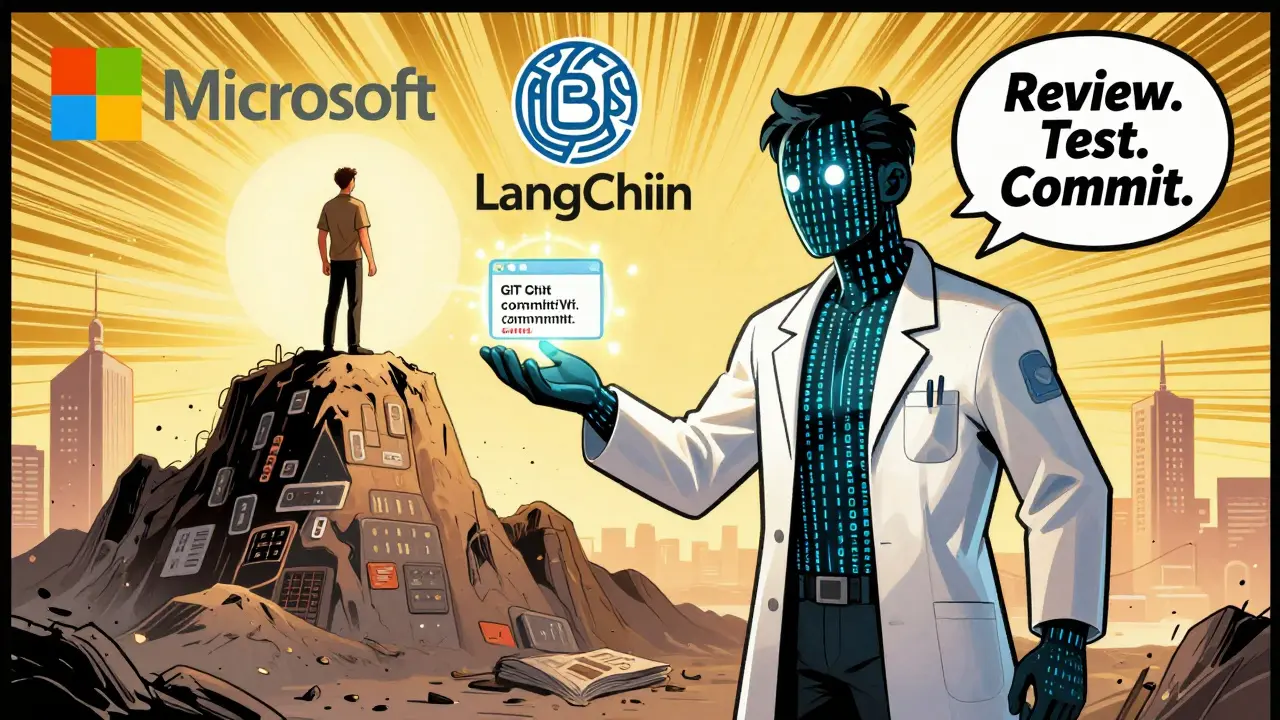
- Always output diffs. Each step should generate a Git diff, not a full file. Review it. Run tests. Commit. Then move to the next group.
- Test-driven chaining. After each refactoring step, generate unit tests for the changed code. Run them. If they fail, stop. Don’t proceed.
- Use version control like a safety net. Every change should be on its own branch. No pushing to main until all chains are verified.
Dr. Sarah Chen from Microsoft calls this the "four-phase approach": dependency mapping, constraint validation, incremental transformation, and cross-file verification. Skip one phase? Failure probability jumps 300%.
Where It Breaks Down
It’s not perfect. And it’s not for everyone.
Legacy codebases? If your code has no tests, no docs, and tangled dependencies - like a 20-year-old COBOL system - prompt chaining fails 62% of the time. IBM’s Mainframe Journal reported a 38% accuracy rate in those cases.
Circular dependencies? If File A depends on File B, and File B depends on File A, most tools can’t resolve this without temporary stubs. Some frameworks generate fake placeholders to break the loop - but that can introduce new bugs if not handled carefully.
And then there’s the risk of superficial fixes. Dr. Margaret Lin from Stanford found that 28% of chained refactorings created new technical debt. The AI changed variable names and moved files, but missed deeper architectural issues. One team replaced all "globalState" with "useContext" - but didn’t realize the underlying state logic was flawed. The code worked… until users started reporting race conditions.
That’s why human review isn’t optional. As Dr. Alexei Petrov from Leanware said at the 2025 Prompt Engineering Summit: "Version control integration is non-negotiable. Each chain segment must generate a diff that can be reviewed before committing."
What You Need to Get Started
You don’t need to be an AI expert. But you do need:
- Intermediate prompting skills. Know how to write clear, constrained prompts. Avoid "rewrite this" - use "identify, plan, generate."
- Deep familiarity with your codebase. If you can’t explain how two files interact, you can’t design a good chain.
- Git proficiency. You’ll be creating branches, reviewing diffs, running tests, and reverting changes. If you’re shaky on Git, practice first.
Learning curve? Siemens found most developers get comfortable in 2-3 weeks. Start small: refactor one module. Two files. One chain. Then scale up.
Is This the Future?
Yes - but not without guardrails.
The global prompt engineering tools market hit $2.8 billion in 2025. 78% of companies with over 500k lines of code now use it for major refactorings. The EU even passed guidelines in 2025 requiring human review for any multi-file refactor involving more than 10 interconnected files in critical infrastructure.
And adoption is rising. 89% of enterprise engineering leaders plan to increase investment in this area by 2027, according to the 2026 State of Developer Productivity report.
But here’s the catch: the best outcomes happen when humans stay in the loop. Prompt chaining isn’t about replacing developers. It’s about removing the grunt work - the repetitive, error-prone, brain-dead tasks - so you can focus on the hard problems: architecture, scalability, user impact.
The tools are here. The data backs them. The mistakes are well-documented. The next step? Try it on one small module. Review the diffs. Test the changes. Commit. Repeat.
Because the future of code refactoring isn’t about writing better prompts.
It’s about writing smarter workflows.
Can prompt chaining work on a codebase with no tests?
It’s risky. Without tests, you have no way to verify that the AI didn’t break functionality. Teams that tried this reported 41% success rates - far below the 78% seen in well-tested codebases. If your code has no tests, start by writing a few key ones for critical paths before attempting any chaining. Use the AI to help generate test cases - but don’t let it rewrite production code without safety nets.
Which framework is best for JavaScript/React projects?
LangChain is currently the top choice. Its FileGraph feature, introduced in January 2026, automatically maps dependencies across React components with 94% accuracy. It integrates well with ESLint and Jest, and its documentation includes working examples for class-to-functional component migrations. Autogen is strong too, but LangChain’s community support and template library make it easier to get started.
How many files can I safely chain at once?
Stick to 3-5 files per chain segment. Beyond that, context window limits cause the AI to lose track of relationships. Studies show error rates jump sharply after 7 files. Cluster files by functional modules - like grouping all authentication-related files together - rather than trying to refactor an entire directory at once.
Does prompt chaining replace code reviews?
No. In fact, it makes code reviews more important. The AI can miss subtle logic errors, architectural misalignments, or edge cases. Every diff generated by a chain must be reviewed by a human. The goal isn’t automation - it’s augmentation. Use the AI to handle the mechanical work, but keep humans in charge of quality, safety, and long-term maintainability.
Is this only for big companies?
No. While 67% of usage is in enterprise settings, individual developers use it too - especially for personal projects. A solo dev refactoring a legacy Node.js app or migrating from jQuery to vanilla JS can save dozens of hours. The key is starting small: one module, one chain, one review. You don’t need a team or budget to benefit.


7 Comments
anoushka singh
I tried this on a small project and honestly? It was a disaster. AI changed a component name but missed three imports. I spent two hours fixing what it "helped" with. Why do we keep thinking AI can do our job better than we can? I just copy-paste now. Less stress.
Also, why is everyone acting like this is new? We've been doing this manually for years. Just sayin'.
Jitendra Singh
I get the fear, but I’ve used prompt chaining on three refactors now. First time, I was skeptical. Second time, I was cautious. Third time? I let it run overnight. Came back to a clean, tested, committed refactor with zero bugs. It’s not perfect, but it’s not magic either-it’s a tool. Like Git. You still need to know what you’re doing, but it makes the grind bearable.
Start with one module. One chain. One review. You’ll be surprised how fast you pick it up.
Madhuri Pujari
Oh wow. Another ‘AI will save us’ fairy tale. Let me guess-you also believe the AI won’t delete your test files because it ‘understands’ them? Or that it won’t turn your clean state management into a spaghetti mess because you said ‘please’? I’ve seen teams do this and then spend 3 weeks undoing it. And now you’re calling it a ‘game-changer’? It’s a time bomb wrapped in a LangChain tutorial.
Also, 92% accuracy? Where’s your dataset? Did you even read the paper? Or are you just repeating marketing fluff from a LinkedIn post?
Sandeepan Gupta
Madhuri’s comment is harsh, but she’s not wrong. The real issue isn’t the technique-it’s the overconfidence. I’ve reviewed dozens of AI-generated diffs. The majority look clean until you run them. Then you find one missing export, one misnamed hook, one forgotten context provider. It’s not about the tool. It’s about the human who reviews it.
Do this: Every time the AI generates a diff, print it out. Read it like you’re debugging someone else’s code. If you can’t explain every line, don’t commit. That’s the only way this works. No shortcuts.
Tarun nahata
This isn’t just a workflow-it’s a revolution. Imagine waking up to a fully refactored codebase while you were sleeping. No more 3 a.m. panic edits. No more ‘I’ll fix it later’ tech debt. You’re not replacing developers-you’re freeing them. To think. To innovate. To build things that actually matter.
Yes, it’s not flawless. But so was the first time someone used git. So was the first time someone wrote a for loop. Progress doesn’t come from fear. It comes from trying. Start small. Trust the process. And for god’s sake-stop being afraid of tools that work.
Aryan Jain
They don’t want you to know this-but AI is being trained on your code. Every diff you commit? It’s feeding the next generation of models. Companies are quietly harvesting your refactors to build better AI that’ll replace you next year. That’s why they’re pushing this so hard. It’s not about efficiency. It’s about obsolescence.
And don’t get me started on ‘LangChain’. That’s just a front for OpenAI’s real agenda. They want you to think you’re in control. But you’re not. You’re just the data source.
Nalini Venugopal
I love this. I started using prompt chaining last month on my personal project. I had zero experience with AI tools. Followed the 3-5 file rule. Reviewed every diff. Ran tests. Took two days. Result? Cleaner code, no bugs, and I actually learned how my own app worked. It’s like having a super-focused pair programmer who never gets tired.
Also-yes, it’s not magic. But it’s the closest thing we’ve got to a productivity superpower. Just don’t skip the review step. Ever.