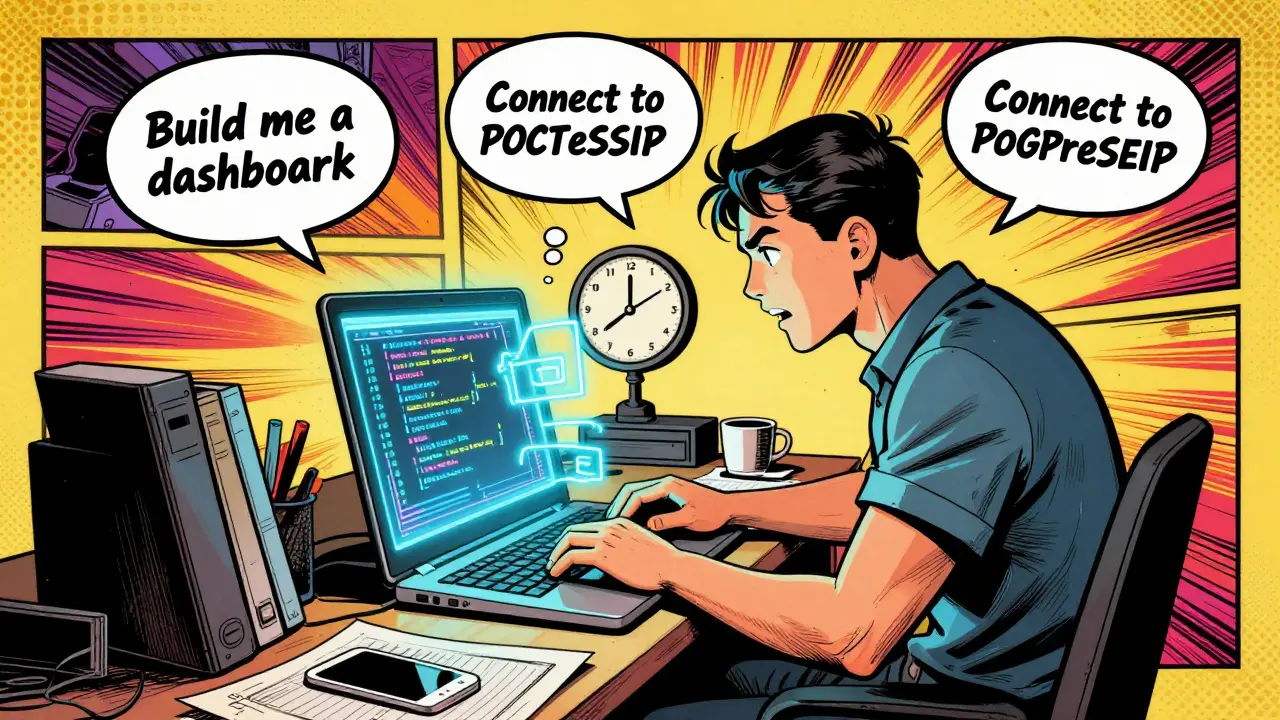
Imagine building a working app in three days instead of three months. No hiring developers. No long waits for sprint cycles. Just you, a chat-like interface, and an AI that writes code as you describe what you need. This isn’t science fiction-it’s vibe coding, and it’s changing how startups, small teams, and even big companies build software today.
By late 2024, tools like GitHub Copilot, Cursor, and Replit had matured enough to turn natural language prompts into real, functional code. Microsoft reported in Q2 2025 that 90% of Fortune 100 companies now use GitHub Copilot. That’s not a niche trend. That’s a seismic shift in how software gets made. But here’s the real question: is it worth it? Can you actually measure the return on investment?
What Is Vibe Coding-and Why Does It Matter?
Vibe coding is the practice of using AI models to generate code based on plain English instructions. You don’t need to know Python, JavaScript, or SQL. You say, “Build me a dashboard that shows daily sales and lets me filter by region,” and the AI writes the frontend, connects to a database, and even adds basic styling. It’s not magic-it’s pattern recognition on a massive scale. These AI tools have been trained on millions of open-source code repositories, so they know how to structure a login flow, query a database, or handle API responses.
Unlike traditional development, where you need a full engineering team, vibe coding lets one person-whether they’re a founder, marketer, or operations lead-build functional tools themselves. That’s the democratization of software. And it’s not just for side projects. Companies like Croud, a global media agency, used vibe coding to automate email analysis and data processing. Their productivity jumped 4-5 times. Bancolombia, a major Latin American bank, generated 18,000 automated code changes in a year using similar workflows.
The Cost Breakdown: How Much Does Vibe Coding Actually Save?
Traditional software development is expensive. Hiring one full-stack developer in the U.S. costs $8,000 to $15,000 per month in salary, benefits, and overhead. Add in project management, QA, and infrastructure, and you’re looking at $10,000-$20,000 just to start building an MVP.
Vibe coding flips that. Your main costs are:
- AI tool subscription: $10-$500/month (GitHub Copilot is $19/user/month for teams; Replit and Cursor are around $20/month)
- Your time: reviewing, refining, and testing AI-generated code
That’s it. No recruiters. No office space. No onboarding. A founder using vibe coding can build a working internal tool for under $200 a month in tooling costs. Leanware’s analysis shows this cuts pre-revenue burn rates by 85-95% compared to traditional methods.
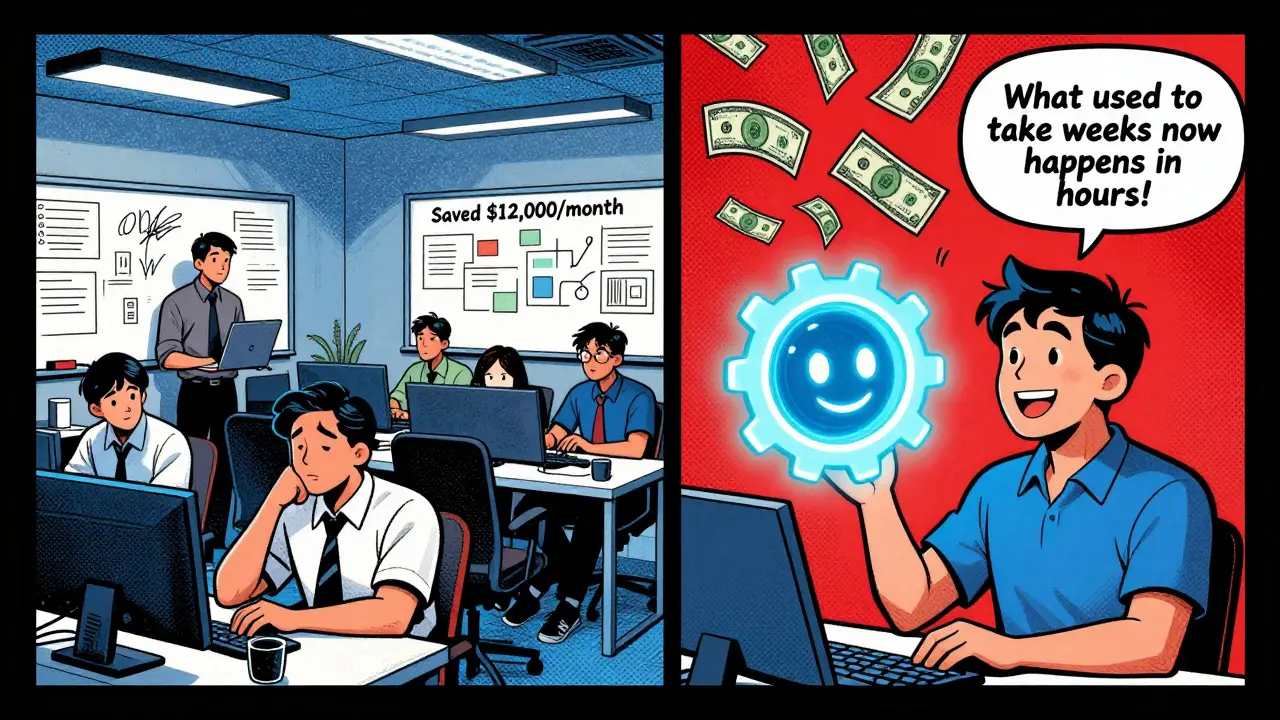
Let’s say you save 200 developer hours a month. At $60/hour (the average U.S. developer rate), that’s $12,000 in labor savings. Subtract your $50/month AI subscription and maybe $200 for an hour or two of your own time spent cleaning up code, and your net monthly gain is over $11,700. That’s the ROI in action.
Speed Gains: From Months to Days
Time-to-market is everything. Traditional development cycles for an MVP can take 3-6 months. With vibe coding, you can have a working prototype in 3-5 days.
One founder in Austin built a customer feedback tracker using GitHub Copilot. He described the UI, the data fields, and how he wanted notifications to work. The AI generated a React frontend, a Node.js backend, and connected it to PostgreSQL-all in under two hours. He spent the next day tweaking the design and fixing a few bugs. Total time: 3 days. A team would have taken 3 weeks.
Microsoft’s Satya Nadella said it best: “What used to take weeks now happens in hours.” That’s not hyperbole. For early-stage validation-testing if users actually want your product-speed isn’t just nice. It’s survival. If you can get feedback in days instead of months, you pivot faster, fail cheaper, and succeed sooner.
Quality Gains? Not Perfect, But Better Than You Think
People assume AI-generated code is messy. And sometimes, it is. But the idea that vibe coding produces junk is outdated.
Tools like GitHub Copilot now offer real-time suggestions as you type. They auto-complete functions, suggest better variable names, and even catch logic errors before you run the code. Nanobyte Technologies found these tools eliminate 30-50% of boilerplate tasks-things like setting up API routes, writing CRUD operations, or handling authentication. That means less time on repetitive work and more time on real problems.
But quality isn’t just about the code being “correct.” It’s about being maintainable. That’s where the catch comes in. Reddit user u/CodingWizard99 built an inventory app in 3 days using vibe coding-but spent two extra days cleaning up the AI’s messy variable names and duplicated logic. That’s normal. You’re not getting production-ready code out of the box. You’re getting a 70-80% solution. The rest is your job.
And that’s okay. For internal tools, dashboards, scripts, or MVPs, “good enough” is perfect. You don’t need enterprise-grade scalability for a tool used by five people. But if you’re building a patient management system for 10,000 users? That’s where vibe coding fails. One health tech startup tried it. They launched with AI-generated code, hit scaling issues at 10k users, and spent $250,000 on a full rewrite. That’s the cost of skipping proper architecture.
Hidden Costs: The Technical Debt Trap
ROI modeling isn’t just about what you save. It’s about what you don’t see.
IBM’s November 2024 report warns that vibe coding can create “hidden debts”-code that works now but becomes a nightmare to update later. Messy dependencies, unclear variable names, hardcoded values, and untested edge cases pile up. Nanobyte Technologies estimates that 15-25% of the time you save through vibe coding gets eaten up later by refactoring.
Here’s how to avoid it:
- Use automated code scanners like Snyk or CodeQL to check for security flaws
- Write unit tests for critical functions-even if the AI didn’t generate them
- Set a rule: “No AI-generated code goes to production without a human review”
- Use GitHub Copilot Workspace or IBM’s watsonx.ai-they now include automated refactoring tools that help clean up old code
Think of vibe coding like a power tool. It’s fast, it’s efficient, but if you don’t wear safety gear, you’ll get hurt. The same goes for code. Don’t skip the basics just because the AI did the heavy lifting.
Who Should Use Vibe Coding? Who Should Avoid It?
Not every project is a fit. Here’s a simple decision tree:
Use vibe coding if:
- You’re building an MVP to test market demand
- You need an internal tool (tracking, reporting, automation)
- You’re a non-technical founder with a clear idea
- You have a small user base (under 1,000 active users)
- You’re okay with refactoring later
Avoid vibe coding if:
- You’re building a core product for 10,000+ users
- You need strict compliance (HIPAA, GDPR, financial systems)
- Security is non-negotiable (think banking, healthcare, government)
- You plan to scale complex integrations (e.g., ERP, legacy systems)
GitHub Copilot dominates the market, especially in enterprises. But for solo founders, Replit and Cursor offer more intuitive interfaces. IBM’s watsonx.ai is the only one with built-in enterprise security controls-worth the $500/month if you’re in a regulated industry.
Getting Started: Your First 10 Hours
You don’t need to be a coder to start. But you do need to learn how to talk to the AI.
Here’s how to begin:
- Pick a tool: Start with GitHub Copilot (free trial available) or Replit (free tier works for simple projects)
- Install it in your code editor (VS Code, JetBrains, or Replit’s online IDE)
- Practice prompting: Instead of “Make a login page,” say “Create a React login page with email and password fields, error handling for invalid inputs, and a ‘Forgot Password’ link that sends an email via SendGrid.” Be specific.
- Review every line: Don’t copy-paste blindly. Read the code. Ask: “Does this make sense? What could go wrong?”
- Test it: Run the code. Break it. Fix it. Learn from the mistakes.
Most non-technical users become proficient in 10-15 hours. Developers need less than 5. The learning curve is shallow, but the payoff is steep.
The Future: Where Vibe Coding Is Headed
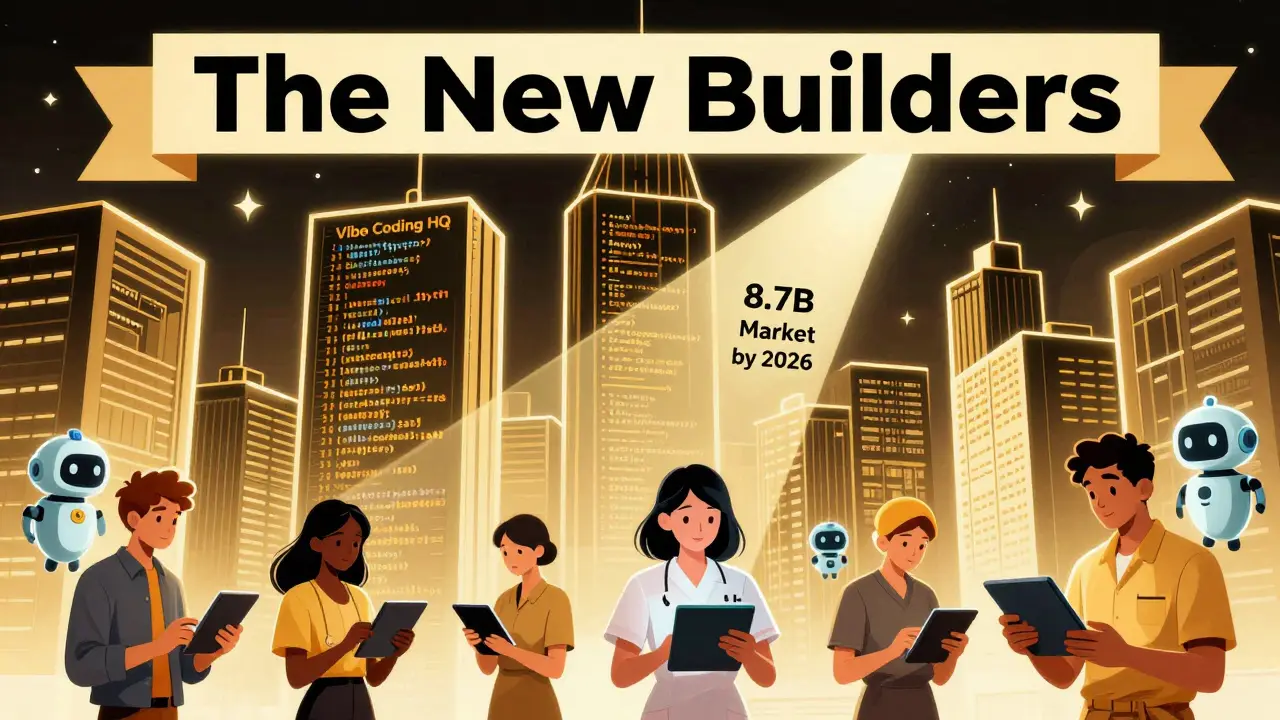
Gartner predicts the AI-assisted coding market will hit $8.7 billion by 2026. Forrester says by 2027, 60% of all new apps will include AI-generated code for at least 30% of their codebase.
But here’s the real takeaway: vibe coding isn’t replacing developers. It’s changing their role. The future belongs to people who can guide AI-not just write code. Engineers will spend less time typing and more time designing, reviewing, and architecting. Founders will build faster. Startups will launch cheaper.
The tools are getting smarter. GitHub Copilot Workspace now auto-refactors old code. IBM’s AI integrates with security frameworks. Replit is adding AI-powered testing. This isn’t a fad. It’s the new baseline.
If you’re waiting to see if vibe coding “works,” you’re already behind. The question isn’t whether to use it. It’s how fast you can learn to use it well.
Is vibe coding safe for production use?
Vibe coding can be safe for production, but only with human oversight. AI-generated code often lacks proper error handling, security checks, or scalability design. Always run automated scans (like Snyk), write tests, and review critical logic before deployment. It’s not plug-and-play-it’s guide-and-validate.
Can non-technical people really build apps with vibe coding?
Yes, but they need to learn how to prompt effectively. Saying “Make a website” won’t work. You need to be specific: “Create a form that collects names and emails, stores them in a Google Sheet, and sends a confirmation email.” With 10-15 hours of practice, non-developers can build functional tools. The barrier isn’t skill-it’s clarity of thought.
How does vibe coding compare to hiring a developer?
Hiring a developer gives you full control, scalability, and long-term maintainability-but costs $8K-$15K/month. Vibe coding costs $50-$200/month in tools and your time. It’s 85-95% cheaper for MVPs and internal tools. But if you need a complex system that lasts 5+ years, you’ll eventually need a developer to fix or rebuild what the AI made.
What’s the biggest mistake people make with vibe coding?
Assuming the AI’s code is ready to ship. Many users copy-paste AI-generated code without reviewing it, leading to security holes, bugs, or technical debt. The biggest win comes from treating AI as a co-pilot, not a replacement. Always review, test, and refactor.
Which AI tool is best for beginners?
For beginners, Replit is the easiest-it’s browser-based, has built-in tutorials, and lets you run code instantly. GitHub Copilot is more powerful but requires a code editor like VS Code. Cursor is great if you want a chat-first interface. Start with Replit’s free tier, then move to Copilot if you need deeper integration.
Does vibe coding work for enterprise companies?
Yes, but only for the right use cases. Fortune 100 companies use GitHub Copilot to speed up internal tooling, automate reports, and prototype features. But they don’t use it for core financial systems or customer-facing apps without heavy guardrails. IBM’s watsonx.ai is designed for this-combining AI speed with enterprise security. The key is using vibe coding for augmentation, not replacement.
Start small. Build a tool you use every day. Measure the time saved. Track the cost. You’ll quickly see why vibe coding isn’t just a trend-it’s the new way to build software.


10 Comments
Dmitriy Fedoseff
Vibe coding is just the latest form of magical thinking wrapped in AI glitter. You think you're saving money? You're just outsourcing your ignorance to a bot that doesn't understand context, ethics, or consequences. I've seen AI-generated code crash hospital scheduling systems because it didn't know leap years existed. This isn't democratization-it's dangerous laziness disguised as innovation.
Meghan O'Connor
Stop. Just stop. The word 'vibe' has no place in a technical discussion. And 'AI writes code'? No. It regurgitates. It doesn't understand. It doesn't reason. It's a parrot with a GitHub account. Also, 'under $200 a month'? Please. You're forgetting the cost of debugging, the lost time, and the existential dread of wondering if your app will explode when a user clicks the wrong button.
Morgan ODonnell
i get what you're saying but honestly i've used copilot for a little side project and it actually helped me get something working without crying. not perfect, sure. but i built a thing that saves me 3 hours a week. that's real. i didn't need to hire someone, didn't need to learn python, just typed what i wanted and fixed the weird bits. it's not magic, but it's not evil either. just a tool. like a hammer. you can hit your thumb or build a shed.
Liam Hesmondhalgh
Irish devs don't need this nonsense. We've been coding since the days of punch cards and whiskey-fueled debugging. You think some Silicon Valley chatbot can replace years of experience? Pfft. This is what happens when you let MBA’s run tech. Real engineers write code, not prompts. And don't even get me started on 'refactoring later'-that's just corporate speak for 'we're gonna burn the whole thing down in 6 months.'
Patrick Tiernan
so like… i tried vibe coding for my todo app and it made a login page that literally just said ‘hello world’ 17 times. i had to fix it myself. also the ai used ‘var’ instead of ‘const’ and i cried a little. but hey at least i didn’t pay $10k. so… win? idk. maybe. probably not. but i did it so i guess that counts?
Patrick Bass
There’s a difference between speed and sustainability. AI can generate code quickly, but if you don’t understand what it’s doing, you can’t maintain it. I’ve seen teams abandon AI-generated projects because no one could trace the logic. It’s not about whether it works-it’s about whether you can still fix it when it breaks.
Tyler Springall
Let me be the first to say this: you're not building software, you're assembling a Frankenstein’s monster of stolen code snippets and hallucinated logic. This isn't innovation-it's intellectual theft disguised as efficiency. And don't even get me started on the copyright implications. GitHub Copilot was sued for this exact reason. You're not saving money-you're gambling with lawsuits.
Colby Havard
It is imperative to recognize that the fundamental epistemological flaw in this paradigm lies in its ontological assumption that syntactic correctness equates to semantic integrity. The AI, devoid of intentionality, cannot comprehend the teleological purpose of the code it generates. Consequently, the resultant artifacts are not artifacts of engineering-they are artifacts of entropy. To conflate velocity with viability is to confuse the means with the end. One must ask: Is the product functional, or merely superficially operational?
Amy P
Okay but I just built a whole CRM in 48 hours using Replit and AI and I’m not even a developer?? I cried. I laughed. I sent it to my boss and she said ‘how did you do this??’ I said ‘I yelled at a robot and it listened.’ This changed my life. I’m going to quit my job and become a vibe coding guru. Someone get me a hoodie with ‘I told the AI to make a dashboard and it did’ on it. I’m not joking. This is the future. I feel it in my bones.
Ashley Kuehnel
hey! i used vibe coding to make a little tool that auto-sorts my kids' school emails and it saved me like 10 hours a week 😊 i'm not a coder but i followed the tips in the post-being super specific with prompts and checking every line-and it worked! the ai gave me some weird variable names like 'temp1' but i just renamed them and added comments. also used snyk to scan for bugs. super easy! if you're scared, just start small-like a to-do list or a budget tracker. you got this!!