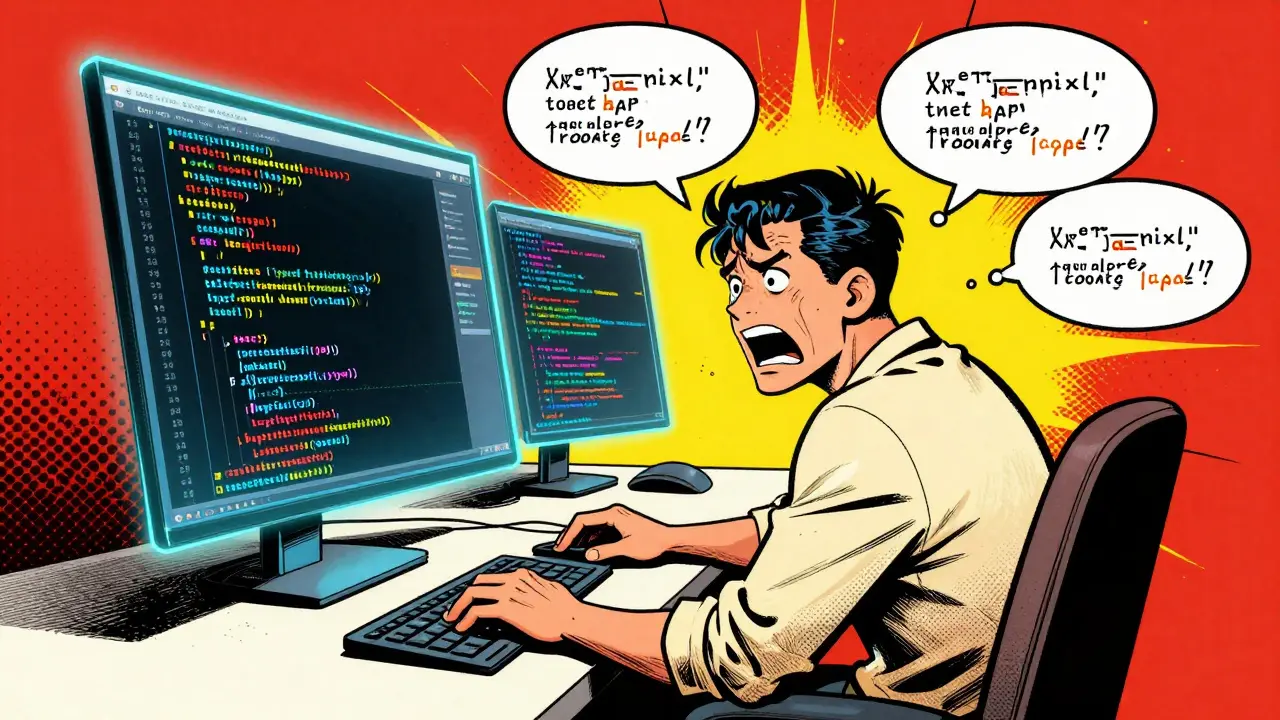
You've probably been there: you spend two hours prompting an AI to build a complex feature, and the code is perfect. Then, you start a new session the next day, provide the same requirements, and the AI gives you a completely different architecture, different naming conventions, and a structure that doesn't fit with yesterday's work. It's a nightmare for prompt style guides and maintainability. When the AI is your co-developer, the "style guide" isn't just for the humans reading the code-it's for the model generating it.
The problem is that LLMs are probabilistic, not deterministic. Without a strict set of constraints, they drift. To stop this, you need to move beyond simple requests and start treating your prompts like a formalized configuration file. By establishing a prompt-based style guide, you effectively reduce the cognitive load on yourself during reviews and ensure that your codebase looks like it was written by one person, even if it was generated across fifty different chat sessions.
The Core Components of a Prompt Style Guide
A great style guide for AI doesn't just say "write clean code." It needs to be concrete. If you're vague, the AI fills in the blanks with its own training data, which varies session to session. To get consistent results, your guide should cover these specific areas:
- Formatting and Layout: Define exactly how the code should look. Do you want 2 spaces or 4 for indentation? Should braces be on the same line or a new one? Set a hard limit on line length (e.g., 100 characters) so the AI doesn't produce massive, unreadable one-liners.
- Naming Conventions: This is where most AI-generated code falls apart. Explicitly tell the model to use camelCase for variables and PascalCase for classes if you're in a JavaScript environment. If you're using Python, insist on snake_case.
- Complexity Constraints: Prevent the AI from writing "God Objects" or 500-line functions. Set a rule that functions must be under 60 lines and have no more than 4 parameters. This forces the AI to modularize the code.
- Error Handling Patterns: Don't let the AI guess how to handle crashes. Specify if you want a Try-Catch block in every async function or if you prefer a centralized error boundary approach.
Implementing the "System Prompt" Strategy
The most effective way to enforce these rules is through the System Prompt (or the "Custom Instructions" feature in tools like ChatGPT). Instead of pasting your style guide into every single message, you bake it into the AI's identity for that project. This creates a persistent layer of constraints that the model must follow regardless of the specific task.
Think of the system prompt as the "Company Handbook" for the AI. When you tell the AI, "You are a Senior Engineer at a company that follows the Google Style Guide and strictly uses TypeScript 5.0," you've already narrowed the probability space of its outputs. You can further refine this by providing a "Reference Implementation"-a small snippet of your best existing code-and instructing the AI to mimic that exact style.
| Approach | Consistency Rate | Review Effort | Risk of Drift |
|---|---|---|---|
| Manual Prompting (Per Session) | Low | High (Checking every line) | Extreme |
| System Prompt + Style Guide | Medium-High | Moderate | Low |
| Prompt Guide + Auto-Formatter (e.g., Prettier) | Very High | Low (Focus on Logic) | Minimal |

Bridging the Gap with Automated Tooling
Even with a perfect prompt, AI will occasionally hallucinate a semicolon or miss a naming convention. The secret to true consistency is not relying on the AI to be perfect, but using tools to catch its mistakes. This is where Linters and formatters come in.
If you're working in JavaScript, using ESLint and Prettier is non-negotiable. For Python, Black or Pylint are the gold standards. The workflow looks like this: you prompt the AI using your style guide, the AI generates the code, and then your local environment automatically reformats it to match the project's exact standards. This removes the "stylistic debate" from your review process entirely.
According to industry data, teams that combine clear documentation with automated enforcement reduce time spent on stylistic debates by nearly 90%. Why? Because you stop arguing about where the curly brace goes and start focusing on whether the logic actually works. When the style is automated, bugs become much easier to spot because the "noise" of inconsistent formatting is gone.
The Trap of Over-Prescription
There is a danger in making your prompt style guide too rigid. If you give an AI 150 micro-rules, it might struggle to actually solve the problem because it's too focused on the formatting. This is often called "prompt saturation." When a guide is too pedantic, the AI may produce code that is syntactically perfect but logically flawed, or it might simply refuse to implement complex patterns because they conflict with a minor style rule.
The goal is "meaningful consistency." Focus your prompt constraints on the areas that actually affect maintainability-like naming and architectural patterns-and let an auto-formatter handle the trivial things like whitespace. As a rule of thumb, if a rule can't be enforced by a tool, it should be a high-level guideline rather than a strict requirement. Give the AI some room to flex in how it solves a problem, as long as the output fits into your existing ecosystem.

Scaling Your Guide Across Large Projects
As your project grows, a single system prompt might not be enough. You'll need a tiered approach to prompt engineering. Start with a global style guide for the entire organization, then create project-specific overrides. For example, your global guide might mandate TypeScript, but a specific project guide might mandate that all API calls must use a particular wrapper class.
Another pro tip is to maintain a "Style Cheat Sheet" as a markdown file in your repository. When you start a new AI session, you can simply tell the AI: "Read style_guide.md and apply all rules to the following task." This ensures that as your standards evolve, your AI's output evolves with them. It also makes onboarding new human developers 35% faster, as they have a clear reference point for both how to write code and how to prompt the AI to help them.
Will a style guide make the AI slower to respond?
Not significantly. While a longer system prompt uses more tokens, the impact on latency is negligible compared to the time saved in manual code cleanup. The trade-off is overwhelmingly positive for the quality of the output.
Should I use a community guide like Google's or make my own?
Start with a community standard like PEP-8 for Python or Google's style guides. They are comprehensive and well-understood by LLMs. Only add custom rules when you encounter a specific problem that the community standard doesn't solve.
What happens if the AI ignores my style rules?
If the AI drifts, use a "correction loop." Paste the incorrect code back and say, "This violates rule X of our style guide; please rewrite it to comply." Once it corrects itself, the model's short-term memory is updated, and it's less likely to make the mistake again in that session.
Does this work for legacy codebases?
Yes, but with a twist. Instead of forcing a modern style on old code, instruct the AI to "mimic the existing style of the provided file." This prevents the AI from introducing a mix of old and new patterns, which can make a codebase feel fragmented.
How often should I update my prompt style guide?
Treat it as a living document. Review it every time you upgrade your primary language version (e.g., moving from TypeScript 4 to 5) or when you find yourself repeatedly correcting the same stylistic error in your AI sessions.
Next Steps for Implementation
If you're ready to stop the session-to-session drift, start small. Don't try to write a 20-page manual today. Instead, pick the three things that annoy you most about AI-generated code-maybe it's the lack of type definitions, the weird indentation, or the overly long function names. Write those three rules into your system prompt today.
Once those are working, integrate a formatter like Prettier or Black into your IDE. Let the AI handle the logic and the tool handle the look. Over time, expand your guide to include architectural patterns and error-handling strategies. By shifting from "guessing" to "guiding," you turn the AI from a temperamental freelancer into a reliable member of your engineering team.


5 Comments
Wilda Mcgee
This is such a game-changer for anyone struggling with those chaotic AI hallucinations! I've been using a similar 'recipe book' approach for my TypeScript projects and it honestly transforms the experience from a gamble into a polished symphony of code. Adding a few a little flavor with a 'Reference Implementation' really helps the model grasp the soul of the project rather than just the syntax. It's all about weaving those constraints into the workflow so the AI feels like a seasoned partner rather than a confused intern. Definitely recommend starting with a small set of gold-standard snippets to anchor the model's output!
Madeline VanHorn
Basic stuff. If you actually knew how to code you wouldn't need a guide to tell a bot how to name a variable.
Glenn Celaya
Exactly. imigine needing a whole manual just to get consistent output lol. it just shows how lackign the actual fundmntals are in most a-developers these days. if u cant guide a model without a 10 page doc u probably shouldn't be pushng to prod
Priyank Panchal
Stop acting like you're superior when you're just as dependent on these tools. The logic here is sound and the implementation of system prompts is the only way to stop the absolute chaos of probabilistic drift. If you can't see the value in standardization, you are a liability to any professional team.
Buddy Faith
nah this is just another way for the companies to train the models on our specific workflows for free. you think you're making a guide but you're actually just feeding the beast a more efficient map of how to replace you. the whole 'system prompt' thing is probably just a way to track how we think so they can automate the human part faster. wake up people its all a loop to make us redundant while we think we're being productive