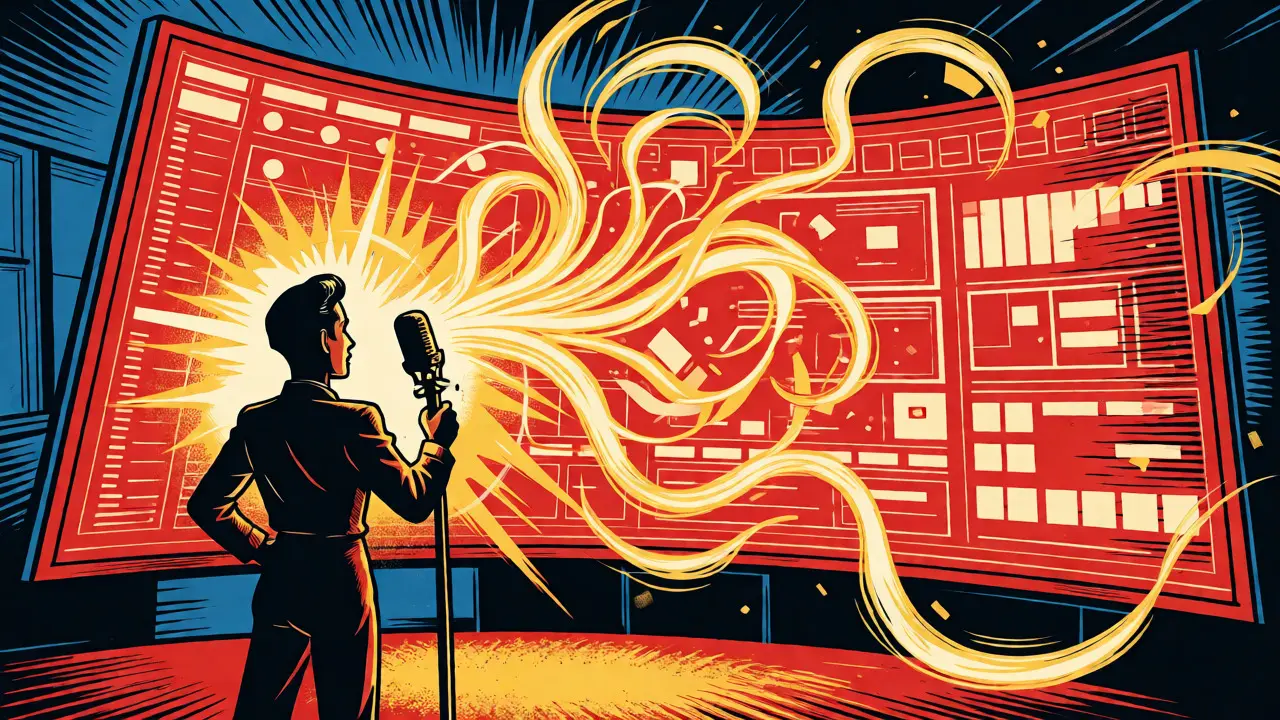
Imagine telling your computer exactly what you want a process to do in plain English, and having it build the code, connect the APIs, and deploy the dashboard instantly. That’s not science fiction anymore; that’s vibe coding. It is an approach where natural language prompts drive software creation, bypassing traditional syntax-heavy programming. For operations teams stuck in the bottleneck of IT ticket queues, this shift is massive. You no longer need to wait weeks for a developer to build a simple alert system or a custom reporting view. Instead, you describe the outcome-"Send a Slack alert when a high-priority ticket stays open over 24 hours"-and the AI generates the working logic.
What Actually Is Vibe Coding?
Vibe coding is a development paradigm where users generate functional code and workflows through conversational prompts rather than manual syntax entry. Unlike traditional coding, where you write every line yourself, or no-code platforms, which lock you into rigid visual builders, vibe coding sits comfortably in the middle. It leverages large language models (LLMs) like those found in Cursor, GitHub Copilot, or specialized tools like AutoKitteh to interpret intent. The system handles the boilerplate, the API connections, and the error handling, while you focus on the business logic.
This method flips the traditional workflow on its head. In old-school automation, you start with structure: map the trigger, define the action, configure the fields. With vibe coding, you start with context. You describe the problem, and the AI proposes the solution. If the first draft isn’t perfect, you tweak it by talking to the code. "Add a condition to ignore weekends," you say, and the code updates. This iterative conversation makes automation accessible to non-technical staff who understand the business process but don’t know Python from JavaScript.
Why Operations Teams Are Switching
Operations teams live in a world of repetitive tasks and data silos. Syncing CRM records, routing support tickets, and generating weekly reports eat up hours that could be spent on strategic improvements. Traditional solutions often fail here. No-code tools like Zapier are great for simple chains but hit a wall when complex logic is needed. Full-code solutions require hiring developers, which means budget approvals and long lead times.
Vibe coding removes these friction points. A study involving engineering teams using AI-driven scaffolding reported cutting coding cycles by 40-60%. For ops teams, the gain is even more immediate because they aren’t starting from scratch-they’re automating known processes. When a team member can type, "Create a dashboard showing sales pipeline velocity by region," and get a working prototype in minutes, the cultural barrier to automation drops. People stop asking, "Can we automate this?" and start saying, "I just automated this."
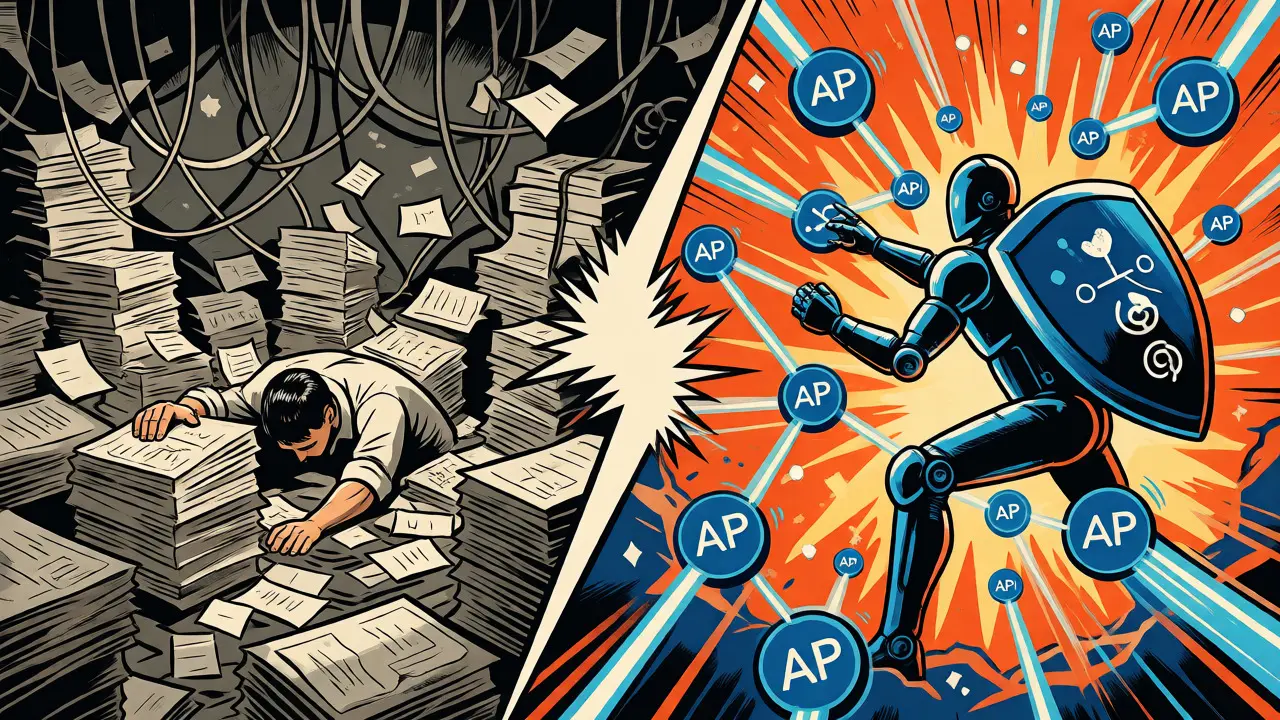
Building Internal Dashboards Without Dev Support
Internal dashboards are often neglected because they’re expensive to maintain. Business requirements change monthly, but updating a Tableau or Power BI report might take a sprint cycle. Vibe coding changes the economics of internal tooling. Tools like CodeWords or AutoKitteh allow you to generate front-end components and back-end queries simultaneously. You can ask for a specific visualization-say, a heat map of customer support response times-and the AI writes the SQL query and the React component to display it.
| Feature | No-Code (e.g., Zapier) | Traditional Code | Vibe Coding |
|---|---|---|---|
| Skill Requirement | Low | High | Medium (Prompt Engineering) |
| Flexibility | Limited by UI blocks | Unlimited | High (AI-generated code) |
| Setup Time | Minutes | Days/Weeks | Minutes to Hours |
| Maintenance | Vendor-dependent | Developer-dependent | Self-service via prompts |
The key advantage here is control. Because vibe coding generates actual code (often Python or JavaScript), you can inspect it. If the dashboard needs a custom calculation that standard BI tools can’t handle, you don’t file a ticket. You prompt the AI to adjust the logic, review the generated snippet, and deploy. This transparency builds trust within the operations team, as they see exactly how their data is being processed.
Workflow Automation: From Script to Agent
Beyond dashboards, vibe coding excels at operational workflows. Consider a common scenario: a new client signs up in Stripe. Traditionally, this triggers a chain of events: create a record in Salesforce, send a welcome email, add them to a marketing list, and assign a success manager. In a no-code tool, this is a linear path. But what if the client is from Europe? Then GDPR consent forms must be sent instead. What if the deal size is over $50k? Then the VP gets notified.
Writing these conditional branches in a visual builder gets messy fast. With vibe coding, you describe the entire ecosystem: "When a Stripe payment succeeds, check the country. If EU, send GDPR form. If deal > $50k, notify VP. Otherwise, standard welcome email." The AI generates a script with proper error handling and logging. Platforms like AutoKitteh go further by offering durable execution. If the server crashes mid-workflow, the system remembers where it left off and resumes, ensuring no data is lost. This reliability is critical for operations, where missed steps can mean lost revenue.

Best Practices for Implementing Vibe Coding
Just because you can automate anything doesn’t mean you should automate everything at once. Start small. Pick one painful, repetitive task-like reconciling invoices or tagging support tickets-and try to solve it with a single prompt. Use vertical slicing: implement the feature end-to-end in a simple version first, then add complexity. Don’t try to build the perfect enterprise-grade system on day one.
- Define Intent Clearly: Ambiguous prompts yield ambiguous code. Specify inputs, outputs, and edge cases.
- Review Generated Code: Even if you don’t write it, read it. Ensure security practices are followed, especially with API keys.
- Iterate Continuously: Treat the AI as a junior developer. Give feedback, ask for refactoring, and refine the logic.
- Document as You Go: Ask the AI to generate comments and documentation for the code it creates. This helps future team members understand the automation.
Another tip is to leverage shared knowledge bases. Some platforms allow you to upload your company’s specific terminology or past successful automations. The AI learns from these examples, making subsequent generations more aligned with your internal standards. This reduces the "hallucination" risk where the AI invents non-existent API endpoints or logical flows.
The Future of Operational Tech
We are moving toward agentic workflows, where AI doesn’t just write code but monitors and executes it. Imagine an AI agent that watches your dashboard, notices a spike in churn, analyzes the underlying data, and drafts a retention email campaign-all without human intervention until approval is needed. This shift from script-based to intelligence-based operations is already happening.
For leaders in operations, the message is clear: empower your team to speak to their machines. By adopting vibe coding, you’re not just saving time; you’re building a culture of agility where technology adapts to business needs in real-time, rather than the other way around. The tools are ready, the cost is dropping, and the learning curve is flatter than ever. The only thing standing between your team and fully automated efficiency is the willingness to start typing.
Do I need to know how to code to use vibe coding?
No, you do not need deep programming knowledge. However, basic literacy in reading code helps with debugging and verification. The primary skill required is clear communication and the ability to break down complex problems into logical steps for the AI to execute.
Is vibe coding secure for enterprise data?
Security depends on the platform used. Enterprise-grade vibe coding tools offer SOC2 compliance, private cloud deployments, and role-based access controls. Always ensure that sensitive data is masked before sending prompts to public LLMs, or use platforms that keep data processing within your own infrastructure.
How does vibe coding differ from low-code platforms?
Low-code platforms rely on drag-and-drop interfaces with predefined blocks. Vibe coding uses natural language to generate flexible, custom code. While low-code is limited by the vendor's available integrations, vibe coding can theoretically connect any API or database since it writes the integration logic itself.
Can vibe coding replace IT departments?
It won't replace them, but it will change their role. IT shifts from building every small automation to governing the platform, managing security, and handling complex architectural challenges. Ops teams become self-sufficient for routine automations, freeing IT for high-value strategic projects.
What happens if the AI generates buggy code?
You iterate. Paste the error message back into the chat, and the AI will attempt to fix it. Most modern vibe coding environments include testing frameworks that validate the code before deployment. If the bug persists, you can manually edit the code, just as you would in a traditional IDE.