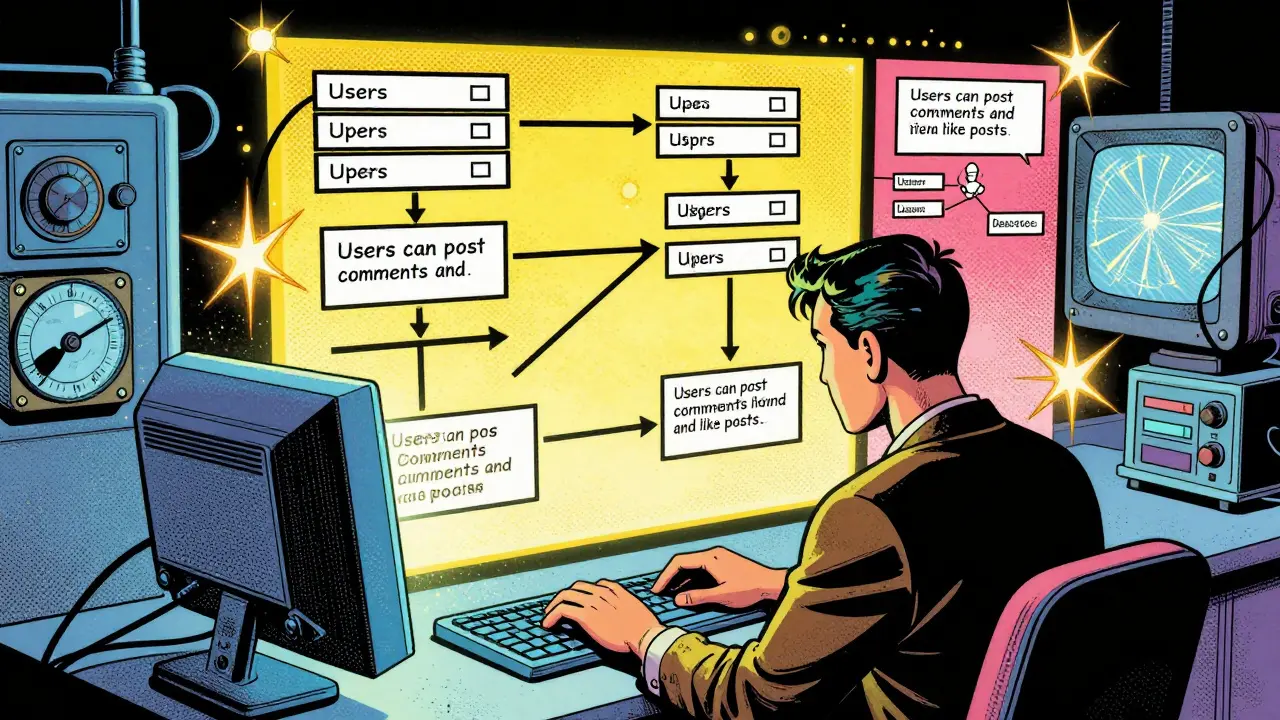
Imagine describing your database needs in plain English-like "I need users who can post comments and like posts"-and having a complete, production-ready schema pop up in seconds. No more wrestling with SQL syntax, no more guessing which indexes to add, no more breaking data when you rename a column. That’s not science fiction anymore. As of 2026, AI-powered schema design is changing how teams build databases from the ground up. It’s not replacing developers. It’s removing the grunt work so you can focus on what matters: making the system work for real users.
How AI Generates Database Schemas
AI tools for database design aren’t just fancy autocomplete. They’re trained on millions of real-world schemas from GitHub, open-source projects, and enterprise systems. These models learn patterns: how tables relate, which columns need indexes, when to use SET NULL versus CASCADE on foreign keys. When you type a description like "users have many posts, posts have many comments, and each comment has an author," the AI doesn’t just map words to tables. It applies normalization rules, adds foreign key constraints, and suggests indexes based on likely query patterns.
For example, if you say, "I need a product catalog with categories and inventory levels," the AI won’t just create three tables. It’ll create:
- products: with
id,name,category_id,price,inventory_count - categories: with
id,name,description - inventory_logs: with
product_id,change_amount,timestamp,reason
It’ll also add:
- A foreign key from
products.category_idtocategories.idwithON DELETE SET NULL - An index on
products.category_idbecause queries like "get all products in category X" will be common - A check constraint on
inventory_countto prevent negative values
All of this happens in under 10 seconds. No more manually writing 50 lines of SQL. No more forgetting to add an index until your app slows down for 10,000 users.
Why Validation Matters More Than Ever
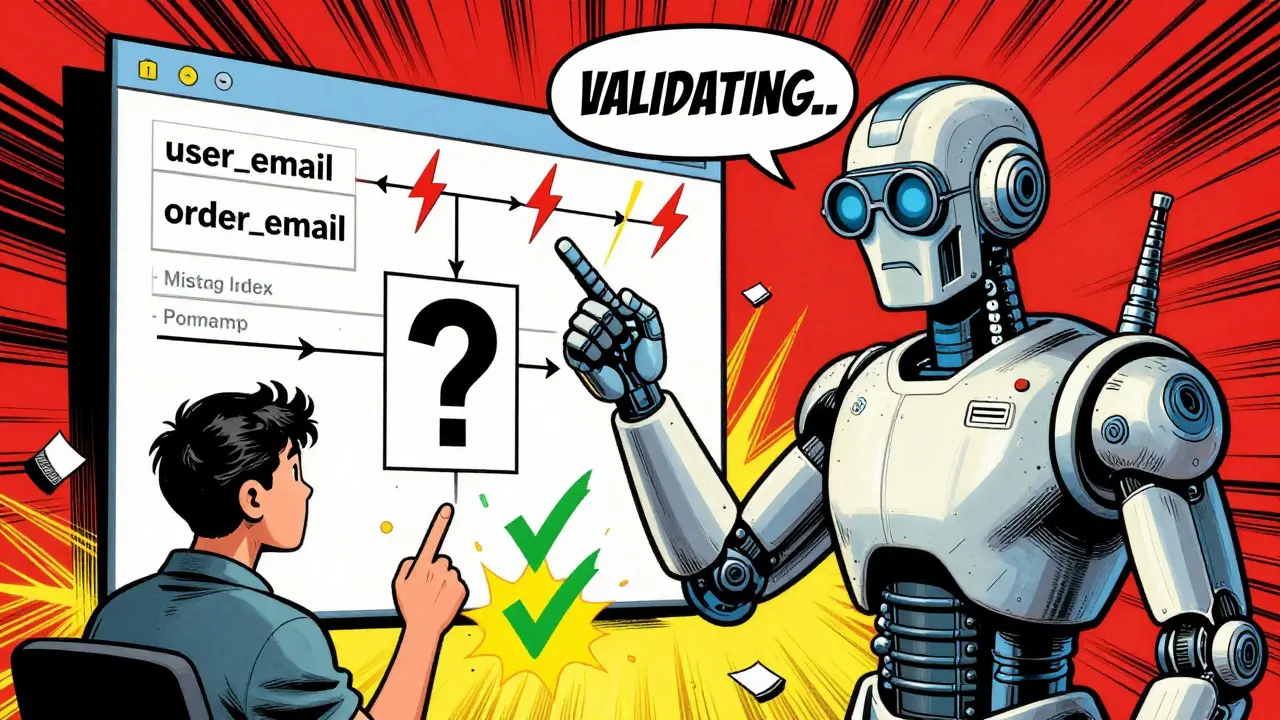
Generating a schema is only half the battle. The real risk isn’t writing bad SQL-it’s deploying a schema that looks fine but breaks data relationships later. AI tools now include built-in validation layers that check for:
- Referential integrity gaps: Are all foreign keys pointing to real parent records? If a product references a category that doesn’t exist, the AI flags it.
- Redundant columns: If you have
user_emailin bothusersandorders, the AI warns you. That’s a normalization violation. - Missing indexes on join columns: If you join
ordersandcustomersoncustomer_id, but there’s no index there, the AI says so. Slow queries are often just missing indexes. - Data type mismatches: Using
VARCHAR(255)for a country code? The AI suggestsCHAR(2). UsingTEXTfor a boolean flag? It points outBOOLEANis cleaner.
One team using AI schema tools caught a critical flaw before launch: their "order_status" column was defined as ENUM('pending', 'shipped', 'delivered'). But their business logic needed to allow "cancelled" as a status. The AI flagged the enum as too restrictive and suggested a lookup table instead. That saved them from a costly patch after go-live.
How AI Handles Migrations Safely
Migrations are where most database failures happen. Renaming a column? Dropping a table? Adding a NOT NULL constraint to an existing column? One wrong move and you lose data-or worse, break the app for half your users.
AI doesn’t just generate the new schema. It generates the migration script to get there. For example:
- If you change
user_nametofull_name, the AI writes a migration that: - Renames the column
- Copies existing data
- Adds a backward-compatible alias (so old API calls still work)
- Creates a rollback script to revert the change
- If you add a required field like
phone_numberto an existinguserstable, the AI: - Creates the column as nullable
- Writes a data migration to populate it from existing fields (like email or address)
- Then runs a second migration to make it NOT NULL
These migrations are tested automatically. The AI simulates the migration on a copy of your production data (anonymized, of course) and checks for:
- How long it takes
- Whether it locks tables
- Whether any rows fail to update
One startup using this system reduced migration-related outages by 87% in six months. Before AI, they had two major outages per quarter. After, they had one in eight months-and it was caused by a third-party API change, not the database.
Common Mistakes AI Fixes Automatically
Even experienced devs make the same mistakes. AI doesn’t judge-it just fixes them.
- Skipping normalization: Storing comma-separated tags in one column? AI splits them into a proper
tagsandpost_tagsjunction table. - Over-indexing: Adding indexes on every column? AI removes the ones that are never used in WHERE clauses or JOINs.
- Ignoring character sets: Using
VARCHARwithout specifying UTF-8? AI sets it toUTF8MB4by default for emoji and international text support. - Hardcoding values: Using
status = 'active'everywhere? AI suggests astatus_typeslookup table so you can add "archived" or "suspended" later without changing code.
These aren’t "nice to have" improvements. They’re the difference between a system that scales and one that collapses under 50,000 users.
When to Stick With Manual Design
AI is powerful, but it’s not magic. There are still cases where human judgment wins:
- Complex business logic: If your app needs to enforce rules like "a user can only place 3 orders per day if they’re under 18," that logic belongs in the application layer, not the schema. AI won’t guess that.
- Legacy system integration: If you’re connecting to a 15-year-old ERP system with weird naming conventions, AI might "clean up" names that your team has built workflows around.
- Performance-critical queries: If you’re doing real-time analytics on 10 million rows per hour, you might need custom partitioning or materialized views. AI can suggest them, but you’ll still need to test them.
The best approach? Use AI to generate the baseline, then review it like a code review. Ask: "Does this match our actual use cases?" "Will this hold up under load?" "Can a new dev understand it in 10 minutes?"

What’s Next: AI That Thinks Ahead
The next wave of AI schema tools won’t just respond to your requests-they’ll predict them. By early 2026, some platforms are already:
- Watching query logs and suggesting indexes before you even ask
- Flagging schemas that will break when you add a new feature (like "if you add location data, you’ll need a spatial index")
- Auto-generating vector embeddings for similarity search (think "find products similar to this one")
- Warning about security risks: "This schema allows SQL injection through this field because it’s concatenated in a raw query"
One company using AI schema tools now gets weekly reports like: "Your users query "orders by date" 12,000 times a day. Adding a composite index on order_date and user_id will cut response time from 850ms to 120ms. Apply?" They say yes 9 out of 10 times.
Start Smart: Three Rules for AI Schema Design
If you’re new to this, here’s how to avoid the pitfalls:
- Always test on real data. Never trust the AI’s demo. Load a copy of your production data (anonymized) and run the migration. See what breaks.
- Document what the AI generated. Write a short README: "This schema was generated from: [your input]. Changes made manually: [list]." Future you will thank you.
- Keep the old schema around. Don’t delete your old SQL files. Use them as a reference. AI might miss something you know is critical.
Database design isn’t about writing perfect SQL. It’s about building systems that last. AI doesn’t remove the need for thought-it removes the need for repetition. Use it to get to the hard parts faster.
Can AI-generated database schemas handle complex relationships like polymorphic associations?
Yes, modern AI schema tools can handle polymorphic relationships, but they need clear context. If you describe a system where "a comment can belong to a post, a product, or a user," the AI will generate a table with columns like commentable_type (VARCHAR) and commentable_id (BIGINT), along with indexes on both. It will also warn you that foreign key constraints can’t be enforced in this pattern, and suggest adding application-level validation. Some tools even offer a "hybrid" option-using a junction table for high-traffic relationships and polymorphic for low-traffic ones.
Do AI schema tools work with NoSQL databases like MongoDB?
Yes, but differently. For MongoDB, AI tools don’t generate rigid schemas-they generate schema guidelines. Instead of tables and foreign keys, they suggest document structures, embedded vs. referenced relationships, and index strategies. For example, if you say "users have posts, and posts have comments," the AI might recommend embedding comments directly in the post document for fast reads, but referencing them in a separate collection if comments grow large. It also suggests when to use unique indexes on email or username fields to prevent duplicates.
How accurate are AI-generated migrations for production databases?
Top tools today achieve over 95% accuracy on migration scripts when tested against real-world data. The remaining 5% usually involve edge cases: legacy data with inconsistent formats, nullable fields that should be required, or application logic that depends on hidden assumptions. The best tools let you simulate migrations on a copy of production data before applying them. Always run the simulation. Never skip it.
Can AI detect security vulnerabilities in a database schema?
Yes. Modern AI tools scan for known vulnerabilities: columns named "password" stored as plain text, lack of encryption on sensitive fields like SSNs or payment tokens, missing row-level security policies, or tables with public write access. One tool flagged a schema where a "user_preferences" table had no access controls-anyone could update it via an API. The AI suggested adding a foreign key to the users table and enforcing ownership at the database level. These checks are now standard in enterprise-grade AI schema generators.
Is it safe to rely on AI for schema changes in regulated industries like healthcare or finance?
It’s safe if you treat AI as a co-pilot, not a pilot. In regulated industries, audits require clear documentation of every schema change. AI tools now generate audit-ready reports: who requested the change, what the AI generated, what the human reviewed, and which tests were passed. Many compliance teams now accept AI-generated migrations as long as they’re reviewed by a human and logged with version control. The key is transparency-never let AI work in the dark.


7 Comments
Adrienne Temple
I tried this AI schema tool last week and wow. Just typed 'users can post comments and like posts' and boom-full schema with indexes, constraints, even the junction table for likes. No more crying over foreign keys at 2am. 🙌
Also, it caught that I was storing email as VARCHAR(50) and switched it to VARCHAR(255) with UTF8MB4. Didn't even know that was a thing. Thanks, AI.
Sandy Dog
THIS IS THE FUTURE AND I AM LIVING IN IT. I WAS A DATABASE NERD WHO USED TO STAY UP UNTIL 4AM WRITING MIGRATIONS BY HAND. NOW I JUST SAY 'I NEED A PRODUCT CATALOG WITH CATEGORIES AND INVENTORY' AND IT BUILDS ME A WHOLE SYSTEM. I CRIED. I MEAN, I DIDN'T REALLY CRY. BUT I WANTED TO. 🥹
AND THEN IT SAID 'HEY YOU FORGOT TO INDEX PRODUCT_CATEGORY_ID' AND I FELT LIKE A NOOB. BUT IN A GOOD WAY. LIKE A COACH YELLING AT ME TO DO PUSHUPS. I LOVE IT.
Nick Rios
I’ve been skeptical about AI in dev work, but this changed my mind. Not because it’s perfect-but because it’s a force multiplier. It handles the boring stuff so I can focus on the hard problems: scaling, edge cases, user behavior.
One thing I’ve noticed: the best teams don’t treat it like magic. They review every generated schema like code. That’s the real skill now-not writing SQL, but judging what the AI wrote.
Amanda Harkins
It’s funny how we’ve gone from fearing automation to depending on it. We used to brag about knowing every SQL keyword. Now we brag about how well we prompt. The human isn’t gone. We just moved upstairs. Now we’re the architects, not the bricklayers.
Still, I worry. What happens when the AI gets lazy? When it starts assuming ‘users’ means ‘humans’ and ignores bots? Or when it optimizes for speed but forgets audit trails?
...I guess that’s why we still have jobs.
Tom Mikota
I love how this post says 'AI doesn't replace developers'... then spends 2000 words describing how it replaces every single task a developer ever did. Congrats, you just wrote an ad for a startup that wants to make you obsolete. 😏
Also, 'check constraint on inventory_count'? That’s not AI. That’s basic SQL. You didn’t need a neural net for that. You needed a junior dev who read a book.
Mark Tipton
Let’s be real: AI schema tools are just glorified pattern matchers trained on GitHub repos full of bad designs. They don’t understand business logic-they just copy what’s popular. And guess what? The most popular schema on GitHub is the one with 17 redundant indexes and 3 circular foreign keys.
Also, 'AI flagged a schema where user_preferences had no access controls'? That’s not AI. That’s a 1998 SQL injection checklist. I’ve seen that warning in a 2005 OWASP PDF.
Don’t get me wrong-I use it. But don’t call it 'next-gen'. It’s just automation with a buzzword layer. And if you’re trusting it in finance? You’re one typo away from a SEC investigation.
Adithya M
I use this tool daily and it’s saved me hours. But one thing-when it generates migrations, always check the rollback script. Once it auto-generated a DROP COLUMN without checking if any legacy service still referenced it. Broke production for 3 hours. AI is great, but never skip the manual review. Always test on a copy of prod. Always. Always. Always.