AI can write documentation faster than any human. But that doesn’t mean you should publish it.
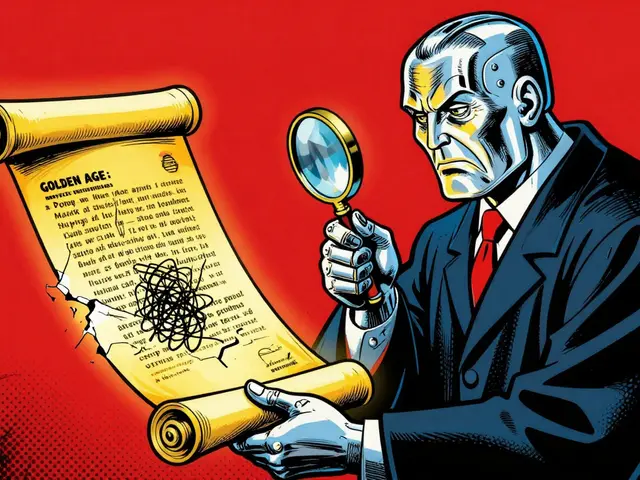
Every team that starts using AI to generate code comments, README files, or API guides hits the same wall: the output looks good, but it’s often wrong. It misses key details. It gets the order of steps backward. It doesn’t explain why a decision was made. And worse - it doesn’t know it’s wrong.
This isn’t a bug. It’s a feature of how AI works. It predicts text, not truth. That’s why the best teams today don’t use AI to write documentation. They use it to draft documentation - and then they review it like a first draft of a novel.
AI Doesn’t Know Why
Ask an AI to document a Python function that calculates loan interest. It’ll give you a clean, well-structured description. Parameters. Return values. Example usage. All correct.
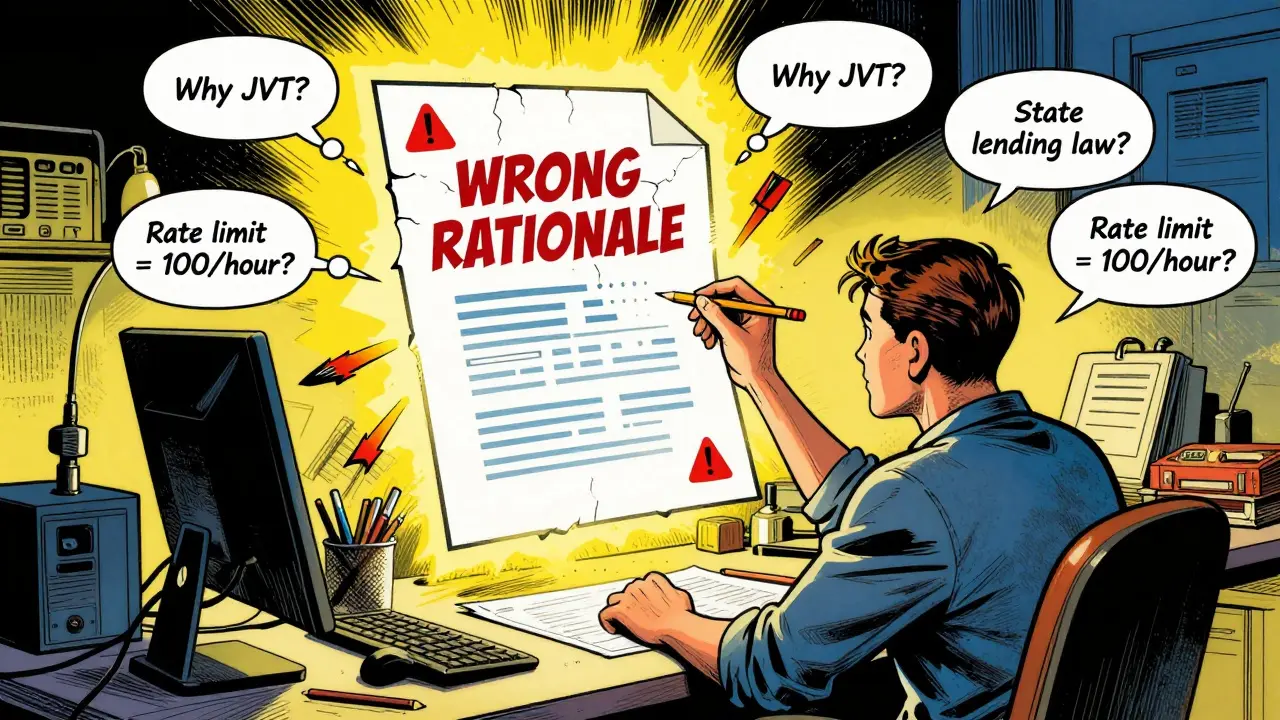
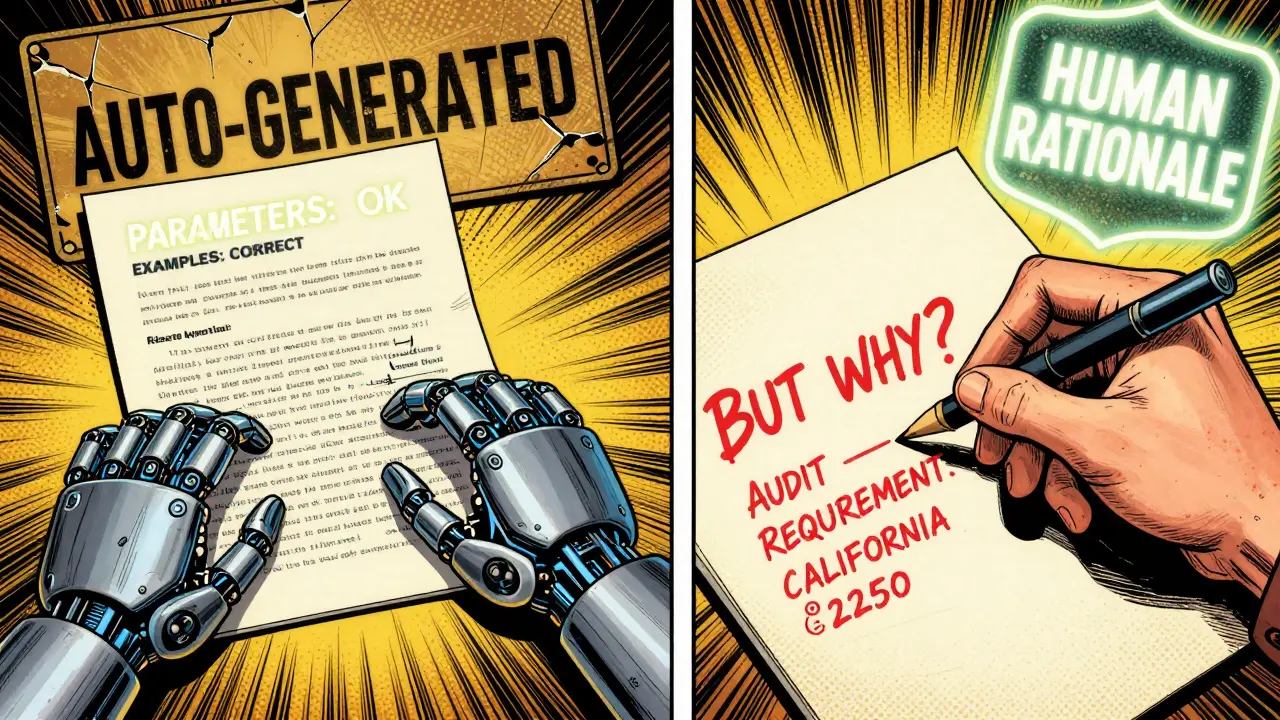
But if you ask, “Why did the team choose compound interest over simple interest here?” - it will make something up. It doesn’t know the business rule. It doesn’t know the regulatory requirement. It doesn’t know the client’s contract terms.
That’s the gap. AI is great at what. Humans are the only ones who can answer why.
Without that rationale, documentation becomes a time bomb. Six months from now, a new engineer reads the AI-generated docs, follows the steps, and breaks something because they didn’t realize the interest calculation was tied to a specific state’s lending law. The team never documented that constraint - because AI never thought to mention it.
The Documentation First Workflow
The best teams now follow a simple, repeatable process:
- Start with a clear prompt. Don’t say, “Write docs for this code.” Say: “Generate a README for this API. It’s a Django backend with JWT auth. Main endpoints: /users, /payments, /webhook. Use the team’s style guide. Include: purpose, authentication, error codes, example requests, and a note on rate limits.”
- Let AI generate the draft. Use tools like Cursor, Notion AI, or even ChatGPT. Get the structure. Get the boilerplate. Get the initial content.
- Review line by line with the code. Open the actual source. Compare every function, every endpoint, every parameter. Does the doc match reality? If not, fix it. If the code changed last week and the doc didn’t, that’s a bug.
- Add the rationale. Why is auth done with JWT? Why is the rate limit set at 100/hour? Why is the webhook only for paid users? Write those answers in your own words. AI can’t do this. Only you can.
- Version it with the code. Documentation isn’t a separate file. It’s part of the commit. If you change the code, you change the docs. Use Git. Commit them together.
This isn’t extra work. It’s smarter work. You’re not writing from scratch. You’re refining, correcting, and adding meaning - which is where your value lies.
Templates Are Your Secret Weapon
Teams that stick with this method don’t rely on memory. They use templates.
For API docs: a fixed structure - Purpose, Auth, Endpoints, Errors, Examples, Rate Limits, Notes.
For bug fixes: a template that forces the writer to answer: What was the issue? What did you try? What worked? What didn’t? What’s the risk if this breaks again?
IBM and 8th Light both recommend training your AI tool on these templates. Feed it 20 of your best past docs. Show it your style. Teach it your structure. Now, when AI generates a draft, it’s 70% there before you even open it.
That’s the goal: reduce the time spent rewriting, not eliminate human review.
Who Needs What? Audience Matters
One-size-fits-all docs are a lie.
A developer needs to know the exact function signature and error codes. A DevOps engineer needs deployment steps and monitoring alerts. A compliance officer needs to know what data was used to train the model and how risks are tracked.
AI can generate all three versions - but it won’t know which one to prioritize. It won’t know that your company’s auditors require a specific disclosure format.
That’s why human review is non-negotiable. You’re not just checking facts. You’re tailoring content. You’re deciding: “This section is for internal engineers. This one is for clients. This one is for regulators.”
AI drafts can be split, merged, rewritten - but only a person who understands the audience can make those calls.
Keeping Docs Alive
Documentation dies when code changes. That’s the truth.
Some teams try to fix this by updating docs manually every time. It’s slow. It’s forgotten. It’s never done.
Others try to automate it. They use tools that auto-generate docs from code comments. But those tools miss context. They don’t know why a change happened. They just copy the new function name.
The winning approach? Use AI to flag changes.
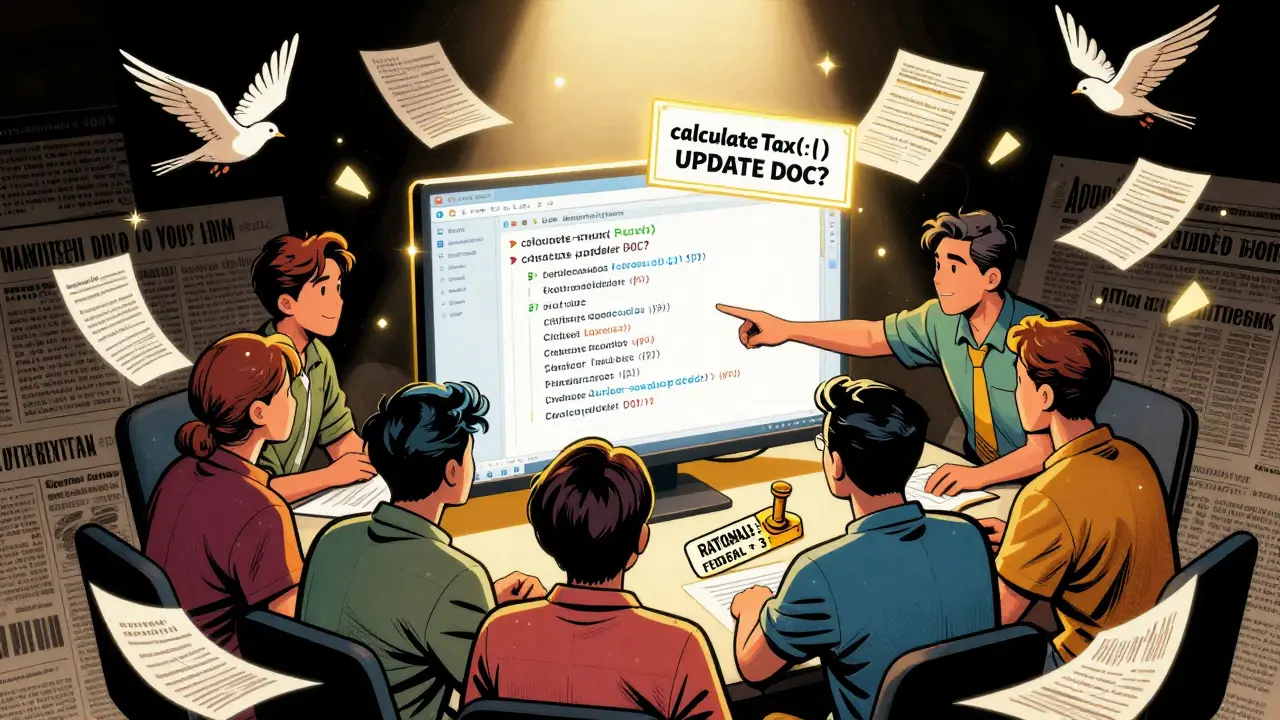
Set up your CI/CD pipeline so that when code is pushed, AI scans the changes and says: “The function calculateTax() was modified. The doc says it handles state sales tax, but the new code now includes federal tax. Update the doc?”
That’s not automation. That’s a notification. You still review it. You still decide: “Yes, update it. And here’s why: because we expanded to 3 new states.”
That’s how you keep docs alive - not by replacing humans, but by giving them real-time alerts so they can act before things break.
Why This Matters More Than Ever
In 2026, AI models are trained on documentation. If your docs are wrong, your AI gets worse.
Imagine a junior engineer asks ChatGPT: “How do I authenticate users in our system?”
If your docs say “Use OAuth2,” but the real system uses JWT - the AI will lie. It will tell the engineer to use OAuth2. The engineer tries it. It fails. They get frustrated. They stop trusting AI. They stop using docs. They start asking Slack questions. Knowledge becomes siloed.
That’s not just bad for productivity. It’s bad for safety.
Good documentation isn’t about being thorough. It’s about being accurate. And accuracy only comes when a human says: “This part is right. This part is wrong. And here’s why.”
Start Small. Start Now.
You don’t need to overhaul your whole team. Start with one project.
Take the README for your next API. Let AI write it. Then, sit down with a teammate. Go line by line. Fix the mistakes. Add the rationale. Commit it with the code.
Next time, do it faster. You’ll get better at spotting AI’s blind spots. You’ll get faster at adding context. And soon, you’ll realize something surprising:
AI didn’t write your docs. You did. It just helped you write them faster.
That’s the real win. Not automation. Amplification.
6 Comments
Paritosh Bhagat
I swear, this is the only thing keeping my team from total chaos. We started using AI docs last month and holy cow, the number of 'this doesn't work' tickets dropped by 60%.
Turns out, AI is great at writing 'how' but terrible at explaining 'why'-like why we use JWT instead of OAuth2. We added a one-line rationale in every doc and now new hires actually understand our system. No more Slack DMs at 2 a.m. 😅
Ben De Keersmaecker
The part about versioning docs with code is non-negotiable. I’ve seen teams try to 'automate' docs via code comments-only to have them drift into irrelevance. The real win is the discipline: if the code changes, the doc changes. No exceptions.
Also, templates are magic. We trained our AI on 15 of our best API docs. Now the drafts are 80% there. Just add the why, commit, done.
Aaron Elliott
This entire argument rests on a fundamental misunderstanding of AI’s epistemological limitations. AI does not 'predict text'-it probabilistically models linguistic patterns based on vast corpora. The notion that it 'doesn’t know why' is anthropomorphizing a statistical engine. The real issue is human laziness: we outsource cognition and then panic when the output lacks ontological grounding.
Perhaps we should stop treating AI as a co-author and start treating it as a tool. Like a calculator. You don’t 'review' a calculator’s output-you verify its input.
Chris Heffron
I love this. So simple. So obvious. Why didn’t we do this sooner? 😅
Also, the CI/CD alert idea? Genius. We just set that up last week. AI flagged a mismatch between our webhook doc and the actual payload structure. Saved us from a production incident. Team bought in immediately. Thanks for the clarity!
Adrienne Temple
I just shared this with my junior devs and they’re already using it! One of them said, 'So you’re saying AI is like a really fast intern who forgets to ask questions?' 😂
And YES-the audience thing? Huge. I spent 3 hours last week rewriting a doc because I realized the compliance section was written for engineers, not auditors. Now it’s two separate versions. AI gave me the draft. I gave it meaning.
Sandy Dog
I’ve been waiting for someone to say this. I’m not exaggerating when I say this article changed my life. 😭
My last job? We let AI write all our docs. Six months later, a new hire tried to deploy using the 'OAuth2' method from the docs… and it blew up our entire auth system. We lost 47 hours. My manager cried. I cried. The whole office cried. 😭😭😭
Now we do the 5-step thing. It’s not hard. It’s not extra work. It’s just… human. And I will never go back. Ever. Not after what happened. I’m not okay. I’m not okay. But I’m better now. Thank you.