When teams first hear about vibe coding, they imagine magic: type a request, and boom - a fully working feature appears. No more waiting weeks for a dev to carve out time. No more back-and-forth on tickets. Just clarity, speed, and results. But in enterprise settings, that fantasy crashes hard against reality. Vibe coding isn’t a shortcut. It’s a vibe coding overhaul - and if you treat it like one, your project will implode.
What Vibe Coding Actually Does (And Doesn’t Do)
Vibe coding isn’t just GitHub Copilot on steroids. It’s not a autocomplete tool that fills in functions. Tools like Cascade, Claude Code, and Windsurf act like junior developers who’ve read every line of your codebase, understand your team’s conventions, and can plan, write, test, and even propose pull requests - all without being told step by step. They don’t just respond. They initiate. They ask clarifying questions. They refactor old files to match new specs. They run tests and fix failures on their own. But here’s the catch: they’re not mind readers. They don’t know what you meant unless you tell them clearly. If your spec says, “Make the user dashboard faster,” they’ll optimize the front-end. They might cache API calls. They might switch to a lighter charting library. But if the real bottleneck is a slow database query in a microservice no one mentioned? They’ll miss it. And when they do, you’ll spend more time fixing their guesswork than you would have writing the code yourself.The Real Speed Gain: It’s Not About Coding Faster
The biggest win with vibe coding isn’t that code writes itself. It’s that you can test ten ideas in the time it used to take to test one. A finance team at a Fortune 500 company wanted to automate invoice reconciliation. In the old way, they’d submit a ticket. Engineering would prioritize it behind three other features. Three months later, they got a prototype - and it didn’t handle currency conversions. Back to the drawing board. With vibe coding? The team wrote a 300-word spec: “Track invoice amounts, match to bank deposits, flag mismatches >$100, email the AP team with a summary.” A vibe agent spun up a working prototype in 18 hours. They tested it. It failed on international invoices. So they tweaked the spec: “Add currency conversion using live rates from XE API.” Another 12 hours. Done. No tickets. No backlog. No waiting. That’s the power. Not automation. Parallel experimentation. You stop betting everything on one idea. You test fast, fail fast, and scale what works.Why Most Enterprises Fail at Vibe Coding
Half of all vibe coding initiatives in enterprises die before the first demo. Why? Three reasons:- They treat it like a tool, not a process. Teams install Cursor, tell devs to “use AI more,” and wonder why nothing improved. Vibe coding isn’t a plugin. It’s a new way of working. You can’t slap it onto Scrum and expect miracles.
- Specs are vague. “Make it better” is the death sentence. AI thrives on constraints. If you don’t define boundaries, it invents them - and they’re usually wrong.
- Leadership isn’t onboard. If your engineering lead still thinks AI is a threat to jobs, your team won’t risk using it. Vibe coding requires trust, not just tech.
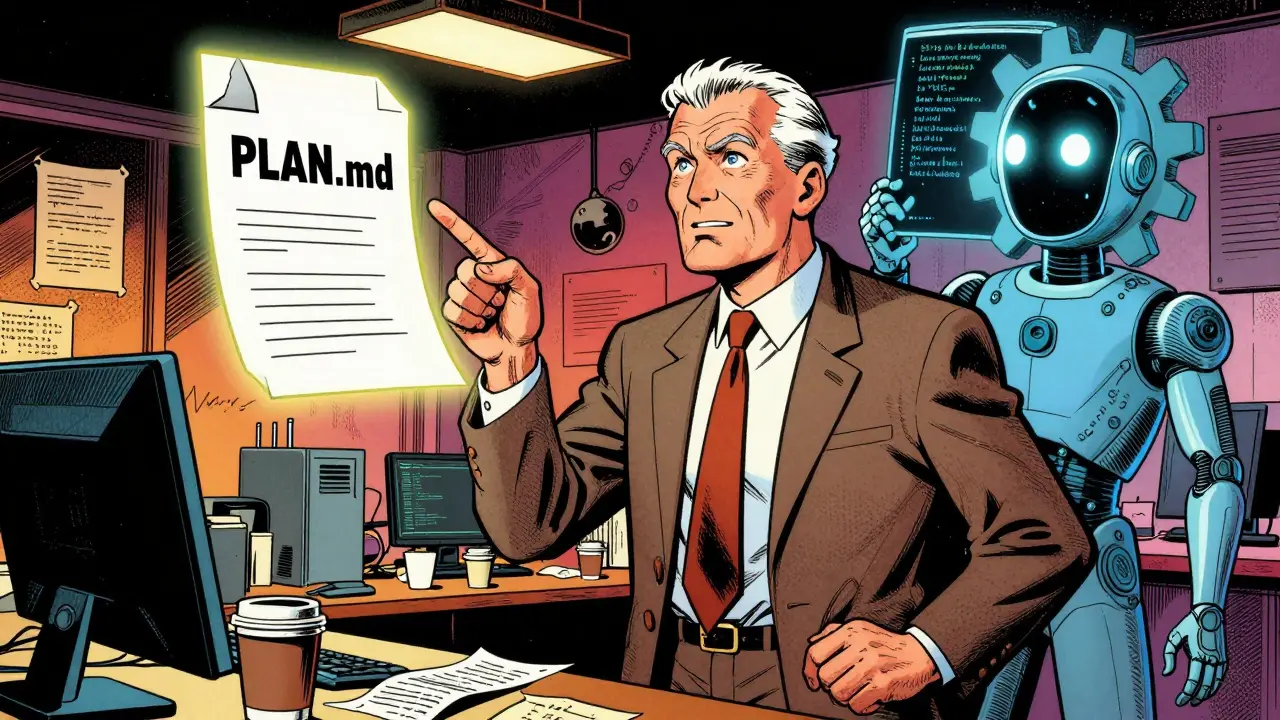
PLAN.md file - not in a wiki, not in Notion, but right in the repo. That file answers: What’s the goal? Who’s responsible? What does success look like? What’s out of scope? What are the dependencies? It’s not a document. It’s a contract.
Expectation #1: You’ll Write Less Code - But More Specs
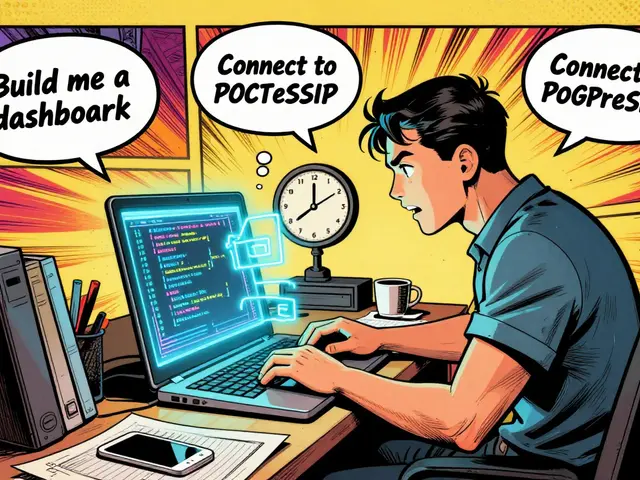
You’ll spend less time typing. But more time thinking. Instead of writing a function to validate a user email, you’ll write: “Validate email format using RFC 5322, reject domains on the blocklist, log failed attempts, and notify the user with a clear error.” That’s it. The AI handles the rest. But if you skip the details? “Validate email” becomes “Check for @ symbol.” And suddenly, your system accepts “user@@domain..com.” Specs are the new code. The cleaner your spec, the less you’ll need to fix later.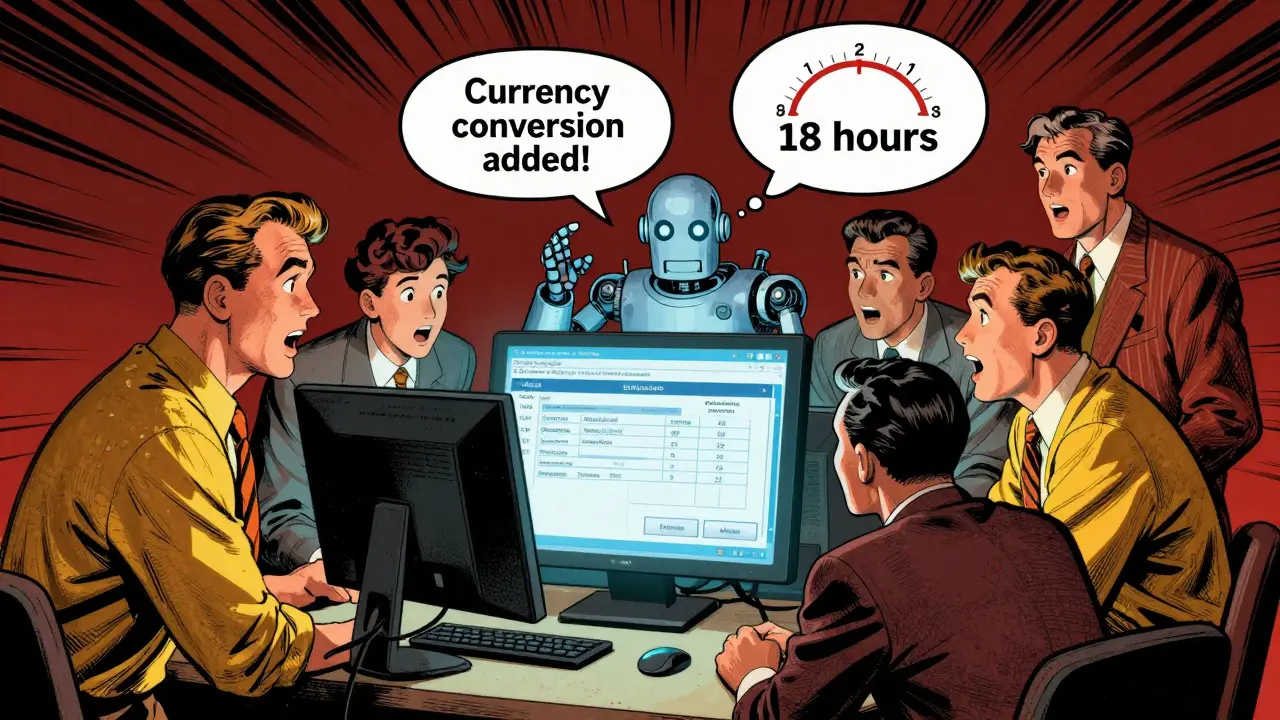
Expectation #2: Documentation Won’t Disappear - It Will Improve
People assume AI will reduce docs. Wrong. Vibe coding tools require documentation to work well. They read READMEs. They use comments to understand intent. They update docs as they change code. Teams that use vibe coding end up with better docs than teams that don’t. One team at a healthcare startup saw their onboarding time drop from 3 weeks to 2 days after adopting vibe coding - not because they coded faster, but because every change came with updated comments and README entries. New hires didn’t need hand-holding. They just read the repo.Expectation #3: Senior Engineers Don’t Disappear - They Shift Roles
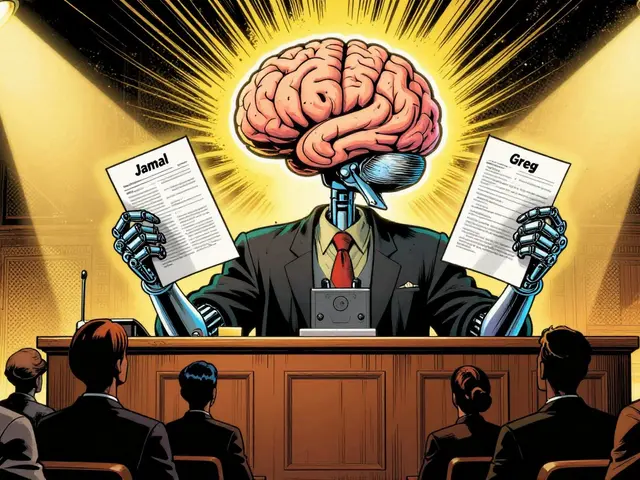
Forget “AI will replace devs.” That’s fear talk. In reality, senior engineers become orchestrators. They don’t write the code. They write the specs. They review the agent’s output like a boss. They set guardrails: “Don’t touch the auth module.” “Use the legacy API unless you have a test that proves the new one is 20% faster.” They approve merges. They own the final outcome. One CTO at a logistics firm told me: “I used to code 20 hours a week. Now I spend 15 hours reviewing AI-generated PRs and 5 hours fixing the ones the AI got wrong. I’m more involved - not less.”Expectation #4: You’ll Still Need Code Reviews
No AI tool should be allowed to merge its own code. Ever. Why? Because AI doesn’t understand business risk. It doesn’t know if a change breaks compliance. It doesn’t care if a library is deprecated. It doesn’t know your audit logs need to be retained for seven years. Code reviews aren’t optional. They’re the safety net. And they’re more important than ever. The best teams treat AI-generated code like a first draft - reviewed, challenged, and refined by humans.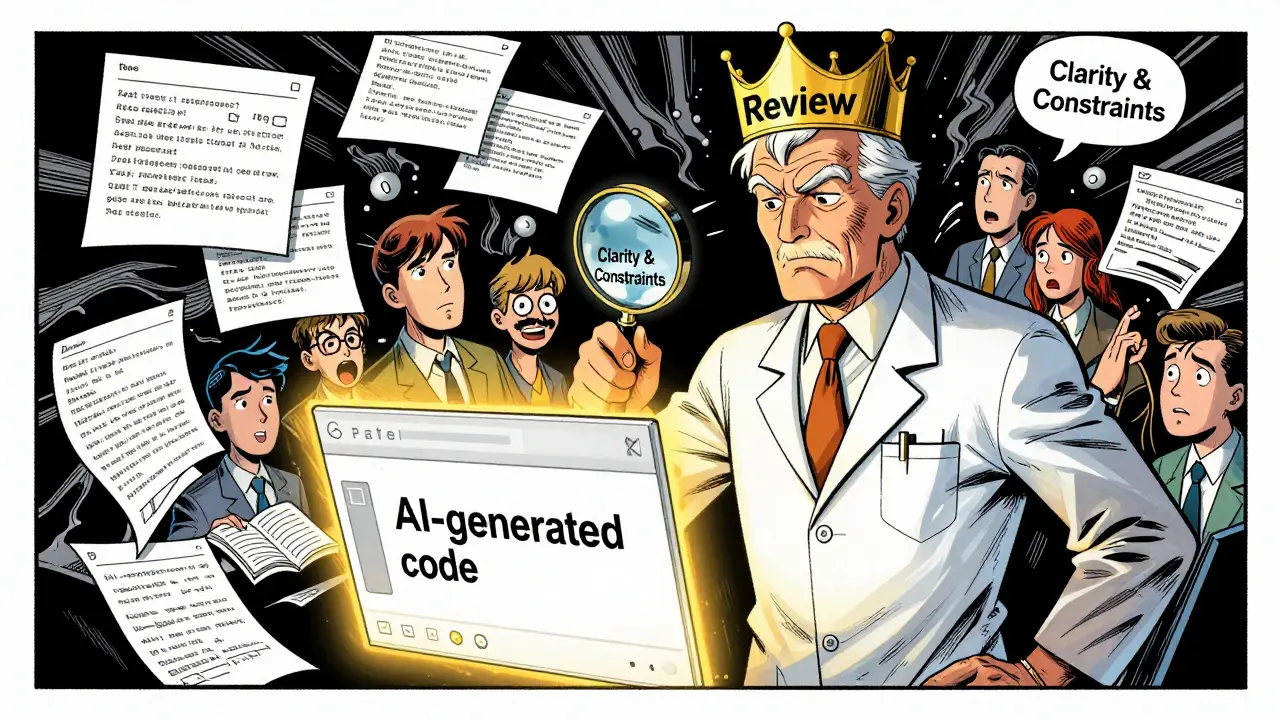
Expectation #5: Voice and Collaboration Tools Are the Next Leap
The most advanced teams aren’t just typing. They’re talking. Tools like Cascade now let you join a meeting, say “I think the user flow here needs a confirmation step before submission,” and the AI listens, drafts a spec, and updates thePLAN.md file in real time. You don’t have to write it. You just have to say it.
This isn’t sci-fi. It’s happening. Teams using voice-enabled vibe coding report 40% faster alignment between product and engineering. Why? Because ideas flow naturally - not through Jira tickets, but through conversation.
What You Need to Start - And What You Don’t
You don’t need a team of 10 engineers. You don’t need a $500K budget. You don’t need to overhaul your entire stack. You do need:- A single senior engineer who believes in this.
- A small project with clear boundaries (e.g., “Build a report that exports last quarter’s sales by region”).
- A
PLAN.mdfile - written before any code. - A code review process that’s non-negotiable.
- Permission to fail fast.
Final Reality Check
Vibe coding doesn’t make development easy. It makes it faster - but only if you stop trying to control every line of code and start controlling the intent. It’s not about replacing humans. It’s about multiplying their impact. The best engineers aren’t the ones who write the most code. They’re the ones who build the clearest context for others - human or AI - to do great work. If you’re ready to stop waiting for dev time and start shipping ideas? Vibe coding can get you there. But only if you stop dreaming of magic and start building the conditions for real change.Can vibe coding replace software engineers?
No. Vibe coding doesn’t replace engineers - it changes their role. Senior engineers shift from writing code to designing specs, setting constraints, reviewing output, and owning the final product. AI handles execution, but humans remain responsible for direction, risk, and quality. Teams that treat AI as a replacement fail. Teams that treat it as a collaborator thrive.
Do I need to train my whole team to use vibe coding?
Not everyone. Start with one senior engineer and one small project. Let them learn the workflow: how to write specs, how to review AI output, how to use PLAN.md files. Once that team succeeds, others will ask to join. Forced training across large teams leads to resistance. Organic adoption - driven by results - is far more effective.
What’s the biggest mistake teams make with vibe coding?
The biggest mistake is treating vibe coding like a magic button. Teams skip planning, write vague specs like “make it faster,” and then blame the AI when it doesn’t deliver. Vibe coding works only when specs are precise, boundaries are clear, and review discipline is strict. The tool doesn’t fix bad habits - it amplifies them.
Is vibe coding secure for enterprise data?
Security depends on how you use it. Tools like Cascade and Claude Code offer on-prem and private cloud options. The real risk isn’t the tool - it’s the data you feed it. Never paste production credentials, PII, or proprietary algorithms into chat. Use synthetic data, anonymized samples, or sandbox environments. Treat AI like a contractor: give it what it needs - not what it shouldn’t see.
Can vibe coding work with legacy systems?
Yes - and it’s often the best use case. Legacy systems are slow to change because they’re complex and poorly documented. Vibe coding tools read existing code, understand patterns, and can refactor or extend them without breaking things. One team modernized a 15-year-old COBOL integration by feeding the AI the original specs and letting it generate modern API wrappers - all while preserving the original logic. It took weeks manually. It took two days with vibe coding.
How long does it take to see results from vibe coding?
With the right setup, you can see results in 48 hours. Pick a small, well-defined task - like building a data export tool or automating a report. Write a clear spec. Let the AI build it. Review it. Deploy it. If done right, you’ll ship something valuable before the week ends. The real gains compound over time as teams get better at spec-writing and trust the process.
Which vibe coding tools are best for enterprises?
The top tools in 2026 are Cascade (best for autonomous multi-file editing and planning), Claude Code (strong for natural language understanding), Windsurf (excellent for data and operations teams), and Agentforce Vibes (ideal for automating workflows across Salesforce and ERP systems). Jules and Cursor are solid for general development. Choose based on your team’s workflow: if you need deep project awareness, go with Cascade. If you’re focused on ops or data, Windsurf or Agentforce Vibes deliver faster wins.
10 Comments
Shivam Mogha
Specs are the new code. Period. If you can't write a clear PLAN.md, you're not ready for vibe coding. No magic here, just discipline.
rahul shrimali
This is the real deal guys stop treating AI like a genie and start treating it like your junior dev who actually reads the docs
Eka Prabha
Let me guess-this is another Silicon Valley fantasy wrapped in jargon. 'PLAN.md'? 'Vibe coding'? You're outsourcing accountability to an algorithm and calling it innovation. What happens when the AI generates compliant code that violates GDPR because your spec didn't mention data residency? This isn't progress-it's negligence dressed up as efficiency.
Bharat Patel
It's funny how we keep thinking technology changes the work, when really it just changes the shape of the thinking. The engineer who writes the spec isn't less important-they're more important. They're the one holding the vision. The AI just holds the pen.
NIKHIL TRIPATHI
I’ve been doing this for 6 months now. The biggest shift? I stopped writing code and started writing stories. Not stories like novels. Stories like: 'Here’s what the user needs. Here’s why it matters. Here’s what failure looks like.' The AI fills in the blanks. I just make sure the story makes sense. Code reviews? Still essential. But now they’re about logic, not syntax.
Shivani Vaidya
The notion that senior engineers become orchestrators is not merely a shift in role-it is a redefinition of leadership in software engineering. The transition from code production to intent design necessitates a profound recalibration of authority, responsibility, and epistemic trust within technical hierarchies. This is not automation. It is evolution.
Rubina Jadhav
I tried this on a small report. Wrote the spec. AI did it in 3 hours. I reviewed it. Fixed one typo. It worked. No drama. Just got it done.
sumraa hussain
I mean… I’m just sitting here watching the AI write a whole module while I sip chai and scroll memes… and I’m not even supposed to be doing this?? Like… what even is my job anymore?? I feel like I’m in a dream where the robot does all the work and I just nod and say ‘yes’… but somehow… it works??
Raji viji
You people are clueless. You think vibe coding is about specs? Nah. It’s about who gets to say ‘no’ when the AI messes up. The real power move isn’t writing the spec-it’s being the one who signs off on the PR while the junior dev takes the blame when it breaks prod. AI didn’t change the game. It just made the politics prettier.
Rajashree Iyer
In the grand tapestry of human endeavor, the rise of vibe coding is not merely a technological shift-it is a metaphysical reckoning. We once believed that creation was the domain of the solitary artisan. Now, we outsource the act of making to an entity that has no soul, no fear, no hunger for recognition. And yet… it writes better code than most of us. So tell me… if the machine does the work, who are we? And what is left of the human spirit when the pen is no longer ours?