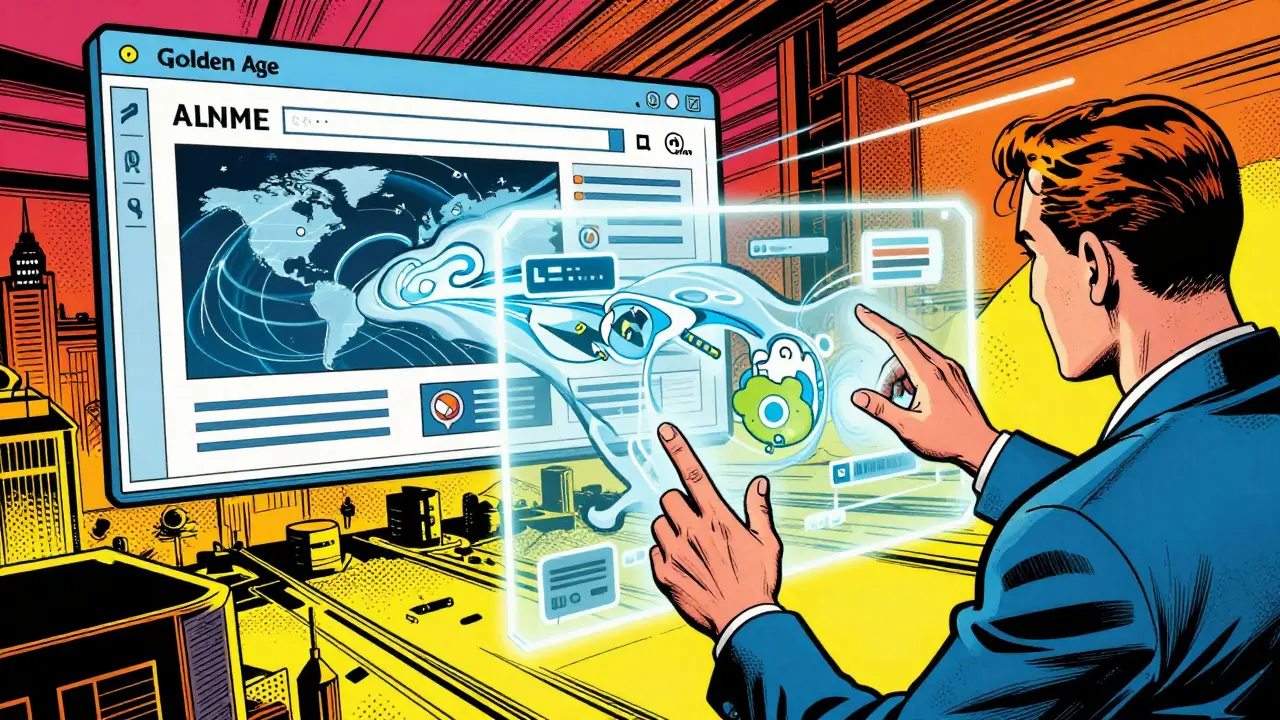
Imagine trying to navigate a complex website where the only way to understand a video is through a static text transcript. For many, that's the daily reality. But we're seeing a massive shift. Multimodal Generative AI is an advanced AI system capable of processing and generating text, images, audio, and video simultaneously to create accessible digital experiences. Unlike old-school assistive tools that just read text aloud, these systems actually understand the context of what's happening on a screen and can adapt the entire experience in real-time based on what a user needs.
Moving Beyond One-Size-Fits-All Design
For years, digital accessibility was reactive. A developer would build a site, and then add an "accessibility layer"-like alt-text for images-as an afterthought. This created what researchers call the "accessibility gap," where new features launched long before the tools to make them usable for everyone were ready. We're now moving toward Natively Adaptive Interfaces (NAI), a framework where the interface isn't static. Instead of a user struggling to fit into a rigid design, the design reshapes itself around the user.
Think of it like a digital shapeshifter. If a user is colorblind, the AI doesn't just tell them what color a chart is; it can redesign the chart using patterns or labels. If someone has a cognitive disability, the AI can strip away distracting elements and simplify the language on the fly. This is a shift from passive tools to active collaborators that handle the heavy lifting of adaptation.
The Magic of Multimodal Fluency
Standard screen readers are great, but they are linear. They read from top to bottom. Multimodal Fluency is different. It's the ability of an AI to have situational awareness across different senses. For example, using Gemini, an AI can process a live video feed and a voice command at the same time. A user doesn't have to settle for a generic description; they can ask, "What is the character wearing?" or "What's the expression on their face right now?"
This happens through a sophisticated technical pipeline. To keep responses fast, these systems often create a "dense index" of visual descriptions offline and then use Retrieval-Augmented Generation (RAG) to pull the right information instantly during a live conversation. It transforms a passive viewing experience into an interactive dialogue.
| Feature | Traditional Tools (e.g., Basic Screen Readers) | Multimodal Generative AI |
|---|---|---|
| Interaction | Linear/Passive (Read-only) | Conversational/Active (Query-based) |
| Context | Limited to text tags (Alt-text) | Deep visual and auditory understanding |
| Adaptation | User must adapt to the tool | Interface adapts to the user in real-time |
| Speed of Update | Manual updates required for new content | Instant generation for new media |

From AI Agents to the Curb-Cut Effect
Behind the scenes, these systems often use an "Orchestrator" model. Instead of one giant AI trying to do everything, a central agent manages the context and delegates specific tasks to expert sub-agents. One agent might handle the visual analysis, while another focuses on the natural language delivery. This reduces the cognitive load on the user, who no longer has to navigate complex menus to find the accessibility settings they need.
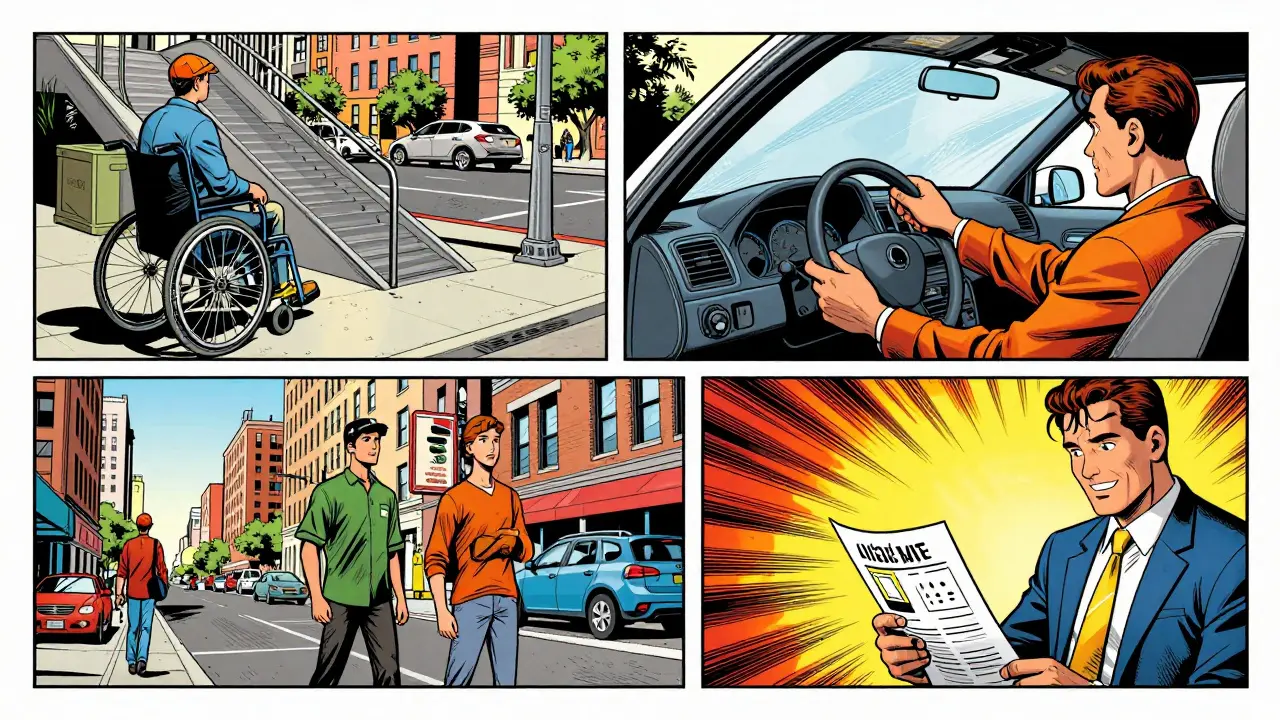
Interestingly, these specialized tools often lead to the Curb-Cut Effect. This is when a feature designed for a specific disability ends up helping everyone. Think of the ramps on sidewalks; they were made for wheelchairs but are used by parents with strollers and travelers with suitcases. In the AI world, voice interfaces designed for the blind are now essential for sighted people multitasking in their cars. Synthesis tools for those with learning disabilities help busy executives skim long reports in seconds. When we design for the edges, the center gets better too.
Real-World Impact Across Different Sectors
We're seeing this tech move out of the lab and into the wild. In government, municipal websites are using generative AI to turn dense, multi-format data-like city zoning laws or budget reports-into simplified visuals and audio summaries. This removes the physical and cognitive barriers that often keep people from accessing public services.
In the workplace, tools like Microsoft Copilot allow users to request instant adaptations. A user might ask the AI to simplify a complex technical document or help them interpret a color-coded data set. In higher education, these tools allow students to create custom learning journeys, with AI tutors that can pivot between text, voice, and visual aids depending on how the student is responding.
Designing with the Community
The most successful versions of this tech aren't built in a vacuum. They are co-designed with people who actually live these challenges. Partnerships with groups like the National Technical Institute for the Deaf (RIT/NTID) and The Arc of the United States ensure that the AI understands the nuance of human communication. It's not just about "converting text to speech"; it's about understanding how a person with ALS or a person who is deaf actually interacts with the world.
By integrating IoT devices and wearables, these systems are becoming a holistic support network. We are moving toward a future where accessibility isn't a setting you toggle in a menu, but a fundamental characteristic of how software exists. The recursive nature of AI-where it learns from its own outputs-means it can now find gaps in usability that human designers missed and suggest fixes automatically to align with Web Content Accessibility Guidelines (WCAG).
What exactly is multimodal AI in the context of accessibility?
It's AI that can "see," "hear," and "read" all at once. Instead of just converting text to audio, it can analyze a video, understand the visual context, and then answer specific questions about that video via voice or text, making digital content accessible to people with visual or hearing impairments.
How does this differ from a standard screen reader?
Standard screen readers are mostly linear and rely on pre-existing tags like alt-text. Multimodal AI is conversational and generative. It can describe a scene it has never seen before in real-time and allow the user to ask follow-up questions, providing a much deeper level of understanding.
What is the "curb-cut effect" mentioned in the article?
The curb-cut effect is when a feature designed for people with disabilities ends up benefiting everyone. For example, AI-driven voice commands built for the blind are now used by millions of people for hands-free multitasking.
Can multimodal AI help with cognitive disabilities?
Yes. Through adaptive interfaces, these systems can simplify complex language, remove distracting visual clutter, and provide information in the specific format-visual, audio, or text-that best suits the user's cognitive needs.
Is this technology already available or just theoretical?
It is in a transitional phase. While some features are in theoretical prototypes (like Google's MAVP), others are already integrated into consumer products like Microsoft Copilot and Gemini, moving from research to practical, everyday use.




7 Comments
Angelina Jefary
Sure, it sounds great on paper but who is actually running these "orchestrators" and what data are they harvesting while they "adapt" to your needs?
They want a direct line into your cognitive patterns and sensory needs just to build a better profile for the surveillance state.
Also, "one-size-fits-all" is a hyphenated adjective here, not a noun phrase, though I suspect the author doesn't care about basic syntax as much as they do about selling us a futuristic utopia that's actually a digital cage.
Meghan O'Connor
Imagine thinking RAG is some kind of "magic" pipeline when it's basic retrieval. Please.
The author's grasp of the technical architecture is surface-level at best and the writing is painfully derivative.
Morgan ODonnell
I think it's just cool that people can get more help with their computers now.
Liam Hesmondhalgh
Typical corporate drivel from the US tech giants trying to paint themselves as saviors while they suck the soul out of every industry in Europe.
And for the love of god, the punctuation in that table is an absolute shambles. It's an embarrassment.
Patrick Tiernan
absolute yawn honestly just more ai hype man the curb cut thing is like the oldest example in urban planning and they act like they discovered it yesterday lol
so pretentious
Tyler Springall
It is truly exhausting to witness the masses celebrate such rudimentary advancements as if they were revolutionary.
The conceptual leap from a screen reader to a multimodal AI is a mere evolutionary step in the inevitable trajectory of computing, yet the author treats it with the breathless awe of a child seeing a magic trick for the first time.
One must wonder if the average user even understands the distinction between a generative output and a deterministic interface, or if we are simply drifting into a sea of mediocrity where "adaptive" is just a buzzword for "we automated the accessibility checklist."
The prose is pedestrian, the analysis is shallow, and the overall presentation lacks any semblance of intellectual rigor.
I find it insulting that we are expected to be impressed by a system that essentially just guesses what a user wants based on a dense index.
The irony of praising "multimodal fluency" while the writing itself is so mono-dimensional is almost too much to bear.
We are not evolving; we are just finding more efficient ways to be lazy with our design choices.
The so-called "curb-cut effect" is a quaint metaphor, but it fails to address the systemic failure of digital architecture over the last three decades.
If the industry actually cared about the "edges," they wouldn't need a generative AI to fix their mistakes in real-time; they would have built it right the first time.
But of course, that would require a level of foresight and discipline that is entirely absent in the current Silicon Valley paradigm.
The mention of Microsoft Copilot is particularly grating, as it serves as a thinly veiled advertisement for a product that is more about productivity metrics than genuine human empathy.
We are witnessing the commodification of accessibility, where a human right is turned into a "feature" that can be toggled on and off by a subscription model.
It's a grotesque parody of progress.
The only thing "transforming" here is the way companies can launder their image by claiming they are inclusive while continuing to prioritize the bottom line.
Truly a pathetic display of corporate optimism.
Patrick Bass
The technical explanation is quite helpful for those unfamiliar with the term.