What if you could turn a rough idea for a machine learning app into a working prototype in a single afternoon? Not with years of coding experience. Not with a team of engineers. Just by typing what you want into a chat box and watching it build itself? That’s not science fiction anymore. It’s vibe coding - and it’s changing how proof-of-concept machine learning apps get made.
What Exactly Is Vibe Coding?
Vibe coding is the practice of building software by talking to an AI like you would talk to a teammate. Instead of writing line after line of Python or JavaScript, you describe what you need: "Build a model that predicts if a customer will churn based on their support tickets and purchase history." The AI generates the code, the data pipeline, even the basic web interface - all in minutes. It’s not magic. It’s not replacing developers. It’s removing the friction between having an idea and seeing it work. According to a September 2024 survey of nearly 16,000 developers, professionals now use AI-assisted coding for 38% of their tasks. And for people without formal training? It’s a game-changer. A Codecademy study found that 78% of beginners with zero coding experience built a working ML prototype within 24 hours. Tools like Cursor, Lovable, and Bolt are leading this shift. Cursor, for example, integrates directly with GitHub and understands context across entire codebases. It can generate TensorFlow models, set up Flask APIs, and even write unit tests - all from natural language prompts. Lovable leans into visual design, letting you drag and drop UI elements while the AI handles the logic underneath. Both work on any OS, require no special hardware, and run in your browser or inside VS Code.Why Vibe Coding Works Best for Proof-of-Concept ML Apps
Machine learning projects are notoriously slow to get off the ground. You need data, preprocessing, model selection, training, evaluation, deployment - and that’s before you even think about building a user interface. Traditional development can take weeks. Vibe coding cuts that down to hours. Take the story of a furniture designer in North Carolina. She wanted to know which plywood cuts wasted the least material. She didn’t know how to code. She typed into Lovable: "Create a tool that lets me upload a sheet size and list of pieces I need, then shows me the optimal layout with waste percentage." Four and a half hours later, she had a working web app with drag-and-drop shapes, live calculations, and a downloadable report. No prior experience. No tutorials. Just a clear idea and an AI assistant. This is the sweet spot for vibe coding: small-scale, focused problems where speed matters more than perfection. A startup testing a credit risk model. A researcher building a tool to classify bird calls from audio clips. A marketer creating a lead-scoring system from CRM data. These aren’t production systems yet. They’re experiments. And vibe coding lets you test them fast. The numbers back this up. Google’s internal Project Stardust cut prototyping time for new cloud features by 63%. Startups in Y Combinator’s Winter 2024 cohort used vibe coding for 87% of their initial prototypes. The goal isn’t to ship code to millions - it’s to answer one question: "Does this idea even work?"Top Tools for Building ML Proof-of-Concepts
Not all vibe coding tools are built the same. Here’s what’s working right now for machine learning prototypes:- Cursor - Best for full-stack ML apps. Uses Gemini 1.5 Pro under the hood. Handles complex logic like model training loops, data ingestion pipelines, and API endpoints. Benchmarks show it builds TensorFlow prototypes 47% faster than manual coding. Ideal if you need backend logic, not just a frontend.
- Lovable - Best for visual, user-facing tools. Built by ex-Meta engineers. Its drag-and-drop interface makes it perfect for dashboards, form-based inputs, and simple ML apps with UIs. 92% of users rate it highly for front-end tasks. But don’t expect it to handle heavy data processing.
- Bolt - Best for teams using GitHub. Integrates with CI/CD pipelines and lets multiple people collaborate on the same project. Costs $29/user/month - 37% above average - but worth it if you’re planning to scale later.
- Memex - Best for privacy-sensitive projects. Runs entirely on your machine. No data leaves your computer. Critical for healthcare, finance, or any regulated field where cloud-based AI tools are off-limits.
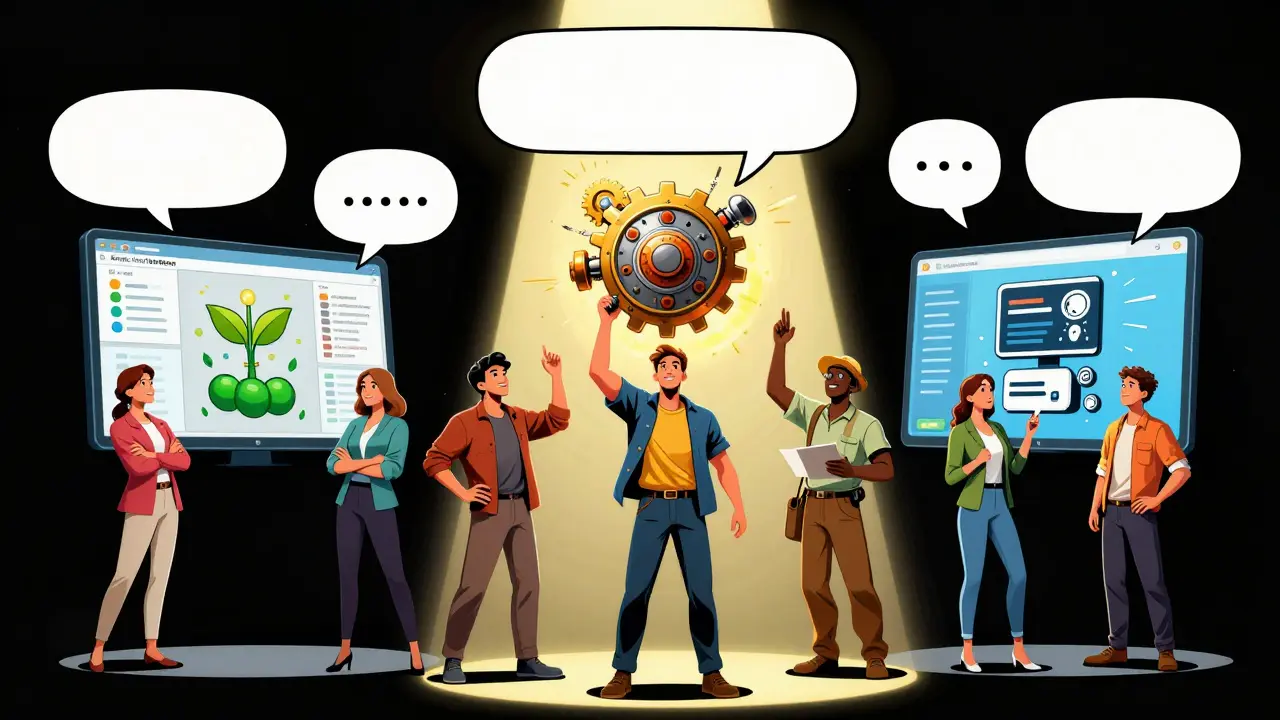
What Can You Actually Build?
Here are real examples of proof-of-concept ML apps built with vibe coding in the last six months:- A small organic farm used Lovable to build a tool that predicts crop yield based on weather data and soil moisture readings. The AI generated the Python script, connected to their weather API, and created a simple dashboard. They tested it on three fields. Accuracy: 84%.
- A nonprofit in Atlanta built a resume screener with Cursor. They fed it 1,200 resumes labeled by HR staff. The AI trained a classifier to rank candidates by relevance to job descriptions. It matched human decisions 87% of the time. Saved 15 hours a week.
- A freelance designer used Bolt to create a portfolio website with a built-in chatbot that answers questions about her work. The AI wrote the React code, set up the vector database for semantic search, and connected it to OpenAI’s API. Launched in 8 hours.
The Hidden Costs: What Vibe Coding Doesn’t Tell You
Let’s be honest. Vibe coding isn’t a silver bullet. It’s a shortcut - and shortcuts have potholes. First, the code it generates often doesn’t work the first time. A University of Washington study found that 68% of vibe-generated code needs manual debugging. On average, developers spend 3.2 hours fixing every 500 lines of AI-written code. One user lost $4,200 in sales because the AI hallucinated a database connection - the app looked like it worked, but it was silently failing. Second, documentation is spotty. Tools like Lovable generate clean UIs but leave the logic undocumented. You might not even know what library the AI used, or why it chose a specific algorithm. That’s a problem if you ever need to hand it off or audit it. Third, scaling is hard. Most vibe-coded apps hit a wall around 10,000 lines of code. The AI loses context. Complex state management breaks. Real-time updates glitch. A developer trying to build a crypto price tracker abandoned his project after 47 hours of debugging because the AI couldn’t handle live data streams reliably. And then there’s the regulatory wall. In August 2024, the FDA rejected a medical imaging prototype built with vibe coding because it lacked proper audit trails. The EU’s AI Act now requires extra documentation for high-risk applications - adding 15-20% to development time. Vibe coding is fast. But it’s fragile. It’s great for proving an idea. Not for running a business.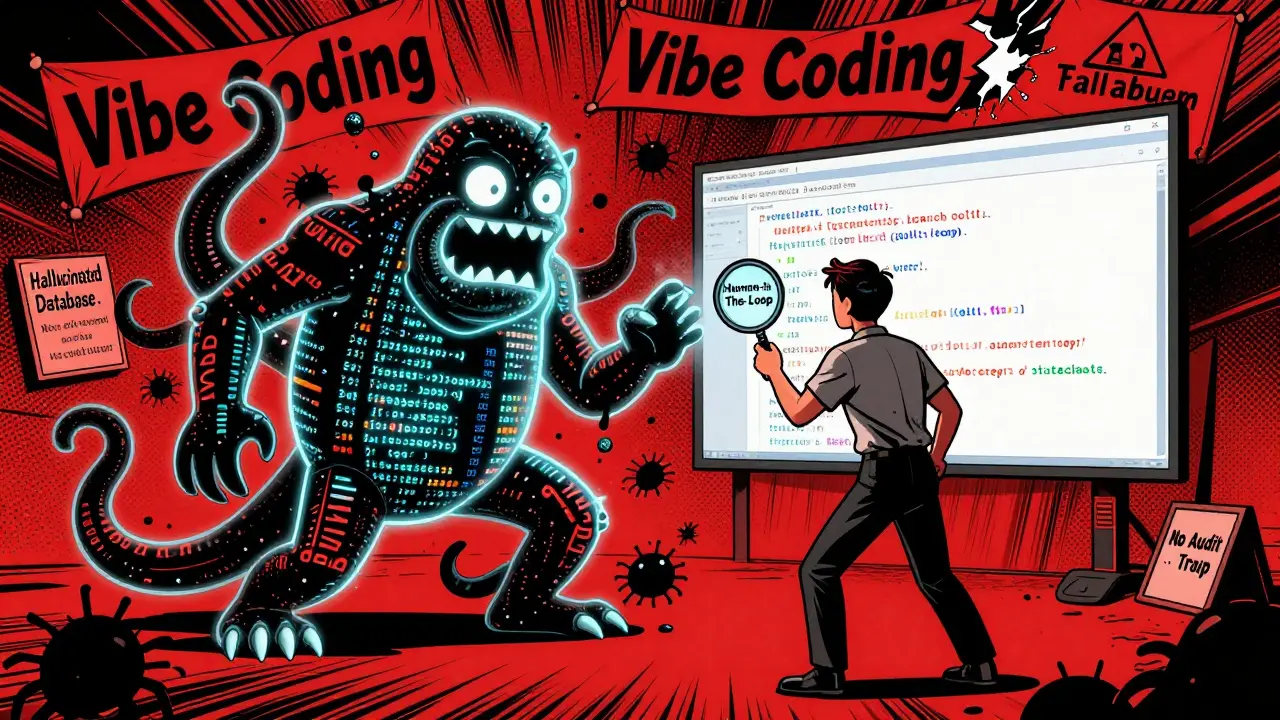
How to Use Vibe Coding Without Getting Burned
If you want to use vibe coding to build a machine learning proof-of-concept - and avoid the traps - follow this simple workflow:- Start narrow. Don’t ask for "an app that does everything." Ask for "a script that reads this CSV and outputs a prediction score."
- Build vertical slices. Build one full feature end-to-end - input, logic, output - before adding more. Don’t build the UI first. Build the model first.
- Test early, test often. Don’t wait for the whole thing to be done. Run the code. Feed it real data. Break it on purpose.
- Document as you go. Even if the AI doesn’t write comments, write your own notes: "This model uses Random Forest because it handles missing data well. Input: 5 features. Output: 0-1 score."
- Know when to stop. If you’ve spent more than 10 hours debugging one feature, it’s time to rewrite it manually. The AI gave you a head start. Now you need to take control.
Is This the Future of Machine Learning?
The market for AI-assisted coding hit $4.7 billion in Q3 2024. Forty-two Fortune 100 companies are piloting internal vibe coding tools. Google, Meta, and Microsoft are all investing heavily. Forrester predicts 75% of enterprises will use some form of AI-assisted development by the end of 2026. But the real revolution isn’t in big tech. It’s in the hands of teachers, farmers, artists, and small business owners who never thought they could build a machine learning tool. They’re not trying to replace engineers. They’re trying to solve their own problems - and vibe coding lets them do it without waiting for someone else to write the code. The future isn’t about coders or no-coders. It’s about problem-solvers. And if you have a clear idea, a little patience, and a good prompt, you don’t need to be a programmer to make it real.Can I build a machine learning app with vibe coding if I’ve never coded before?
Yes. A November 2024 study with 1,200 non-coders found that 78% built a working ML prototype within 24 hours. Tools like Lovable let you drag and drop UI elements while the AI writes the logic. You don’t need to know Python or TensorFlow - just describe what you want clearly.
Is vibe coding safe for sensitive data like medical or financial records?
Only if you use local tools like Memex or Goose, which run entirely on your machine. Cloud-based tools like Cursor or Lovable send your prompts and code to their servers. For healthcare, finance, or any regulated field, avoid cloud tools unless you’re certain your data won’t be stored or used for training.
How accurate is the code generated by vibe coding tools?
For simple apps, tools like Cursor with Gemini 2.5 Pro generate correct code 83% of the time on the first try. That jumps to 94% after 1-2 revisions. But for complex ML models with custom logic, accuracy drops sharply. Always test thoroughly - never trust the first output.
Can I use vibe coding to build a product I’ll sell to customers?
It’s risky. Most vibe-coded apps lack proper documentation, testing, and architecture. They’re great for prototypes, but not for production. If you plan to scale, use vibe coding to build the first version fast, then rewrite it manually with clean, maintainable code. Many startups do this - they use AI to validate the idea, then hire engineers to rebuild it right.
What’s the biggest mistake people make with vibe coding?
Thinking the AI knows what they’re doing. The AI doesn’t understand your domain. It doesn’t know your data, your users, or your goals. It just patterns-match. The best vibe coders aren’t the ones who type the most - they’re the ones who ask the best questions, test relentlessly, and know when to take over from the AI.