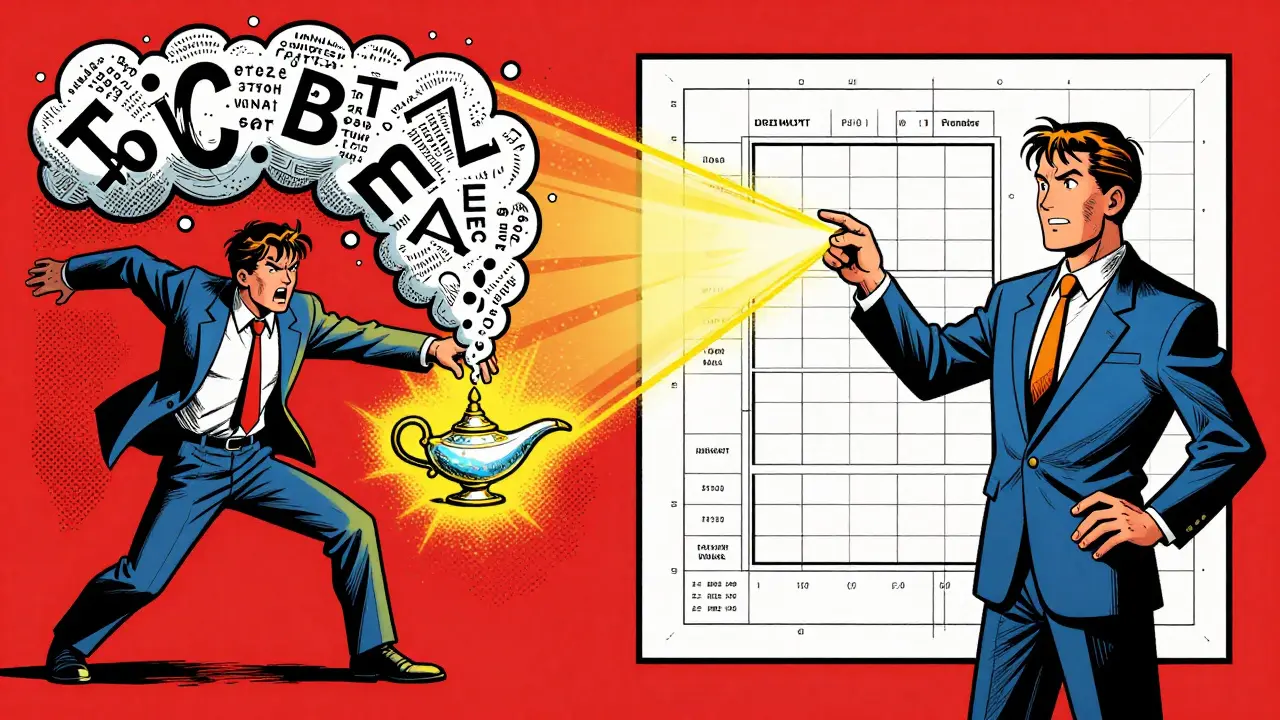
Stop guessing why your AI is giving you generic, boring answers. Most people treat Generative AI is a type of artificial intelligence capable of generating text, images, or other media in response to prompts like a magic wish-granting lamp-they throw in a vague request and hope for the best. But if you want professional results that actually move the needle in a business setting, you need to stop writing one-off prompts and start building templates.
A prompt template isn't just a saved snippet of text. It is a structured framework that standardizes how your team interacts with a Large Language Model (or LLM), ensuring that whether a junior intern or a senior VP is using the tool, the output remains consistent, high-quality, and aligned with your brand. By treating prompts as reusable assets, you turn a chaotic trial-and-error process into a scalable business system.
The Logic Behind Prompt Templating
At its core, Prompt Engineering is the art of guiding an AI to the right answer by structuring the input before it ever hits the model. AI doesn't "know" your business; it recognizes patterns. When you use a template, you are providing the AI with a specific pattern to follow, which drastically reduces the "hallucinations" or off-brand responses that plague generic prompts.
Think of it like a form. Instead of asking someone to "write a report," you give them a form with fields for "Target Audience," "Key Objective," and "Required Data Points." Templates do exactly this for AI. They encapsulate open-ended user input within a rigid structure, which means you get a predictable result every single time. This is the only way to benchmark performance; you can't tell if a model update improved your results if the prompt you used was different every time.
Reusable Patterns for Marketing
Marketing is where most companies start with AI, but it's also where they fail by being too generic. A prompt like "write a Facebook ad for this shoe" will give you a cheesy, cliché result. To get high-converting copy, your templates need to incorporate role assignment and specific constraints.
A successful marketing template assigns the AI a professional persona-for example, a "Direct Response Copywriter with 10 years of experience in e-commerce." By defining the role, you signal the AI to prioritize persuasion and urgency over generic descriptions. You then add variables for the product's unique selling proposition (USP), the specific pain point of the customer, and the desired call to action.
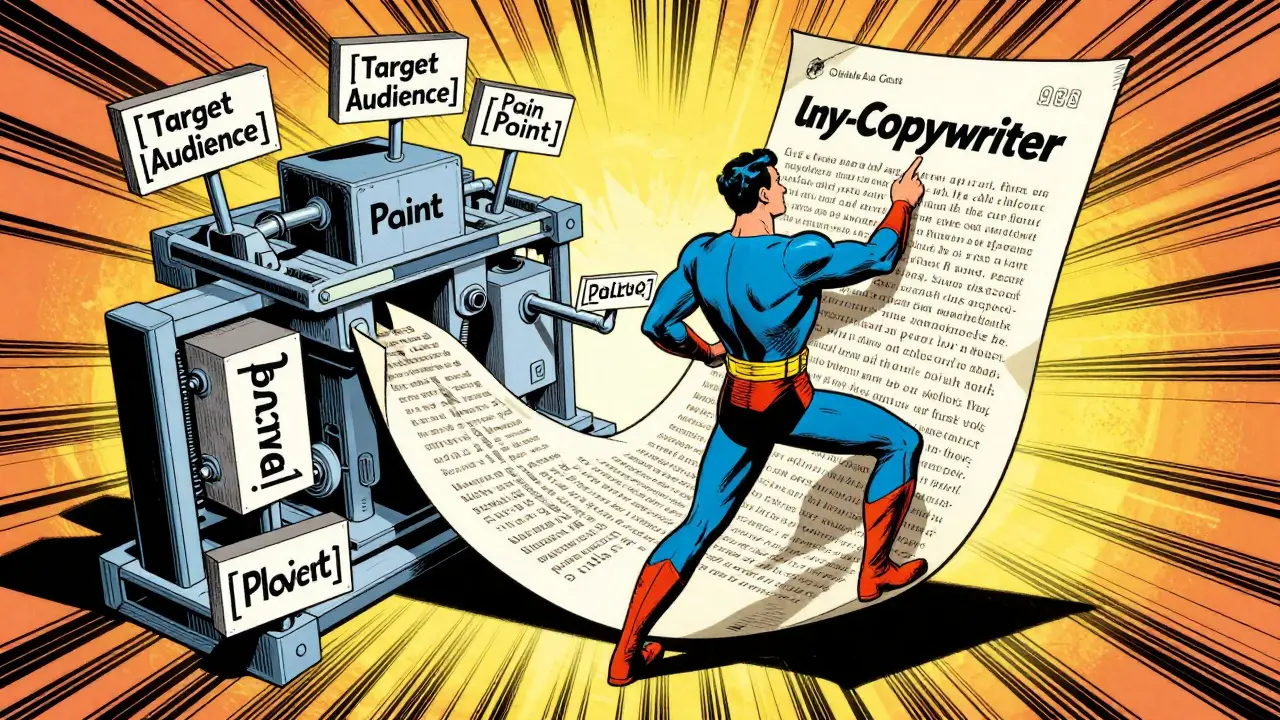
For example, instead of a blank page, a marketer fills in a template that says: "Act as a [Persona]. Write a [Format] for [Target Audience] focusing on [Pain Point]. Use a [Tone] tone. Ensure the output includes [Key Requirement]." This shifts the work from "creative writing" to "parameter filling," which allows a team to generate a hundred variations of an ad in minutes without losing the brand's voice.
Scaling Customer Support with Structured Framing
In support, the biggest risk is an AI that sounds robotic or, worse, gives incorrect technical advice. To fix this, you need templates that use "framing instructions." This means you don't just tell the AI to answer the question; you tell it how to think through the problem.
One powerful pattern is the "Inquisitive Assistant." Instead of letting the AI guess what the customer needs, the template instructs the AI to: "Act as a senior technical support specialist. If the user's request is missing [Variable A] or [Variable B], do not provide a solution yet. Instead, ask the user for these specific details in a polite, helpful manner."
This prevents the AI from making assumptions that lead to wrong answers. By structuring the template to elicit precise details first, you ensure the final solution is actually relevant to the user's specific environment. This transforms the AI from a basic chatbot into a diagnostic tool that mimics the logic of your best human support agents.
Advanced Analytics and Generated Knowledge Prompting
When using AI for business intelligence, the danger is "shallow analysis"-the AI summarizes data without actually analyzing it. To solve this, professional prompt engineers use a technique called Generated Knowledge Prompting. This is a two-step template pattern.
First, the template directs the AI to generate a list of relevant facts or logical links based on the provided data. For instance, if you're analyzing a drop in sales, the AI first lists known market trends and internal telemetry facts. Only after these facts are established does the template trigger the second phase: "Based on the facts generated above, synthesize a comprehensive analysis of the root cause."
Conditioning the model on its own generated facts before it attempts a synthesis results in much higher completion quality. It forces the AI to ground its conclusions in evidence rather than jumping to a generic correlation. This is essential for anyone using AI to derive insights from complex spreadsheets or quarterly reports.
| Feature | Ad-hoc Prompting | Template-Based Prompting | Engineered Frameworks |
|---|---|---|---|
| Consistency | Low (Random) | High (Standardized) | Very High (Deterministic) |
| Scalability | Impossible | Easy (Team-wide) | Enterprise-grade |
| Quality Control | Manual Review | Template Tuning | Automated Benchmarking |
| User Skill Required | Expert | Beginner/Intermediate | Any (Interface-driven) |
Best Practices for Building Your Library
If you're building a repository of prompts for your team, keep these three rules in mind to avoid "template rot":
- Be Hyper-Specific: Replace every vague adjective with a concrete constraint. Instead of "make it professional," use "avoid exclamation points, use third-person perspective, and keep sentences under 20 words."
- Maintain Logical Flow: The order of instructions matters. Always define the Role first, then the Context, then the Task, and finally the Output Format. This sequence helps the LLM "set the stage" before it starts generating text.
- Implement Feedback Loops: A template is never "done." Create a system where users can flag a response as "off-target." Use these failures to refine the template constraints. If the AI keeps adding a certain cliché, add a negative constraint: "Do not use the phrase 'in today's fast-paced world'."
For those working in highly regulated fields like medicine or law, these templates act as a safety rail. You can guide the AI to reference specific authoritative sources or follow a strict legal reasoning framework, ensuring that the output isn't just plausible-sounding, but factually accurate and compliant.
From Manual Entry to AI Workflows
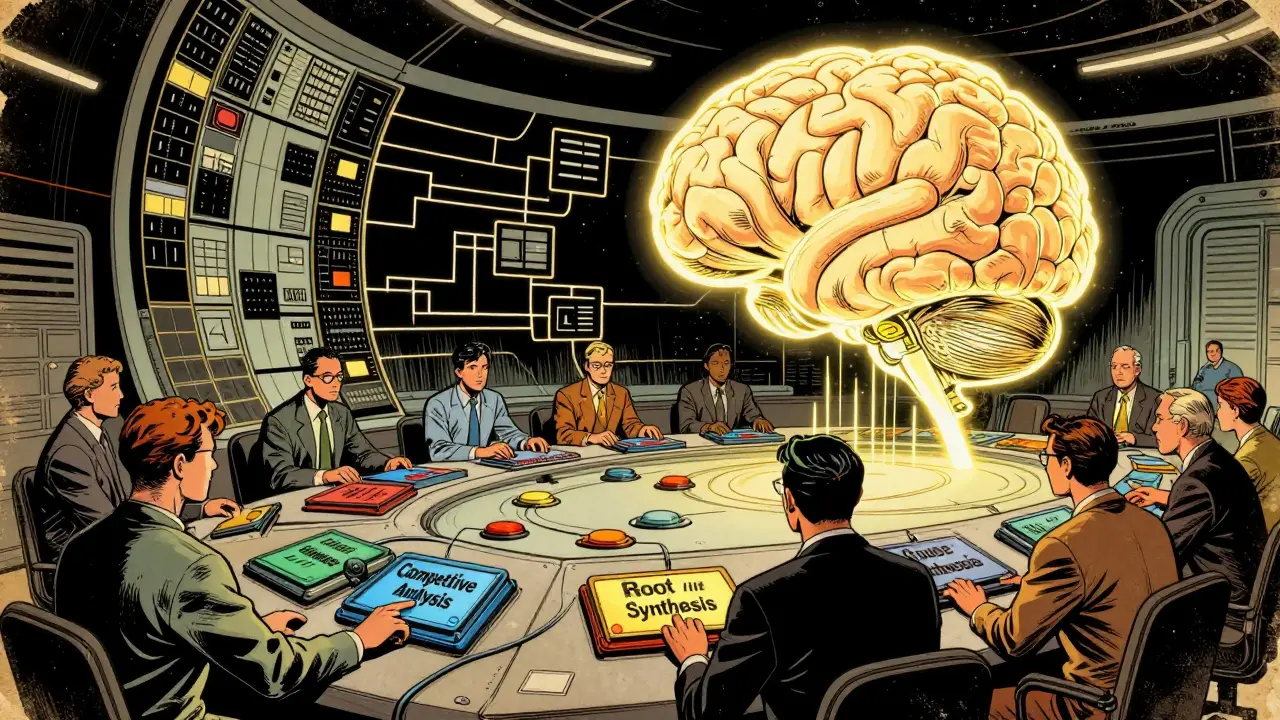
The future of prompting isn't just typing into a chat box. We are moving toward interface-driven prompting. This is where the template is hidden behind a UI. A user might upload a PDF and select a "Competitive Analysis" button. Behind that button is a complex template that tells the AI to extract key metrics, compare them to a predefined competitor list, and output the result as a Markdown table.
By abstracting the prompt engineering away from the end-user, organizations can leverage the power of ChatGPT-4 or Claude without requiring every employee to become a prompt expert. You build the "brain" into the template, and the user simply provides the data.
What is the difference between a prompt and a prompt template?
A prompt is a single, one-time instruction given to an AI to get a specific result. A prompt template is a reusable framework with placeholders (variables) that allows you to generate consistent results for different inputs. For example, "Write a blog about dogs" is a prompt; "Write a [Tone] blog about [Topic] for [Audience]" is a template.
Can prompt templates actually reduce AI hallucinations?
Yes. Hallucinations often happen when the AI lacks sufficient context or is pushed to "guess" an answer. Templates reduce this by providing strict boundaries, requiring the AI to ask for missing information, or forcing it to use a "generated knowledge" approach where it lists facts before drawing conclusions.
How do I share prompt templates across a large team?
The most effective way is to create a centralized template library or repository. This can be as simple as a shared document or as complex as an internal API. The key is to document the "intent" of the template and provide examples of a "good" vs. "bad" output so users know how to fill in the variables.
Which AI models work best with complex templates?
High-reasoning models like GPT-4 and Claude 3 are generally better at following complex, multi-step templates. Smaller or older models may struggle with "instruction drift," where they forget the initial constraints by the time they reach the end of a long response.
Do I need to be a coder to create prompt templates?
Not at all. Prompt engineering is more about linguistics, logic, and domain expertise than it is about coding. If you understand the specific requirements of a task (like what makes a good marketing email), you can translate those requirements into a template using plain English.